Good morning, I am using PKC 2.3.1 and I have a thumbnail cache problem on kodi 17.5, I use LibreELEC-8.2.0 (kodi 17.5). Plexserver was 1.13.8.5395, now it is 1.15.1.791 but same problem (see below).
Problem explaination
On this server a lot of movies are stored (2350+).
I noticed that, on kodi, every 60 minutes (full library sync through PKC) some pictures were added onto /storage/.kodi/userdata/Default/Thumbnail/ folder.
Same pictures every hour. Even if no-one is changing contents from plex side, for some reason these pictures keep being downloaded.
In my case 200/300 MB pictures more, every day, and disk space is running out at the LibreELEC device.
I noticed (don’t know if it is relevant or not) that all of these contents, in plex library information showed “AUDIO None” (see picture below) instead of “Unknown (AC3)” or similar.
Is someone able to understand what is going on? I already pruned and restarted kodi (I had 28 GB thumbnails and 32 GB HDD was full), now I already have 8 GB, increasing 300 MB per day.
Hey croneter
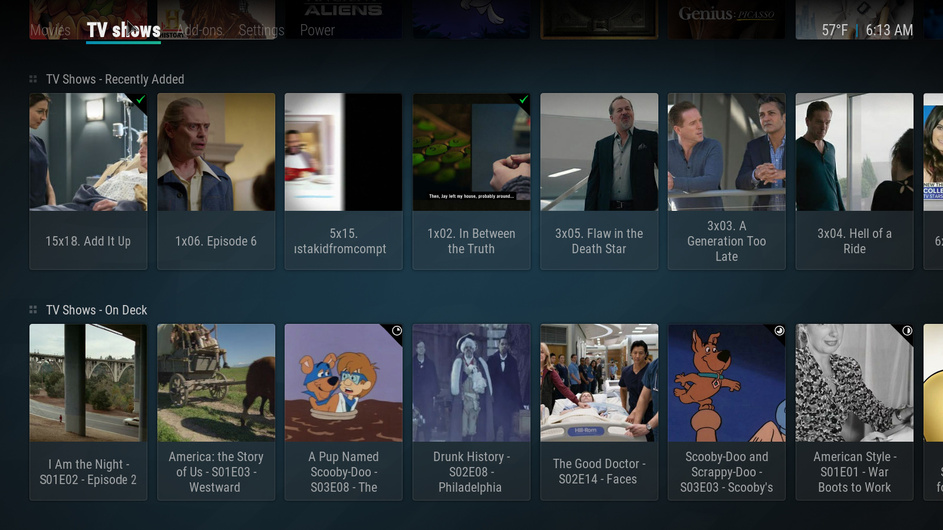
2.7.8 did fix on deck path for TV Shows, but i use recently added as a widget and that is still not correct.
Do you need logs? here is a pic.
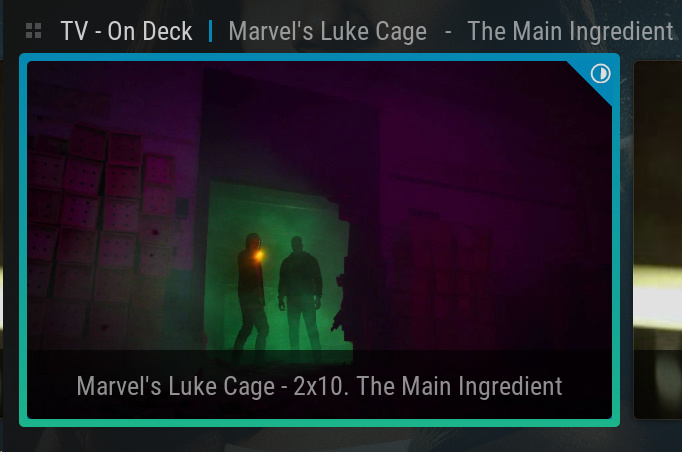
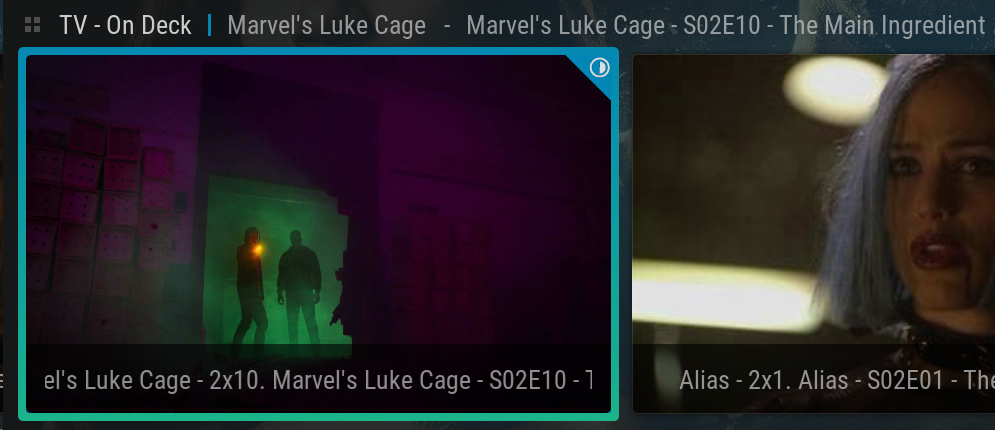
If I understand correctly, you want to have the show’s name as well as season and episode number appended for “Recently added” (<show name> - SxxExx - <episode name>).
This is now completely controlled by Kodi and the skin you’re using. Try picking another widget for Recently Added: when picking the widget, navigate to Video Add-Ons → PlexKodiConnect → <show library> → More... → Recently added episodes
croneter, i tried picking “recently added” via Video Add-Ons -> PlexKodiConnect etc… and it worked. Dumb question, but should i be creating all widgets this method? Since I used direct paths, i hadn’t created widgets via video add-ons path.
Thanks so much btw
@croneter I am trying to move to Direct Play prior to moving to Direct Paths. I saw the question at bottom you asked while troubleshooting back in September. My PMS and media all are on same device, separate Hard Drives. They are shared on my local network thru NFS as that’s only way I could get Kodi to see them on my Shields. Kodi can access them as I tested by add libraries direct and playing from them. But I prefer running thru Plex.
So with that info, how should my paths look in question below? Since my PMS only needs to point to e.g. H:\TV Shows to find those folders or G:\4K Movies for those folders. An episode path is G:\TV Shows\Benny Hill\Season 01\episodename.mkv
Is that correct for Direct Play(and eventually Direct Paths) considering my setup? Thank you!
"Does the PMS point to the network locations, too? You can check by using Plex Web, navigating to a movie or episode, hit the 3 dots … at the top right, then show information . Make sure that the file paths point to a network path like \\shareonline-nas\video\Tv Shows\...
Would you mind elaborating on that?
I may have missed it but I didn’t see anything regarding PlexHub in the Wiki and really had no idea how I was supposed to set up “On Deck”, “Recently Added” etc…
Admittedly I only started using PKC recently (and yes on a Shield), so it may have been a case of bad timing. I never got as far as the 2.7.8 release and went full on Emby.
To be fair that wasn’t really down to any PKC issue. More a case of liking options for quick viewing after a 12 hour shift. Emby app on my LG rocks…Plex on my LG sucks. (But lets see what UNO brings.)
Other times when I’m watching my 4K HDR remuxes with Atmos its gotta be the Shield.
But native Plex sucks on that too.
TL;DR… can you please point me/us to how exactly we’re supposed to set up Plex Hub in PKC? I had been trying to do it in the same method as @jhr1948.
Some things worked, others didn’t. Is it dependent on native paths? I had been using direct paths.
Sorry for the dumb question.
It’s the skin adding the 2x0 which is the Kodi default. You can add SxxExx but it looks terrible because your skin is already adding that info in
default
Show title to episode and add SxxExx
Thank you! That was it! I wasn’t thinking about it the right way. Once I used smb and \server\sharefolder for each in PMS libraries, I was good to go.
Follow up to that, I see the comparison chart of Addon vs Direct Paths. What’s the comparison between Direct Play vs Direct Paths? I’m starting with Direct Play just not sure what advantages I’d gain by switching to Direct Paths. Thanks again!