@panni 7.1b is working on Shield #2.
WTF, OK, then that’s new to beta8. I’ll definitely need logs via DM.
Edit: Do you have the cache enabled by any chance?
Edit 2: Found it, fixing …
Hey so under display settings I have CoreELEC set to 3840x2160p (4K) and refresh rate at 60.00hz. It’s been that way since I installed coreELEC on my Ugoos, so unfortunately not sure how it compares to your setup at 120hz refresh rate. Feels snappy enough to me at 3840x2160p and 60hz though. Did you follow the CoreELEC forums for some of the speed enhancements they recommended (eMMC Speed Mode etc)?
As for posters I just download them manually and store them inside my movie folder as “poster” for the cover, and “fanart” for the background image. That way I get to choose if I want special Steelbook cover art, 4K artwork or the original movie artwork etc for each movie. I’m OCD about artwork so I hate ugly cover art lol. Here are some of my favorite sites for HQ movie artwork. TheposterDB is especially great if you want matching sets for movie series and TV series.
https://bendodson.com/projects/itunes-artwork-finder/
mediux.pro
fanart.tv
I heard Kometa is great for deeper metadata editing, but have not tried it yet.
3 Likes
0.8.0-beta8e: script.plexmod.zip (3.1 MB)
- Core: Revert “Core/PlexObjects: Don’t store original element data to reduce memory usage (wasn’t used anyways)”; fix regression in library folder view
A lot of regression fixing-forward today. But hey, “wo gehobelt wird, fallen Späne” (as in: “You can’t make an omelette without breaking eggs.”).
@travelar should be fixed™
7 Likes
OK that took a while but the results are - no discernable differences between any of the algorithms. Since I have no idea which one is used by default, I just removed that line now.
JPG quality, I went straight to 0. No difference in thumbnails, but a nice little bump in the background art, so I’ll leave that in.
At this point it’s good enough for me. It’s no longer sticking out like a sore thumb as crappy upscaled graphics.
And yes I cleared everything and rebooted in between tests.
Thanks
Can you make out a difference between 0 and 1? I’m about to update the wiki, but I guess 0 could be 100% quality (which doesn’t make any sense compared to 92% for example), and the thumbnails might be HUGE in size.
@panni Confirmed fixed. Thank you!
I have a couple of feature requests for your consideration. In said folder structure that you just fixed, I typically operate in list view as it provides some sort of sorting. Some of my folders contain a hundred or more files.
- Could we get a sort by filename?
- If we can’t sort by filename, could we get a quick jump to the bottom? Most of the kodi skins I’ve used pressing up at the top of the list pushes it to the bottom. I realize this a bit trickier with the libraries at the top. But if I could sort by filename, that I could sort Z-A and this would be less of an issue. Most of these files are date stamped, so getting to the newest as I’m working on them is what I’m looking for. Sorting by title isn’t quite working the way I expect.
I will try 1 now, and compare a already high res thumbnail, see what each setting gives for a size and difference. I’ll do it for the default of 4 also.
1 Like
lol I don’t even need to test. At 0, they are all between 50 and 90kb. Tiny.
Check, wiki updated. Thanks for testing!
Edit: Just to make sure @kaelaria, you deleted your textures13.db and thumbnails folder before testing this, right?
I can see a bit more detail on the ATV if I get really close to the TV, however no discernible difference from normal viewing distance. If you have an 83’ depending on how far away you are I guess that would be more noticeable.
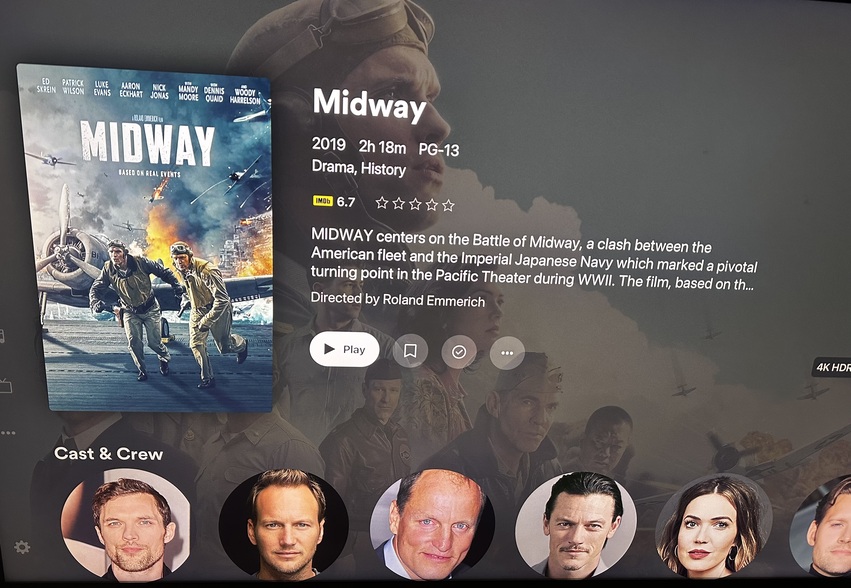
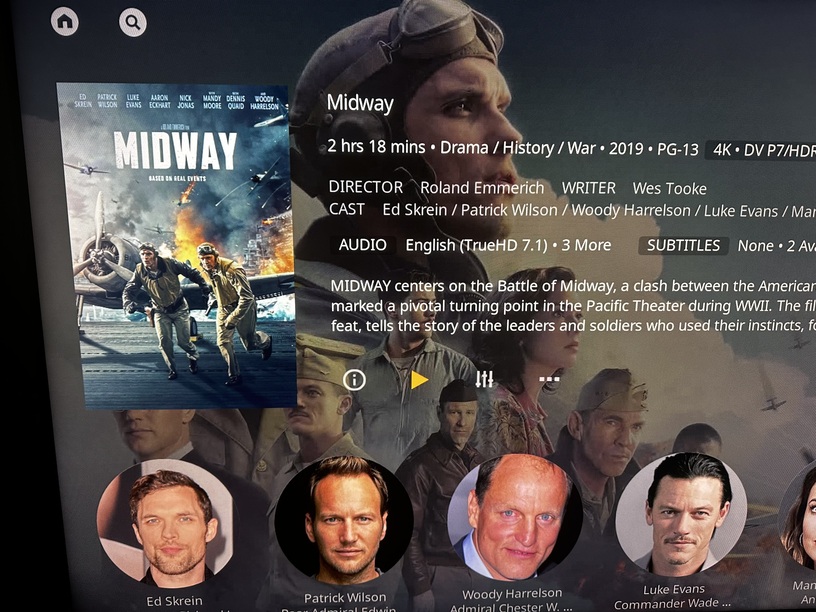
Nice, thanks for testing. Just as information, this is some explanation by ChatGPT about those algorithms. ChatGPT - Best Image Scaling Algorithms
Based on this, I guess quality-wise the best would be bicubic (which is anyway default) or bicubic-spline.
That’s very dependent on what you’re doing (reducing the size or increasing the size). Lanczos (which is a type of bicubic I think) and Spline can be extremely good compared to others when reducing the size of stuff. Not sure what the default bicubic algorithm in Kodi is.
Plain bicubic can often add “ringing”.
Yep, back in the seat, it’s good enough.
correct
My guess is, these images are so small it’s just irrelevant.
Please edit posts instead of creating new ones; people will still be notified if you add a quote or link them 
They are all replies to different people it’s just showing the quote block
Again, instead of creating a new post for a new reply to someone else, if you’re the last person to post, edit your post and quote them in the same post instead.
Edit: You can select the text to quote
Like this.
I’m not following. This forum software blows. There should just be a reply with quote button. I don’t even see where to add what I’m quoting.
