PM sent


Bind mounts / crossing namespaces don’t follow symlinks
Your card0 should appear in /dev/dri where it’s expected because they are the real enumerations.
[chuck@lizum docker.2004]$ ls -la /dev/dri
total 0
[chuck@lizum docker.2004]$ ls -la /dev/dri
total 0
drwxr-xr-x   3 root root        140 Sep 21 08:41 ./
drwxr-xr-x  21 root root       5140 Sep 21 08:41 ../
drwxr-xr-x   2 root root        120 Sep 21 08:41 by-path/
crw-rw----+  1 root render 226,   0 Sep 21 08:41 card0
crw-rw----+  1 root render 226,   1 Sep 21 08:41 card1
crw-rw----+  1 root render 226, 128 Sep 21 08:41 renderD128
crw-rw----+  1 root render 226, 129 Sep 21 08:41 renderD129
[chuck@lizum docker.2005]$ ls -la /dev/dri/by-path/
total 0
drwxr-xr-x 2 root root 120 Sep 21 08:41 ./
drwxr-xr-x 3 root root 140 Sep 21 08:41 ../
lrwxrwxrwx 1 root root   8 Sep 21 08:41 pci-0000:00:02.0-card -> ../card0
lrwxrwxrwx 1 root root  13 Sep 21 08:41 pci-0000:00:02.0-render -> ../renderD128
lrwxrwxrwx 1 root root   8 Sep 21 08:41 pci-0000:01:00.0-card -> ../card1
lrwxrwxrwx 1 root root  13 Sep 21 08:41 pci-0000:01:00.0-render -> ../renderD129
[chuck@lizum docker.2006]$
OpenCL requires the card node.
Transcode requires the render node.
That’s what I had to put two lines :
...
    devices:
      - /dev/card0:/dev/dri/card0
      - /dev/dri/renderD128:/dev/dri/renderD128
...
With only /dev/dri:/dev/dri I only get renderD128 inside the container. No card0.
Thanks for this confimation.
Latest BETA 1.32.6.7521-24e4dff81 is not working for me with Intel Quicksync on Coffee Lake.
That’s odd. I also have a Coffee Lake CPU and HW transcoding works fine with or without tone mapping.
Sorry, Need more than “Not working”.
When presenting a problem, please share:
- Host platform
- Host OS & Version
- What’s failing.
- Provide DEBUG logs which capture the failure if possible.
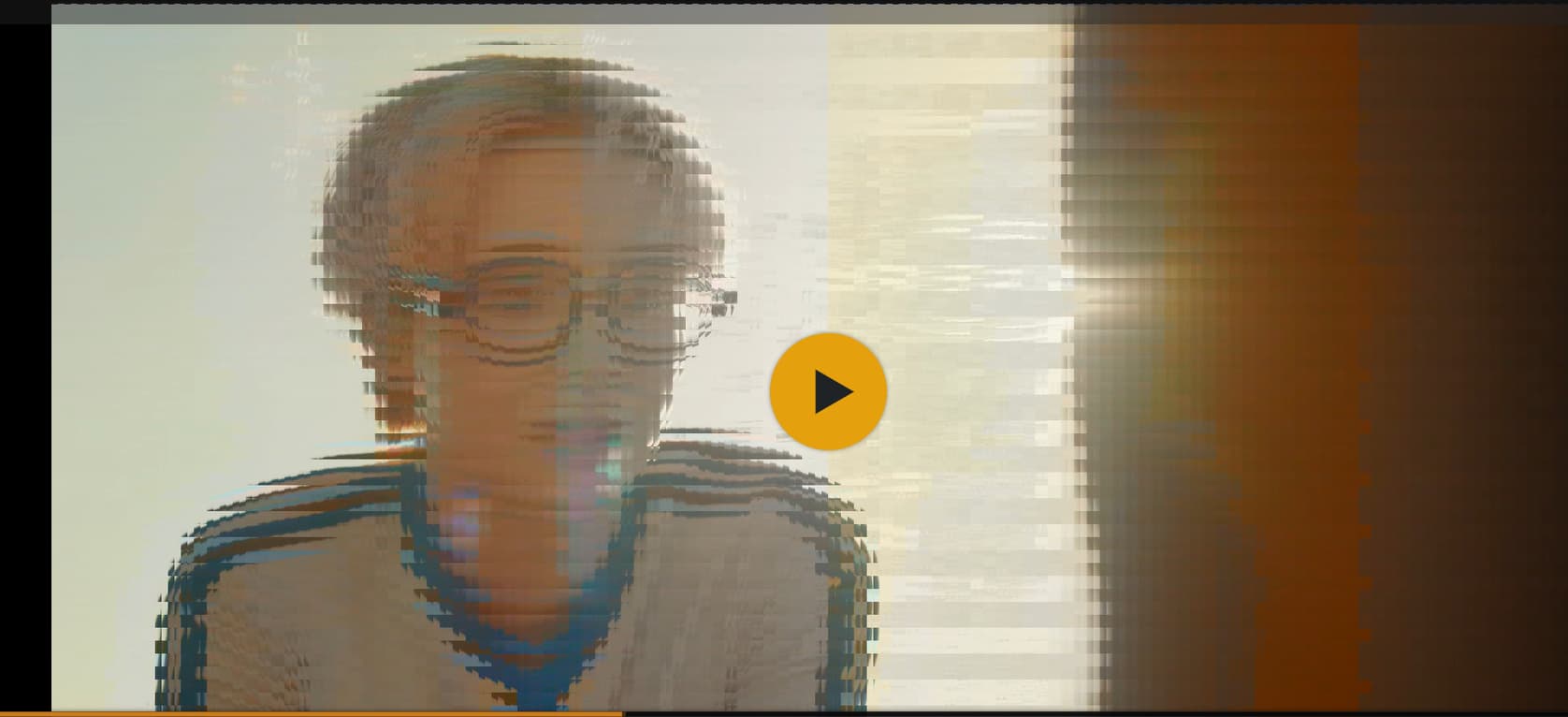
ubuntu docker plex 1.32.6.7521 intel i3-N305 Alder Lake-N selected Enable HDR tone mapping the image is not rendered correctly as shown below.
Sep 22, 2023 10:33:21.507 [140457922095928] DEBUG - Completed: [127.0.0.1:53838] 200 PUT /video/:/transcode/session/uz2rwjvlb8k3gej8oevfqgli/d49b216a-4e11-4574-a25f-78173e77f732/progress/streamDetail?index=55&id=0&codec=subrip&type=subtitle&language=chi (6 live) #5a0 0ms 195 bytes (pipelined: 66) (range: bytes=0-)
Sep 22, 2023 10:33:21.507 [140457887021880] DEBUG - Request: [127.0.0.1:53838 (Loopback)] PUT /video/:/transcode/session/uz2rwjvlb8k3gej8oevfqgli/d49b216a-4e11-4574-a25f-78173e77f732/progress/streamDetail?index=56&id=0&codec=subrip&type=subtitle&language=chi (6 live) #5a1 Signed-in Token (xiaohua04) (range: bytes=0-) / Accept => / / Connection => keep-alive / Host => 127.0.0.1:32400 / Icy-MetaData => 1 / Range => bytes=0- / User-Agent => Lavf/LIBAVFORMAT_VERSION / X-Plex-Http-Pipeline => infinite / X-Plex-Token => xxxxxxxxxxxxxxxxxxxxxxxxxxxxxxxxxxxxxxxxxx
Sep 22, 2023 10:33:21.507 [140457922095928] DEBUG - Completed: [127.0.0.1:53838] 200 PUT /video/:/transcode/session/uz2rwjvlb8k3gej8oevfqgli/d49b216a-4e11-4574-a25f-78173e77f732/progress/streamDetail?index=56&id=0&codec=subrip&type=subtitle&language=chi (6 live) #5a1 0ms 195 bytes (pipelined: 67) (range: bytes=0-)
Sep 22, 2023 10:33:21.537 [140457891273528] DEBUG - Request: [127.0.0.1:53838 (Loopback)] PUT /video/:/transcode/session/uz2rwjvlb8k3gej8oevfqgli/d49b216a-4e11-4574-a25f-78173e77f732/progress?duration=3864.992000 (6 live) #5a2 Signed-in Token (xiaohua04) (range: bytes=0-) / Accept => / / Connection => keep-alive / Host => 127.0.0.1:32400 / Icy-MetaData => 1 / Range => bytes=0- / User-Agent => Lavf/LIBAVFORMAT_VERSION / X-Plex-Http-Pipeline => infinite / X-Plex-Token => xxxxxxxxxxxxxxxxxxxxxxxxxxxxxxxxxxxxxxxxxx
Sep 22, 2023 10:33:21.537 [140457919986488] DEBUG - Completed: [127.0.0.1:53838] 204 PUT /video/:/transcode/session/uz2rwjvlb8k3gej8oevfqgli/d49b216a-4e11-4574-a25f-78173e77f732/progress?duration=3864.992000 (6 live) #5a2 0ms 203 bytes (pipelined: 68) (range: bytes=0-)
Sep 22, 2023 10:33:21.640 [140457887021880] DEBUG - Request: [127.0.0.1:53838 (Loopback)] POST /video/:/transcode/session/uz2rwjvlb8k3gej8oevfqgli/d49b216a-4e11-4574-a25f-78173e77f732/progress/log?level=0&message=%5BAVHWDeviceContext%20%40%200x7fa6d6a02940%5D%20No%20matching%20devices%20found. (6 live) #5a3 Signed-in Token (xiaohua04) (range: bytes=0-) / Accept => / / Connection => keep-alive / Host => 127.0.0.1:32400 / Icy-MetaData => 1 / Range => bytes=0- / User-Agent => Lavf/LIBAVFORMAT_VERSION / X-Plex-Http-Pipeline => infinite / X-Plex-Token => xxxxxxxxxxxxxxxxxxxxxxxxxxxxxxxxxxxxxxxxxx
Sep 22, 2023 10:33:21.640 [140457887021880] ERROR - [Req#5a3/Transcode/uz2rwjvlb8k3gej8oevfqgli/d49b216a-4e11-4574-a25f-78173e77f732] [AVHWDeviceContext @ 0x7fa6d6a02940] No matching devices found.
Sep 22, 2023 10:33:21.641 [140457922095928] DEBUG - Completed: [127.0.0.1:53838] 200 POST /video/:/transcode/session/uz2rwjvlb8k3gej8oevfqgli/d49b216a-4e11-4574-a25f-78173e77f732/progress/log?level=0&message=%5BAVHWDeviceContext%20%40%200x7fa6d6a02940%5D%20No%20matching%20devices%20found. (6 live) #5a3 0ms 195 bytes (pipelined: 69) (range: bytes=0-)
Sep 22, 2023 10:33:21.691 [140457891273528] DEBUG - Request: [127.0.0.1:53838 (Loopback)] PUT /video/:/transcode/session/uz2rwjvlb8k3gej8oevfqgli/d49b216a-4e11-4574-a25f-78173e77f732/progress?progress=0.0&size=-22&remaining=-1&vdec_packets=31&vdec_hw_ok=19&speed=0.0&vdec_hw_status=1 (6 live) #5a4 Signed-in Token (xiaohua04) (range: bytes=0-) / Accept => / / Connection => keep-alive / Host => 127.0.0.1:32400 / Icy-MetaData => 1 / Range => bytes=0- / User-Agent => Lavf/LIBAVFORMAT_VERSION / X-Plex-Http-Pipeline => infinite / X-Plex-Token => xxxxxxxxxxxxxxxxxxxxxxxxxxxxxxxxxxxxxxxxxx
Sep 22, 2023 10:33:21.691 [140457891273528] VERBOSE - [Req#5a4/Transcode/uz2rwjvlb8k3gej8oevfqgli/d49b216a-4e11-4574-a25f-78173e77f732] We want 60 seconds ahead, last returned was -1.000000 and max is -1.000000.
Sep 22, 2023 10:33:21.691 [140457891273528] VERBOSE - [Req#5a4/Transcode/uz2rwjvlb8k3gej8oevfqgli/d49b216a-4e11-4574-a25f-78173e77f732] It took 0.0 sec to serialize a list with 0 elements.


Sorry for confusion. I did retest this and now everything is fine. So the fault was on my side.
Thank you for pointing that out to me. I switched from LSIO to Plex official. Since then though, I still have the same issues that I mentioned earlier. Albeit at least I can start up now. I’ve had to downgrade quite signiffically to allow Live TV and transcoding to work again with Unraid 1.30.2.6563-3d4dc0cce otherwise nothing works with live transcoding. I’m even going to try going way way back to get Live TV transcoding working again especially with xTeve. It’s a nightmare …Nvidia and or Intel PC, Intel Mac, Mac M2 nothing works. I’ve tried Windows, Mac, Linux and Unraid. Transcoding Live TV is just not working with xTeve or even the new StreamMaster.
I see there is a beta update today! Plex Media Server 1.32.6.7521
- (Transcoding) Hardware transcoding failed on linux machines (#14553)
Plex Media Server 1.32.6.7521-24e4dff81 no hardware acceleration.
Running on Synology DS1019+ inside docker container on DSM 7.
Changed /dev/dri/card0 and dev/dri/renderD128 both to 666 permission to avoid permissions issues.
The account is a member of the video driver group as well, and this is the group assigned to the dri devices.
id PlexMediaServer
uid=297536(PlexMediaServer) gid=297536(PlexMediaServer) groups=297536(PlexMediaServer),999(synopkgs),937(videodriver)
Still, hardware encoding is not working. In Plex Media Server.log, I see:
[FFMPEG] - Failed to initialise VAAPI connection: -1 (unknown libva error).
Not sure what else to post here.
@ChuckPa awesome progress, many thanks for your efforts! Do you have a view when this fix will make it out to non-beta?
Where is the best place to view the progress on Gemini Lake CPU transcoding? This thread seems to have gone dark lately.
How can i upgrade to the latest releases? 1.32.7 but the latest betas are 1.32.6 and Synology isn’t letting me “downgrade”
Synology does not permit direct downgrades.
-
Uninstall Plex Media Server. If on DSM 7, choose the first option, “Uninstall Only” (after “are your sure?”).
-
Install the desired version.
Ugh not a fun option. Hate tinkering with uninstalls. Might just wait until you guys release a version that Synology will allow.
Thank you!
It’s a non issue, just a couple clicks, nothing happens. Just do it.
I do it all the time

