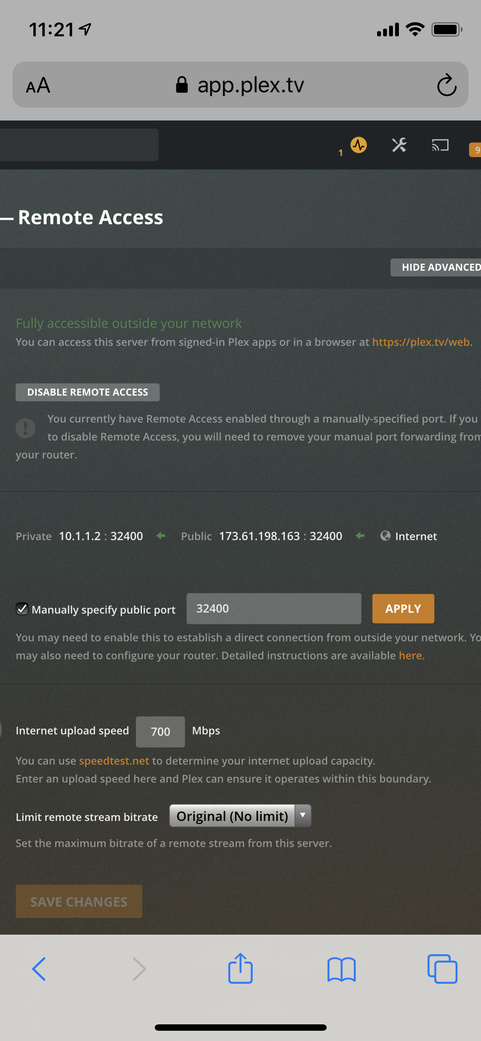
What do I input into this field? Currently the IP address does not work.
From this help URL, it doesn’t actually specify what to input into this text field. The help docs show a dropdown in the UI which I don’t see either on Safari or Chrome.
Do I input the hardware port name, device name, MAC address, IP address?
The network interface local clients will use to connect.
I use my router to connect always as i use a application Exception Split Tunneling VPN solution. If you have a active VPN unlike my solution you will see a drop down menu with two interfaces .
I have two network interfaces unfortunately both of which connect to the internet, but it always default to the WIFI connection, rather than the thunderbolt ethernet one.
What do you use for this? The plan is to incorporate a VPN afterwards.
I use a VPN for security and Geo restricted services but it annoying to remember to turn it off for remote access. So everything except Plex go through the tunnel, Plex requires to call home, to gather metadata and plex online services. I’m satisfied that https for Plex services is sufficient.
There are a few providers of split tunneling, some are suitable, some are expensive. I use PIA, inexpensive and easy to use apps with great configuration for connection, privacy.
that’s the issue, it doesn’t work when I specify. It always defaults to WIFI. So I’m not sure what to input in the box, so it picks the right interface.
I have a multi homed server and selected the primary interface for plex to use in the settings but remote access still shows plex using one of my other interfaces for remote access.