Server Version#:1.28.2.6151
Player Version#:4.91.1
I updated the plex sever firmware on Sept 10th and noticed all my movie playbacks are buffering every 20-30 secs when I access the plex server remotely from one home to another where the server(QNAP) physically resides. I’ve checked my internet speeds on each end with no observed issues (1GB Fiber at each end). I logged into the QNAP and notice that when I play any movie file the CPU percentage redlines at 98% with RAM barely increasing at all. Of course when this happens the movie buffers. As soon as I stop movie playback the CPU decreases back to 2%. I can see the PlexMediaServer as the culprit in the QNAP resource/process monitor. I tried this multiple times with multiple movies (some newer/older). I have no other issues with the QNAP, I can log in and navigate, I can FTP large 2-5GB files with no interruptions. I have updated all firmware, installed/reinstalled, rebooted the server and the QNAP with no success. I suspect there is an issue with the Plex firmware update/build. I will be at the QNAP location this weekend to confirm if the same issues happens locally. Is there a way to DL previous Plex firmware/builds so I can uninstall the current version and rollback to what was working previously?
UPDATE: I went to https://www.plex.tv/media-server-downloads/ and saw there was a newer build. I updated the PlexmediaServer on the QNAP to 1.29.0.6209 but still have the exact same issue.
Let us know how it goes. We’d be curious if you’d take a screeshot of your dashboard demonstrating the issue. It almost sounds like transcoding, but I have a feeling you’d tell us that
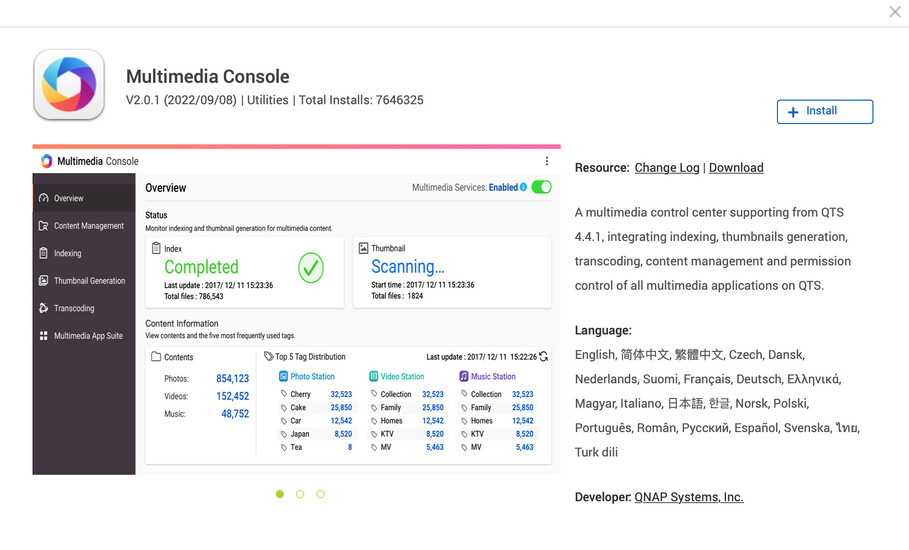
So I’m here locally where the QNAP is physically. I ran Plex locally right from the QNAP and had the same high CPU usage issue. I also noticed something I may have overlooked before. I noticed ram a bit high at 35% so I looked at which process was eating this up and it was a QNAP utility app called “Multimedia Console 2.0.1” and even though it was not running per the app Center it was obviously running. It did not appear to be a required process so I removd it and that did it. Movies are playing back without any buffering and the CPU stays under 40%. Now I suspect your comment about transcoding was correct and somehow that Multimedia Console app was the culprit. I’m currently running Plex Version 1.29.0.6209