Server Version#:
Player Version#:
I have installed Plex server on Synology, but recently it keeps showing that the system memory is insufficient. I found out that this was caused by Plex scanning. How can I solve this problem? I cannot find the specific reason.
Recently, my system has been showing a lack of memory. I found out that it was caused by Plex scanni
Need more info please. DSM version and PMS version?
DSM version: DSM 7.1.1-42962 Update 4
PMS versio: 1.31.3.6819
Is there any way you can provide me your logs ZIP file?
-
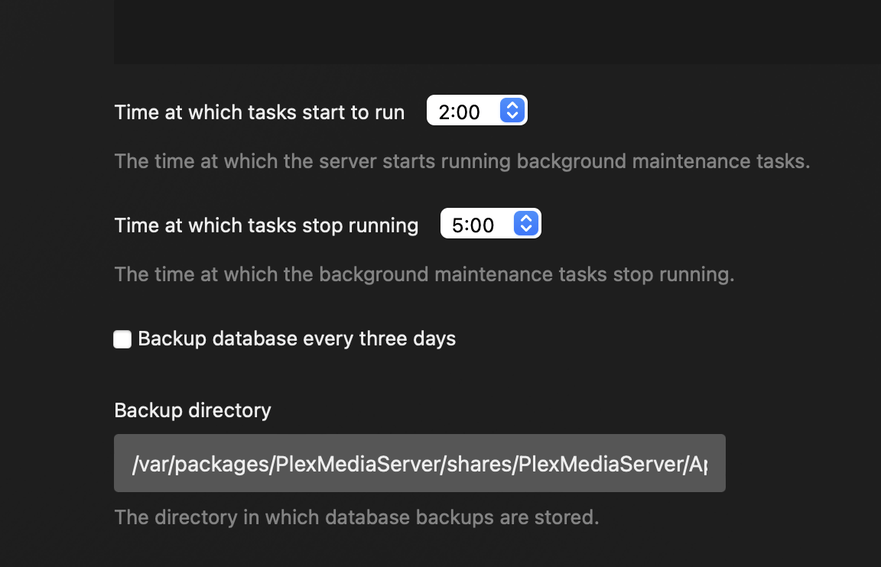
Make certain DEBUB logging is enabled (Settings - Server - General - SHOW ADVANCED) … SAVE if you make changes
-
Restart PMS
-
Wait 3 minutes with it sitting idle.
-
Download the logs ZIP file (Settings - Server - Troubleshooting - Download Logs)
-
Attach (upload) the ZIP file in your reply here.
I am asking for them because the DS920+ comes with 4 GB of memory.
PMS needs about 1GB of memory for everything to run smoothly.
It shouldn’t be complaining of “Out of memory”.
Plex Media Server Logs_2023-03-18_06-48-00.zip (1.4 MB)
The following is a debug file, please help to check.
Please do the following.
-
Settings - Server - General - VERBOSE OFF – SAVE (Verbose makes it too difficult)
-
Stop Plex in Package Center
-
Install Synology “Text Editor” app if not already installed. Start it. It is an applet.
-
FileStation → PlexMediaServer/AppData/Plex Media Server
-
Right-click “Preferences.xml” → Open with Text Editor
-
Cursor down to the last line
-
At the far right, Just before the closing
/>marker -
Type
LogMemoryUse="1" -
It will look like this when done.
SomePref="Value" LogMemoryUse="1" />
Save the file and restart Plex.
Now your logs will tell us what’s happening with memory
I have completed the process according to this procedure, and below is the debug file.
Plex Media Server Logs_2023-03-19_06-57-52.zip (2.7 MB)
Thank you for the logs.
I extracted the memory usage statements from the file
parsed to pull the “used” value.
Max Memory used (reported by Logs) = 334
[chuck@lizum user.2050]$
It’s not memory usage.
You can run it yourself if you want. (be in the “Logs” directory when you run it (as root))
[chuck@lizum user.2050]$ cat CalcMemUsage
#!/bin/bash

MaxUsed=0
Temp="/tmp/PlexMemory.$$"

# Presumed Plex Log files with Mem logging enabled are in current directory
grep Memory * | sed -e 's/[^*]*Memory/Memory/' > $Temp

# Now read Temp and find largest

while read Line
do
  Used="$(echo "$Line" | awk '{print $3}')"
  Used=${Used/\.*/}

  [ "$Used" != "" ] && [ $Used -gt $MaxUsed ] && MaxUsed=$Used
done  < "$Temp"


echo 'Max Memory used (reported by Logs)' = $MaxUsed

rm "$Temp"

[chuck@lizum user.2051]$
I didn’t understand your meaning. Do you need me to run a command to troubleshoot the problem? The screenshot is an error message prompted by my system log. If I stop running Plex, there won’t be this error.

Thank you for showing me that. Those errors are NOT in your logs.
DSM itself is declaring “Out of memory” and terminating Plex.
That explains why were many fragmented records.
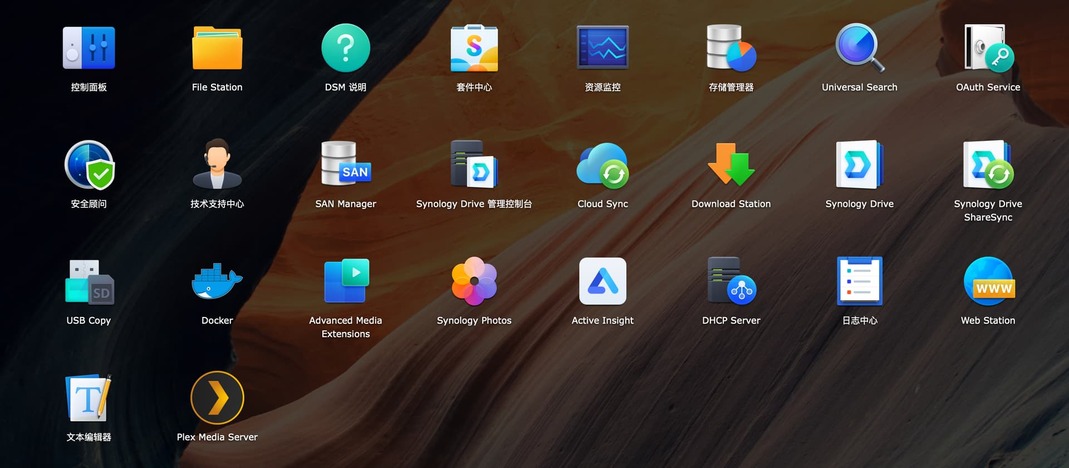
How many other apps are you running on the NAS?
With Plex stopped, what does Resource Monitor show?
Then, after you start Plex, what does Resource Monitor show?
I have installed very few applications, and plex only shows “memory insufficient” when scanning the library, which is the time period shown in the picture I uploaded above.
What do these look like?
I think DSM has, internally, a full filesystem somewhere.
The first picture shows the performance before pausing, and the second one shows the performance after pausing.


Thank you. That shows PMS is not consuming all the memory.
Here is PMS on my system (DS418j with 1.0 GB of memory)
(It uses 250 MB)

It might be time to
- Backup the DSM configuration
- Make a list of the installed apps.
- Download the Synology Assistant for your computer
- Reload DSM (this does not erase your data. It only reloads DSM)
- Restore the saved DSM configuration
- Reinstall your apps.
– When you reinstall Plex, it will never know what happed. It will resume where it left off.
Here is the official Synology page.
You want “Mode 2” – Reinstall DSM 7
If you have questions . Please contact Synology. They are better qualified than I
After I remove the music library, it will no longer prompt me with a message of insufficient memory.
This topic was automatically closed 90 days after the last reply. New replies are no longer allowed.
