Server Version#: Version 4.145.1
Player Version#: All
MacMini w/Static IP
Verizon Fios: 1GB
Lifetime Plex Pass
Up until recently, I was able to steam most anything outside my network to my phone & PC. I can still stream but everything comes in at SD and nothing I do chenges that (settinsg on players and server). If I turn off “Enable Relay”, the server is not able to connect at all. I never had any issues up until about 2-3 weeks ago. I have been running the server for about 4 years with no issues.
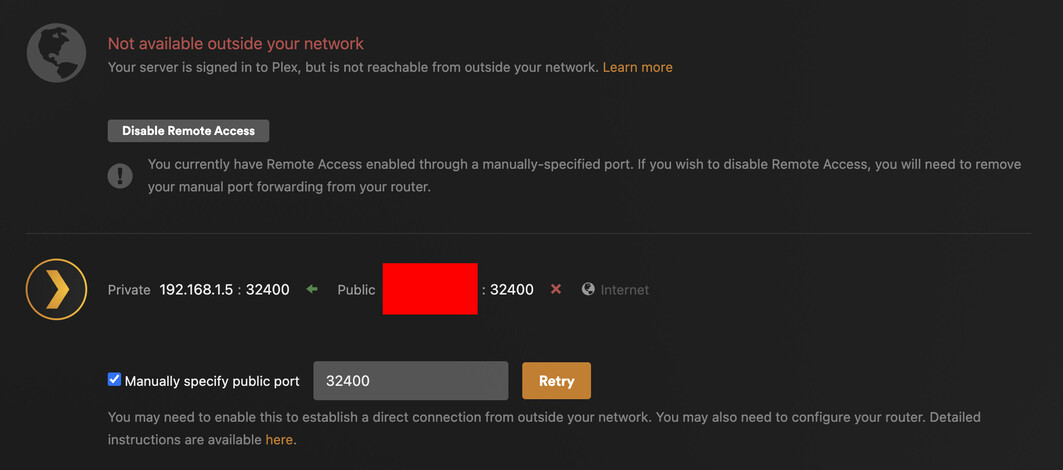
Checking the settings, I’m seeing that the remote access keeps going red. It’s not a doubleNAT issue (checked the external IP address). I double checked and even re-added the port forwarding on the Verizon Router. I tested on canyouseeme.org and it does error out. But for the life of me, I have no idea how to fix it. Ive been thru the whole remote access troubleshooting page with no luck.
Any suggestions as to whats going on? If you need any more info, I will happily provide it
Thanks
If canyouseeme.org can’t see the forwarded port, that implies there’s an issue between “the internet” and (including) your router.
As you stated, you already double-checked the port forward configuration… did you also try some other ports (public port doesn’t have to be 32400, you could test some random ports between 10000 and 60000 or a common one)?
If that’s not working, you could reach out to your ISP to inquire if they’re blocking some ports / communication.
From other recent posts I would suggest it maybe CG NAT. I would suggest contacting your ISP to see if you can OPT out which is normally free. Alternatively purchase a Fixed / Static WAN IP which has a monthly fee.
Just make sure you restart your Router, Server Computer and Fibre box after change, so it all configures correctly.
Thank you. I tested out different ports and still no-go (even port 80). Nothing seems open. Guess i’ll be calling my ISP and see whats going on. Thanks for the help!
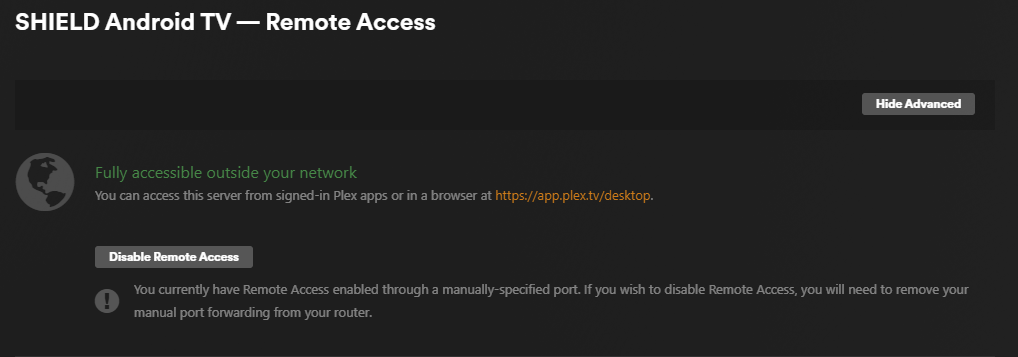
Let me know if you find a fix! Mine also keeps going Red though it shows Green and Fully accessible outside your network until I leave the page and then it goes Red.
Please check out the troubleshooting guide mentioned above.
There can be a myriad of reasons for this… some are under your control, others not so much.
The remote access status indicator will always start displaying a green status. That status remains until it’s completed all connectivity checks (which can take over 1-2 minutes in some cases)
Thanks Tom. I have been though them over the years and have never found a solution. I really do not need remote access but it looks like it is needed for Plex and Sonos to play nice together. It would be great if there was a setting in Plex Server to have a local remote access switch that could direct the traffic locally since both Sonos and Plex Server are on the same network anyway. Kind of like a fake remote access that fools Sonos into thinking it is going out to the cloud? Just thinking out loud here…
From what I understand, that’s a restriction of Sonos, requiring the processing on their backend.
As for the remote access issues… the output of the troubleshooting isn’t so much a question if a step „works“ but what the result is. This will help pinning down what’s going wrong, what needs fixing, or to whom to talk (e.g. if you’re in a CGNAT situation or your ISP is blocking certain traffic/ports/…).
Being a retired IT/AV guy I am very good at troubleshooting. Main problem I have now being retired is that I am living in a county in South America and trying to deal with the ISP here in Jardin Colombia is like, you say Plex and they are like “¿Qué diablos es un plex?” I will say that I am very surprised that after 10 years here they finally have fiber optic to the town and to the houses, before it was antennas to get internet.
Luckily they don’t change the default user and password on their Fiber router so I am able to test things but it does look like they are blocking something on their side of things.
I spoke with Verizon. They said they do not have CGNAT on Verizon Fios. I asked for a static IP but that’s only for Business accounts. They did change my IP address tho. Sadly it still doesnt work. canyouseeme gives me the same results as before and remote access still goes red after about a minute.
Relay works but of course drops everything down to 480 which is crap. I dont know what else to try at this point.
The remote access settings from Plex Media Server (feel free to obscure your public IP address, just let us know the first two octets. Leave the private IP address visible, please.
The port forward rule you’ve configured on your router.
This would let us see if there’s anything fundamentally wrong with the configuration.
Can you maybe include the first 2 of the 4 segments of the public IP?
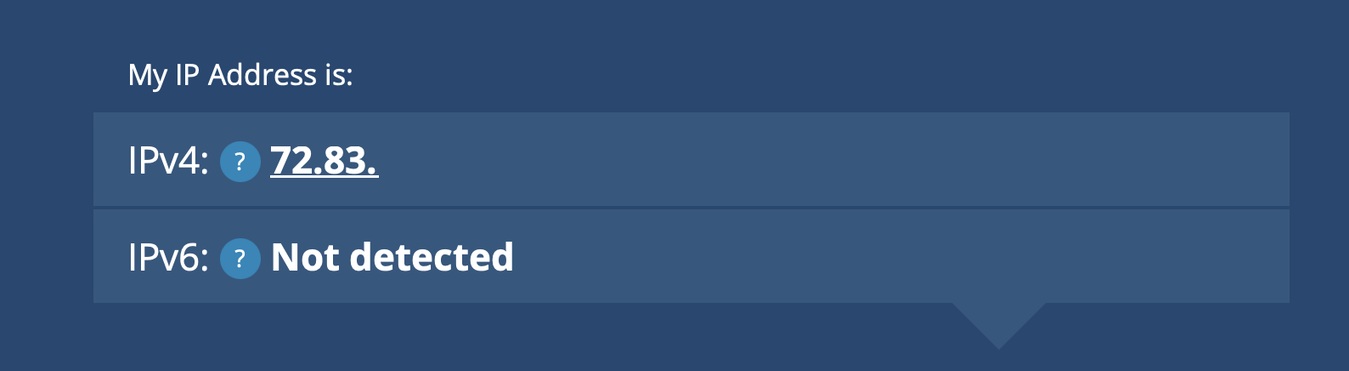
Does that public IP match the public IP recognized by canyouseeme.org when testing?
That’s good. But do those match what the router itself shows for its own WAN/public IP address? And please, share the first two octets of the public IP shown in Plex (and the router, if different); nobody can do anything nefarious with it, unless they want to try to have a guess at which of 65,536 IP addresses is yours.
Yes they match. My routers last number does end in 1 on the ARP table (72.83.XXX.1), where as the IP address does not. Thats the only discrepency. but its the only place I can find the IP address on the router. Heres a ton of screenshots
I’m having the same issue. I just moved my library to a new Mac. The old Mac had zero issues and was always accessible remotely. Nothing on the router has changed and I never have had to do port forwarding.
On the new Mac, server goes from fully accessible to not accessible as others have described here.
On the (newest) iPhone app, it takes a moment to show my library - both video and photos. It stays accessible for a minute, then drop, then reconnects - over and over.
I’ve enabled the firewall on the new Mac and set plex to accept incoming requests. Still having the same issue (with Mac firewall on or even disabled).
Anyone think there are some additional Mac settings that need to be tweaked?
The remote access pane in Plex isnt accurate AFAIK. It will always go green at first then say it failed. It sometimes takes a minute for that process to happen. Previously, It would always say it fails but then direct play would work with no issues, so idk how accurate it is.
As far as my situation goes, I tried almost everything. And not just from a Plex/Mac side. I had my ISP reassign me a new IP address, new router and a ton of testing. I still cant understand why the port will not stay open.
With all that said, I’m fairly certain my stuff started working again. Plex is still saying that remote access failed and when I try and check the port externally, it says it’s closed.. but I am able to direct stream from my server now. so… ¯_(ツ)_/¯