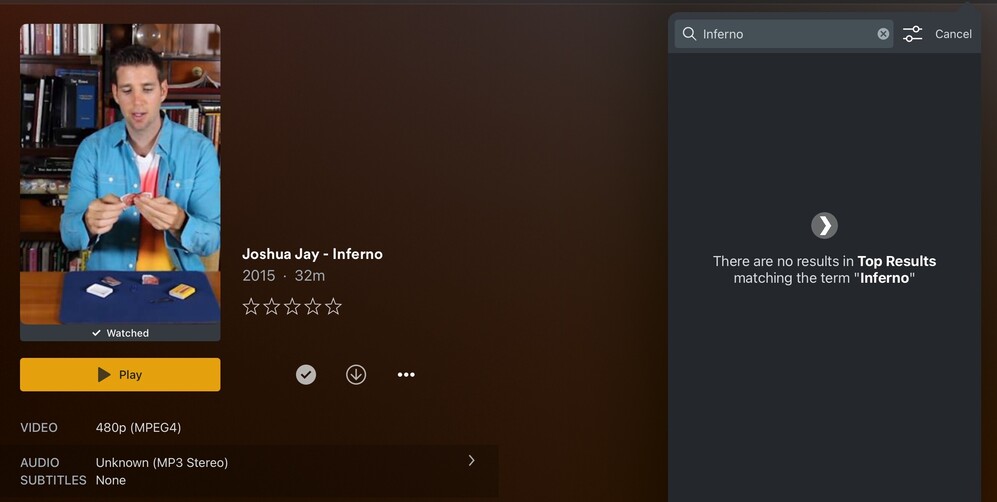
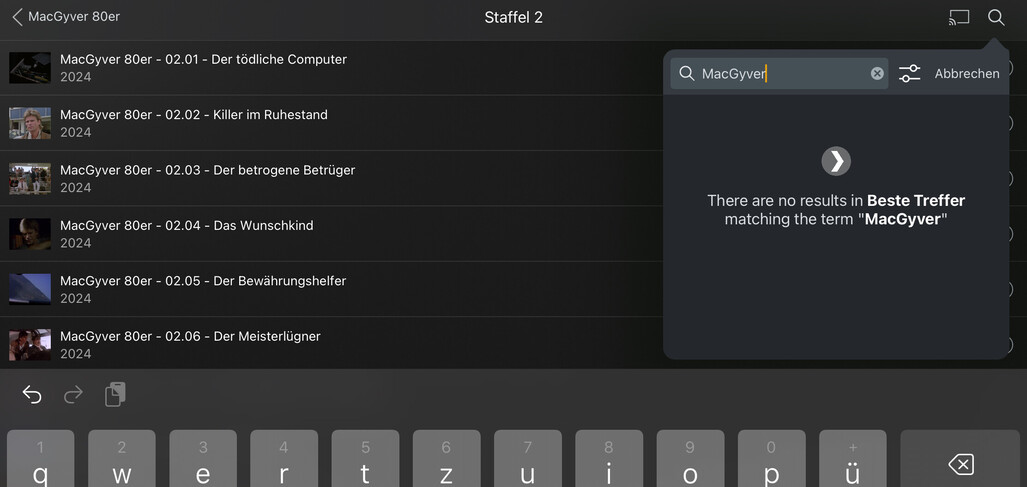
Search function NOT working on iOS iPad app

Server Version#: Version 1.40.4.8679
Player Version#: 8.38.1

For the last few iPad app updates, search is returning ZERO results where before it would return them.

If I do the same search directly from the web interface then I get the correct results.

Is this a bug or something changed in the latest app?

Still working for me.
Can you double check the search preferences in the iOS app to confirm you have any sources enabled (e.g. specific servers, more ways to watch / Discover, …)?

Yup, I have the right source turned on. Strange that search works well through the web UI/app but not in the iPad app


The same behavior with me. The web client shows all search results, but not the Plex app on the iPad. This concerns all media folder ‘Other videos’ with agent ‘Personal media’. Search results for Music media with Agent Personal Media Artists appear on iPad.

Server: 1.41.0.8994 on Macmini 9,1 - MacOSX 14.6.1
Client: Plex 8.40 on iPad Pro 10,5“ - iPadOS 17.7

It looks like the behavior in the app has changed. Now you have to run the query first and then tap on the OTHER tab to see your results.

Such bad user experience!

They need to improve this or bring back the old design

..what OTHER tab you mean? Here is, what Plex show‘s as search result on my iPad:


Hit after you enter the search keyword and you’ll see the category pills. Scroll/click into

At least, with how I have Plex setup at home, this is now how I can find what I’m searching for.

Before it would show results in the main panel.

Okay, now I got it! A scrollable tab bar, only visible after hitting enter and the „Other videos“ at the right end of it… Nice user interface design… :wink: Thank you for the enlightenment… :slight_smile:

Yeah, I hope they bring back the old search but I doubt it!

This topic was automatically closed 90 days after the last reply. New replies are no longer allowed.