I was having issues with the connection between my PC connecting to my PLEX server today it kept going off and on and said to check the secure connections settings on the server. I finally got in there and accidentally changed it to NOT SECURE. Now I can not get back to the PLEX server. Is there a way to change that SECURE connection setting via LINUX command line?
So you set Secure connections to Disabled?
Can you still access your server through http://[PMS IP address]:32400/web?
Otherwise you might be able to access/edit the preferences.xml in the server data directory.
$PLEX_HOME/Library/Application Support/Plex Media Server/
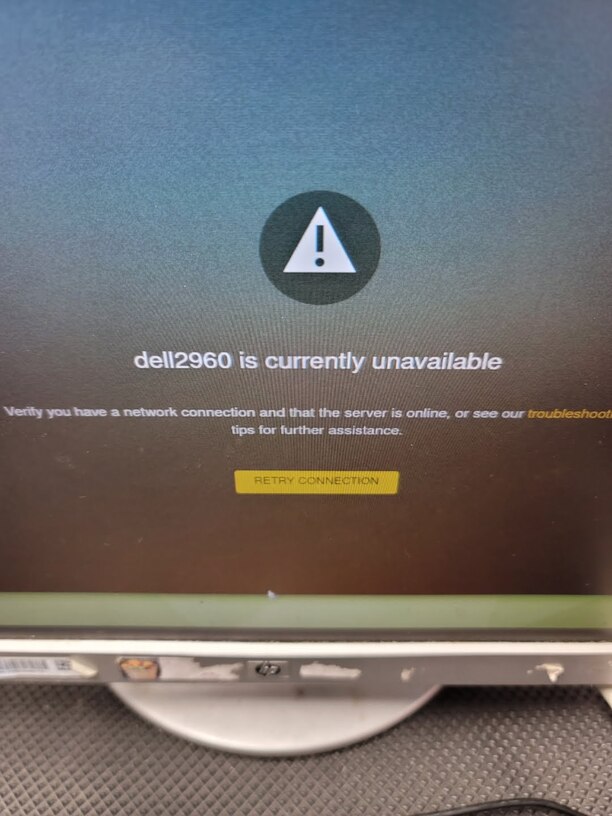
Oddly even on the SERVER itself it is saying that the SERVER is not AVA. as far as plex goes. I can SSH into the server etc. but I got the NOT AVA. message when in plex trying to access it directly from the server its on itself. Not sure why even at the server itself it would display this message any ideas?
Login to PLEX.TV, launch your server…then Settings > Server > Network
“Secure Connections” is right at the top of the page. You can disable there.
It this a local connection or is your server hosted / remote?
Have you recently changed your Plex Account’s password (opting to sign-out all devices)?
Cant get there… 
This is a LOCAL connection physical server. have NOT changed password
I hate to say this.
Please do a hard restart of the app. (power cycle the TV if you need to).
I learned there were backend changes.  it didn’t break the world.
Which TV make, model, and age please ?
If you can’t get to the PMS web page for whatever reason, you can use PUTTY to open a connection and run Firefox over that port. It’s what I’ve done to set up new apps on a headless VPS.
