Thanks for the clarification. Fortunately I was able to change my Plex account password and this did not hose my server which runs the linuxserver.io docker image.
Fix made.
Would you be willing to give the updated scripting a test run since you know how to Un-Bork it?
I’ll reset your cert for if you get throttled.
You should be able to confirm
Owner: plex:users
Permissions: 644 (-rw-r--r--)
I should’ve checked the permissions. Clearly something funky had gone at some point (possibly in the process of me making backups of the file and restoring them). It was indeed a permissions issue. Going to Properties > Permission for the file showed that there were no rules assigned to the Preferences.xml file for some reason. I manually applied the same permissions that I could see on other files/directories in Plex folder and then restarting Plex server worked.
Thanks for building such a smooth script to get us out of this mess. A massive help 
I just fixed the Syno DSM 6 issue. It doesn’t seem to apply to DSM 7 but, in the interest of all Linux-based platforms, I fixed it for everyone.
I forgot that sed, when used how I’m using it, writes a NEW file with ITS permissions.
I now grab the owner before starting. I fix the file then set the owner again and force permissions to 644 (Linux mode) and ignore the ACL … which will work.
The moment you start PMS on DSM 6, PMS itself changes everything to normal because the parent directory ACL is intact (which setups up inheritance )
bash-4.3# cd /volume1/Plex/Library/Application\ Support/Plex\ Media\ Server/
bash-4.3# ls -la
total 48
drwx------+ 10 plex users 4096 Aug 26 18:28 .
drwx------+  3 plex users 4096 Jun 17 10:53 ..
drwx------+  5 plex users 4096 Aug 26 18:28 Cache
drwx------+  3 plex users 4096 Aug 15 19:53 Codecs
drwx------+  3 plex users 4096 Aug 15 19:53 Crash Reports
drwx------+  3 plex users 4096 Aug 26 18:27 Logs
drwx------+  3 plex users 4096 Aug 15 19:58 Media
drwx------+  3 plex users 4096 Aug 15 19:58 Metadata
-rwx------+  1 plex users    5 Aug 26 18:27 plexmediaserver.pid
drwx------+  2 plex users 4096 Aug 15 19:53 Plug-ins
d---------+  7 root root  4096 Aug 15 19:55 Plug-in Support
-rwx------+  1 plex users  735 Aug 26 18:28 Preferences.xml
bash-4.3#
1 Like
ALL:
ASUSTOR support has been added.
- Tested on their current version 5 but our packaging doesn’t seem to distinguish between OS versions so I went with what exists for PMS.
I’ll apologize in advance…I’m completely unfamiliar with Linux and its commands, etc.
I’ve scanned thru the 64 posts in this thread and am unable to figure out how to complete the required actions.
I’m running PMS on a ReadyNAS 214; Windows10 PC.
I’ve extracted the UserCredReset file and uploaded it to the admin acct on my NAS.
Again, I’m unfam with Linux so I’m lost at running the command. I opened WinPowerShell and tried but when I type at the P:> (prompt): ./UserCred…sh and hit enter, Windows asks what app to use. When I add “sudo bash”, PS window says its not recognized.
I’ve stopped PMS on the NAS.
I’ve got the page for the Claim Token ready.
I run PMS on a TrueNAS jail.
Here is my full path for the Preferences.xml file:
mnt/Piscine/iocage/jails/Plex/root/usr/local/plexdata/Plex Media Server/Preferences.xml
How could I find the AppSuppDir folder?
Any other informations needed?
I have been playing with a TrueNAS core 13.0 in a VM.
Aside from being lost,
Am i understanding:
Piscine is the volume name you assign?
I’m not getting any errors using this utility. However, I still cannot access my server. It says it completed the claim without error but when logging into my server, it will not show my libraries.
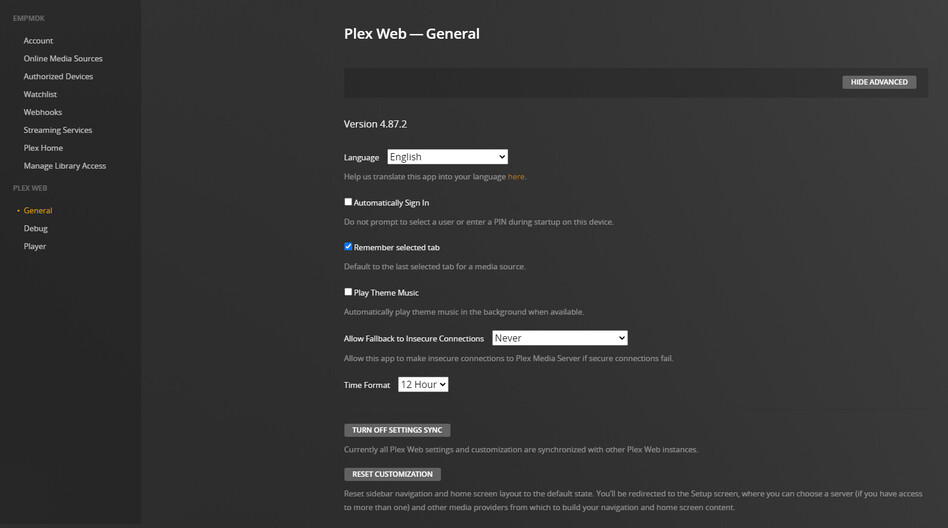
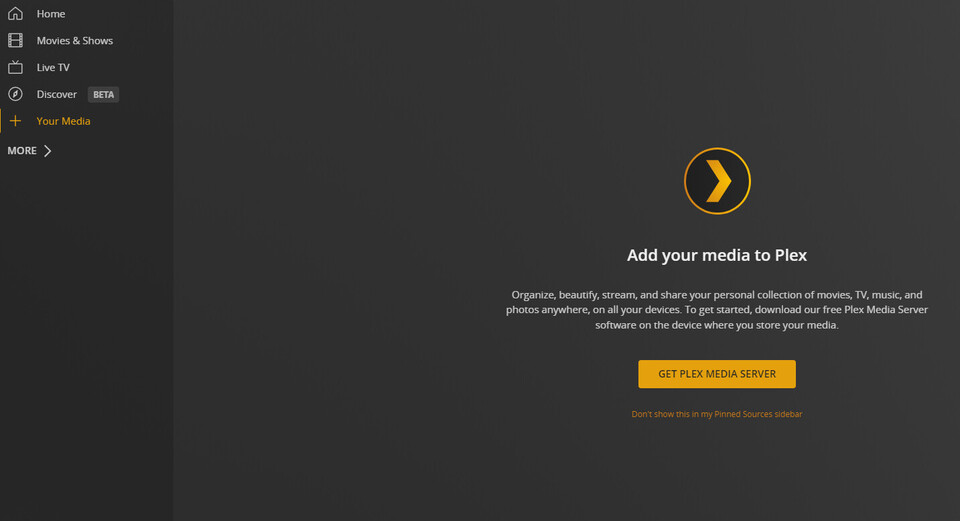
Also, the settings page has no option to claim. I have tried uninstalling & reinstalling with the rpm on my CentOS VM, running this script again, same result.
Is your VM on its own subnet or is it a peer to your computer on the LAN ?
e.g.
Computer: 10.0.10.5
VM: 10.0.10.6
-or-
Computer: 192.168.1.5
VM: 10.0.10.6
It is on an 192.168.x.x address & was also accessible outside of my network.
Are you and it on the same subnet ?
That’s what I’m asking.
Addr range doesn’t matter as long as it’s RFC-1918 (which 192.168.x.x is)
Ok, I am using Putty. I enter the IP Address. It gives me a terminal that says:
Loginas: I type in my Admin user name It then says
/(IP Address/enter password: Then It wont take my password
Now, are you using a different program?
-
Control Panel → Network & File Services → SSH → Give the user account permission to SSH
-
Enable Home folders
-
My console log (I use SSH but Putty will behave the same)


[chuck@lizum bighammer.804]$ ssh -l chuck ts128
chuck@ts128's password:
[chuck@TS128 ~]$ whoami
chuck
[chuck@TS128 ~]$
Sorry, yes. Same subnet.
OK… time for stupid stuff  (( whatever is wrong will be silly stupid ))
Grab a tar.gz of the Logs directory under “Plex Media Server”.
Let me see it please .
@ChuckPa i cant even see directory contents/list files from ssh (probably my mistake but doesnt want to work)… however, preferences.xml sits in the Plex Mediua Seerver folder
from ssh it would look like jalas@L4G00N:/volume1/Plex/Library/Plex Media Server/
maybe those spaces are an issue too?
ls -la "/volume1/Plex/Library/Plex Media Server"
put quotes around spaces
-OR-
ls -la /volume1/Plex/Library/Plex\ Media\ Server
escape the spaces
PS: I did need to update the script for ASUSTOR. Check your copy versus the timestamp of what’s there now.
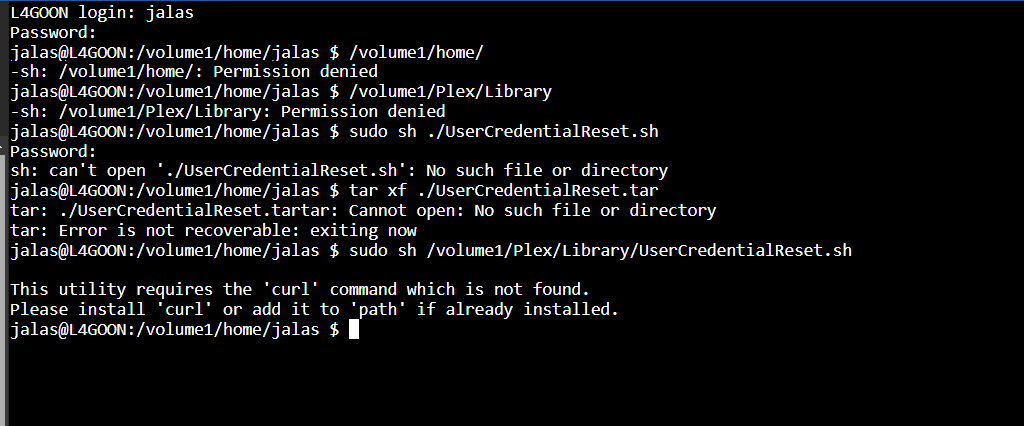
downloaded the latest. thx for the ls command, that works at least. 
