Server Version#: the newest
Player Version#:the newest
Hello,
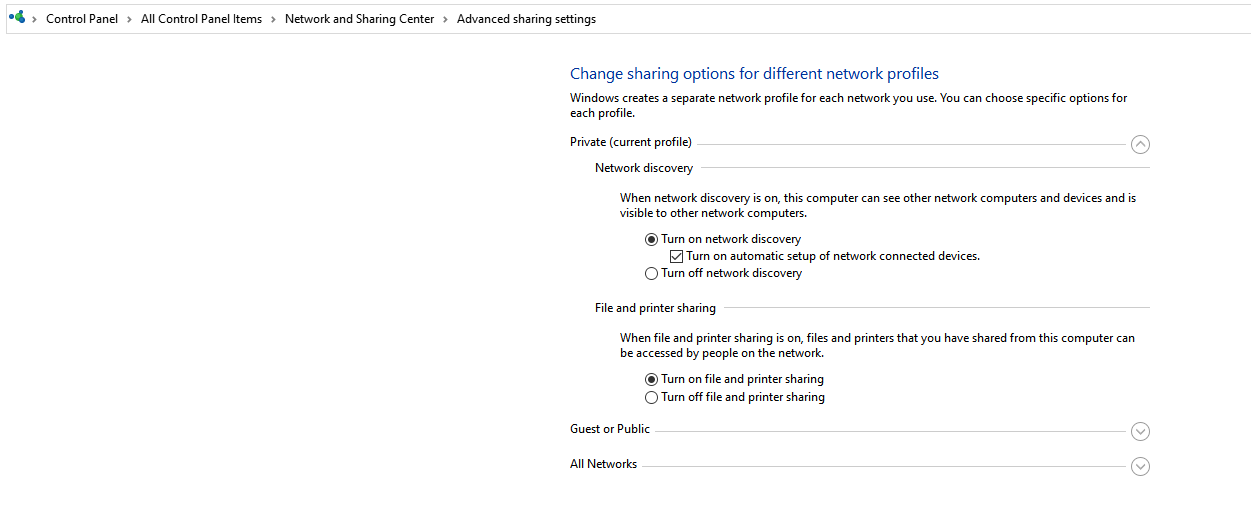
When the server is connected via ethernet, the plex players cannot connect directly (on the same desktop as the server it works fine), but when I remove the cable and turn on the wifi function, the server can connect directly and thus achieve good image quality.
Through the cable I can only get indirect connections, which causes the image to look terrible. This bothers me as I tend to do other activities on the laptop that require a wired connection while my family uses the plex. Is there any solution? Thanks for reading.
TV Web App settings:
Video → local quality = original
Video → remote quality = original
Advanced → allow insecure connections = on same network as server
Advanced → prefer insecure connections = on same network as server
DNS: Cloudflare
Plex Media Server settings:
Network → Enable server support for IPv6 = off
Network → secure connections = preferred
Network → preferred network interface = any
DNS: Cloudflare
Connection:
Only one dhcp activated