Server Version#: 1.26.2.5797
Player Version#: 4.82.1
Hey, for some reason at some point I think my server metadata/logs started again or has got split, as when I’m searching or doing anything in plex, I’m seeing 2 versions of the same server, and some data is on one of them and some on the other, but it’s the same server and library in question (Plexflix2021 - Movies). So it’s like it’s been split. I have a separate library for Disney and that is fine. I’m wondering if it has something to do with the metadata files on my windows PC?
Can someone help me to fix this please?
I’ve attached some links of pictures I’ve used as an example. I’ve just used Johhny Depp as my example, but it’s the same issue for any actor or search:
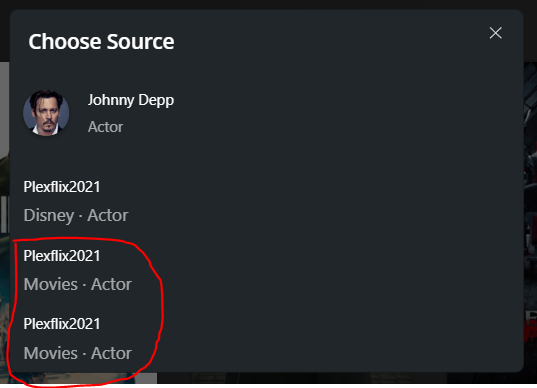
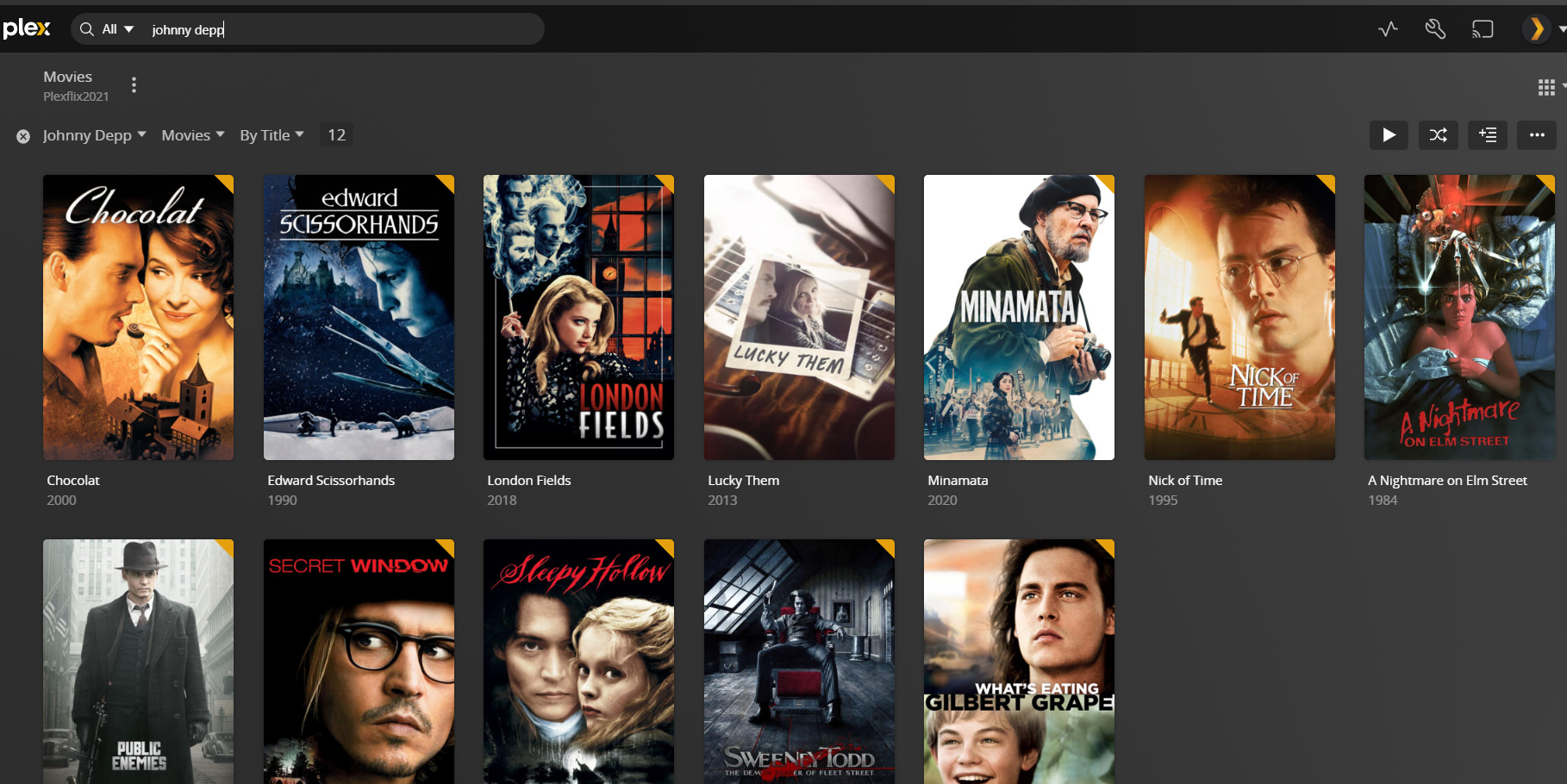
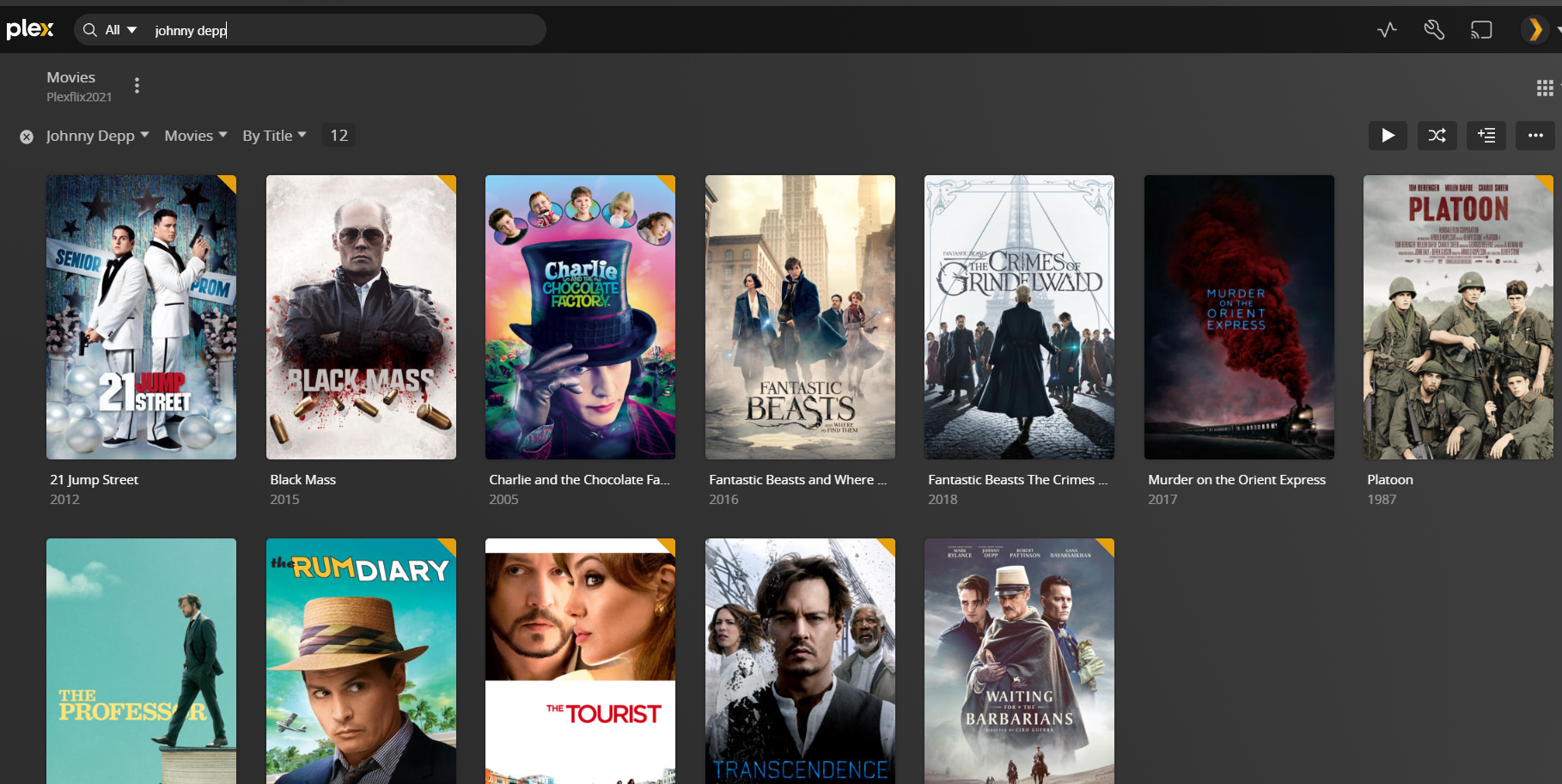
I also downloaded the server logs as a zip, and attached it as a reply comment below.
Thanks in advance,
Tom
Try refreshing the library metadata and subsequently optimize your database (from the troubleshooting section in your server settings)
Hi, thanks for the suggestions and quick reply.
I should of written what I’ve already tried.
So I’ve read the forums and tried all of the things I can in the web interface,
like refreshing, optimizing, troubleshooting, logging in/out etc.
I feel like this has happened in the actual folders on my pc, and not plex itself.
I’ve had to move the metadata folder a few times over the years and reinstall windows for various reasons. I now have a SSD drive (E:) purely for the metadata that is separate from the plex media server install (C:). Maybe this is the reason. But how would I fix it? :S
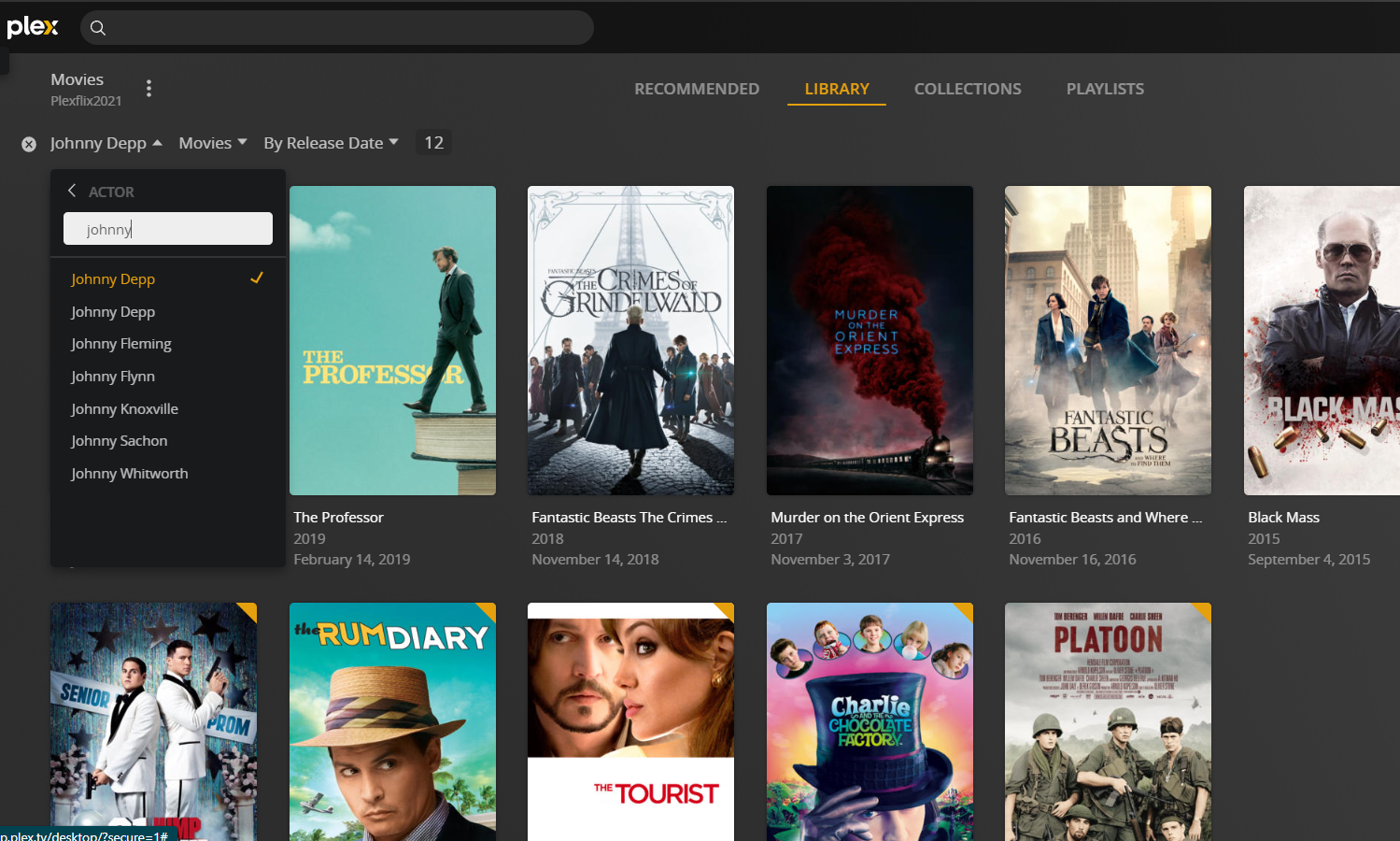
Even if I go to the library (Movies), and filter there, I see the actor name twice inside the same library. So I have 24 Johnny Depp movies in total, but there’s 12+12 in the library:
I’m so confused :S
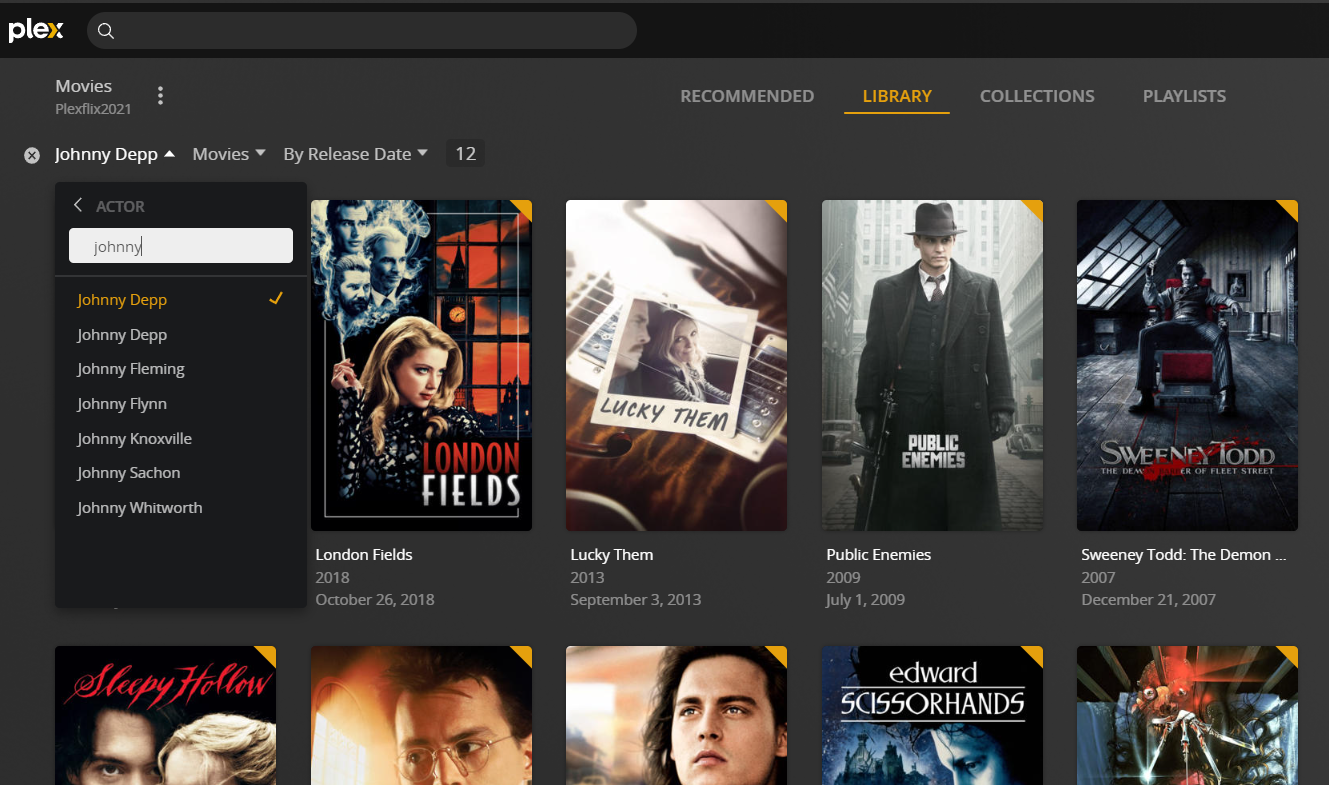
Oh, I’ve realized now where I needed to refresh the metadata, so I believe it’s fixing it now, but will take some time, thanks for the help 
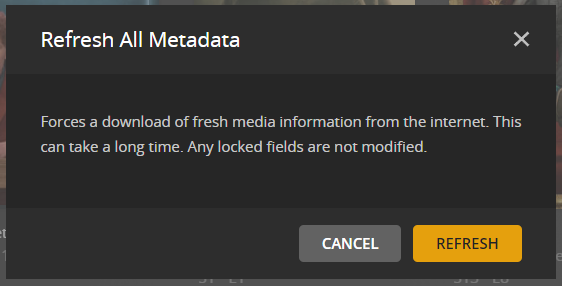
This usually means you changed the library default agent at some point without refreshing the metadata. This way, previously available movies will use old identifiers for the movies but also cast and crew. New movies on the other hand get a different ID for the same cast members.
Hence the two separate entries for the same actor.
Thanks for your help, seems to be fixed now
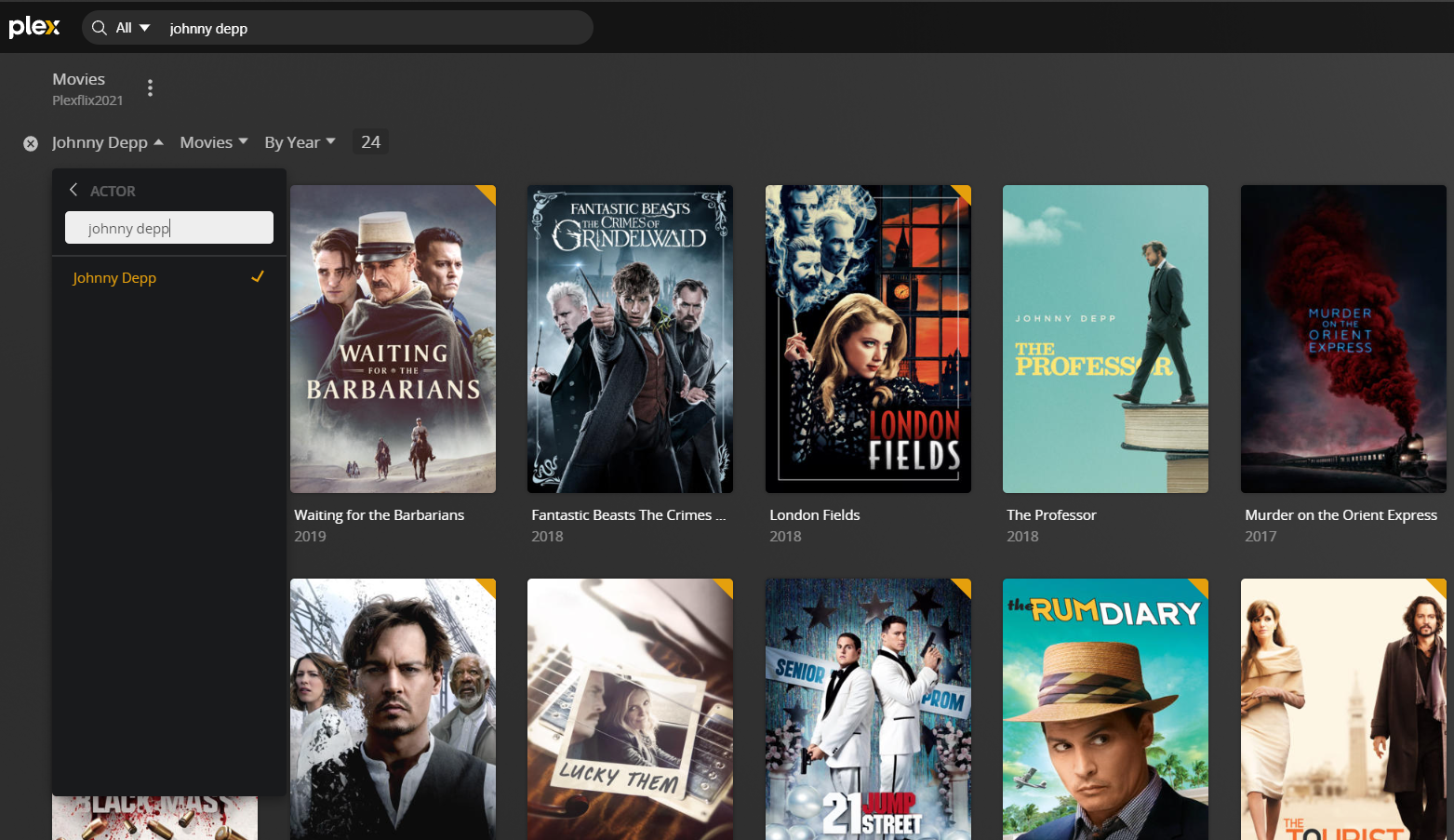
All 24 movies under one name, hopefully it’s fixed everything.
The only thing is, some of the metadata that I changed manually has now reverted back, so I’ll have to spend some time going through it all again, but that’s ok, I’m happy!
Make sure the “lock” next to a field is actually set after manually editing the metadata. I’ve experienced that copy&pasting some text does not trigger the lock.
