Server not Available after move to new server

Hello,

i moved my Plex server according to this Document: https://support.plex.tv/articles/201370363-move-an-install-to-another-system/

Both systems were running Debian 11 and plexmediaserver 1.30.0.6486-629d58034.

I changed the Port forwarding on my router from the old internal ip to the new one and checked that i can reach the plex server from the outside (using my external IP and port 32400).

The Settings page of plex, when accessed over the internal network IP or the external IP (also tested from a different internet connection) shows that remote access should work:

But when i access it over app.plex.tv all library say that they are offline:

How can i make this setup work again?

When I look at heartofgold at Plex.tv, I see:

PUBLISHED NO 
LOCAL ADDRESSES 192.168.178.15

Enable IPv4 please, disable the IPv6 default if you can.

Turn Remote Access OFF and then back on please.

Plex.tv does not yet support IPv6 fully.

I also found:

  1. You have used several certificates in the past few days. (4 of the allowed 5)
  2. To avoid any issues, I reset your certificate for you.
  3. Please restart the server and apps so you have the newest certificate.

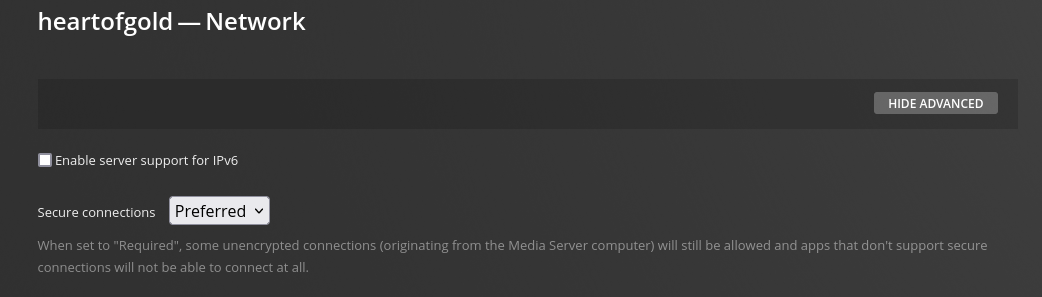
I disabled the IPv6 support on plex:

then i disabled remote access and enabled it again und restarted the Server.

Now i get this message:

grafik

Dos this have anything to do with your mentioned certificates?

Disable IPv6 on the host.

The host system is where the IPv6 originates.

This topic was automatically closed 90 days after the last reply. New replies are no longer allowed.