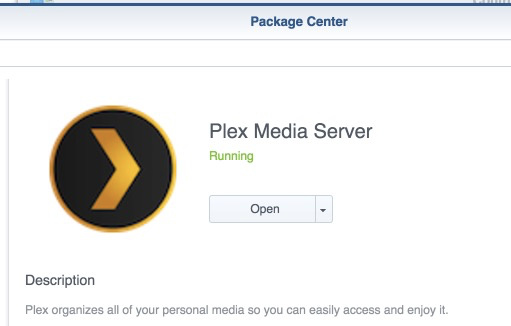
I’ve installed Plex onto my Synology, and launch the URL (:32400/web).
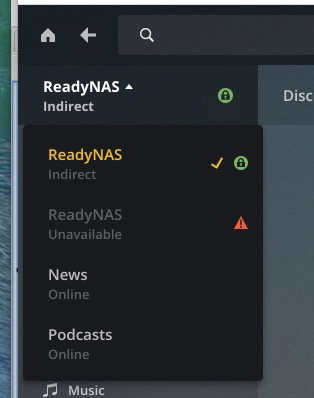
I log in (Plex Pass account). But it always seems to behave like the Plex client; meaning I can browse Plex on my ReadyNas and configure it, but I don’t seem to see my new server on the Synology?
OK, so cleaned everything up, installed the version you pointed me to, and it all appears the same.
I also took the liberty of completely uninstalling Plex from the ReadyNAS so it doesn’t get confused.
But I am still just seeing the ReadyNAS (I actually now understand why it showed two; one is mine and the other is my Dad’s, which I manage for him. So, now I see one ReadyNAS as indirect and one as unavailable - I just removed that server)
Whoa. so I do get to the wizard, but it appears to be the server on the ReadyNAS (which I just removed). I notice that when I browse folders I see the ReadyNAS folder structure…
Just shut down the ReadyNAS…
so I can get to the manage page and login. then I get this:
oh, it must still be connecting to my Dad’s ReadyNAS. jeebus. That makes no friggin’ sense.
I am going through my DDNS (no-ip) I am able to use that to ssh to my DiskStation and to my Plex server.
And just FYI, Storage is the name of my DiskStation, my Dad’s ReadyNAS is conveniently named ReadyNAS. So it did properly detect the server name Plex is currently running on. I guess it is just confusing it with my Dad’s server?
And I was using Chrome, tried it on Firefox with same behavior