Server Version#: 4.66.1
Player Version#: n/a
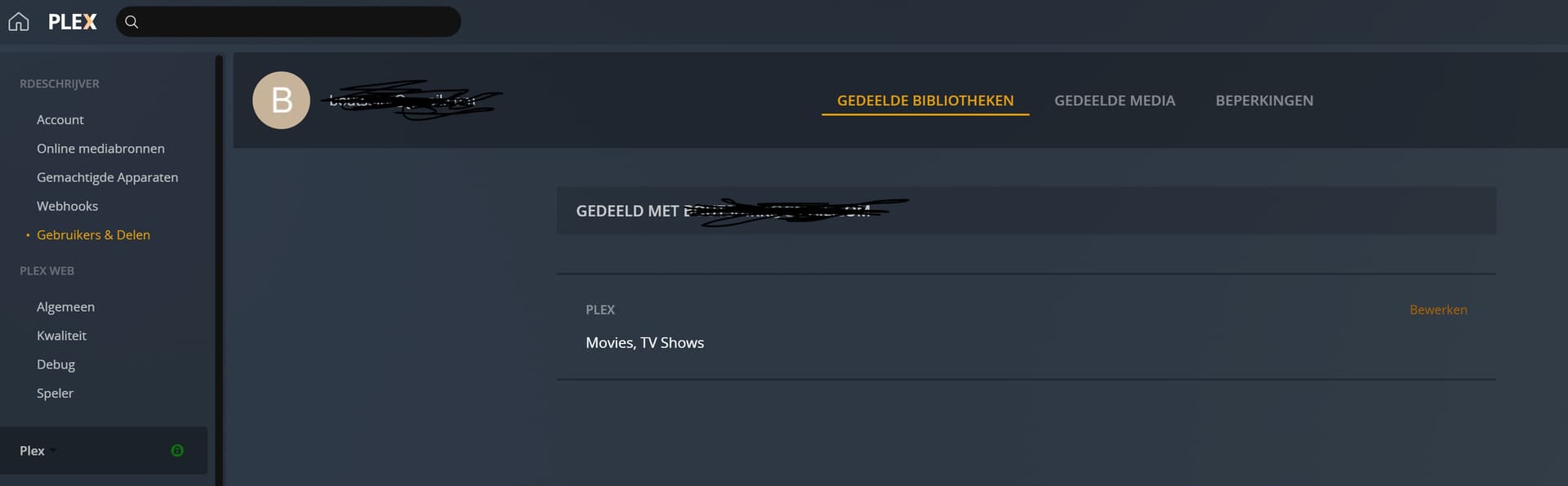
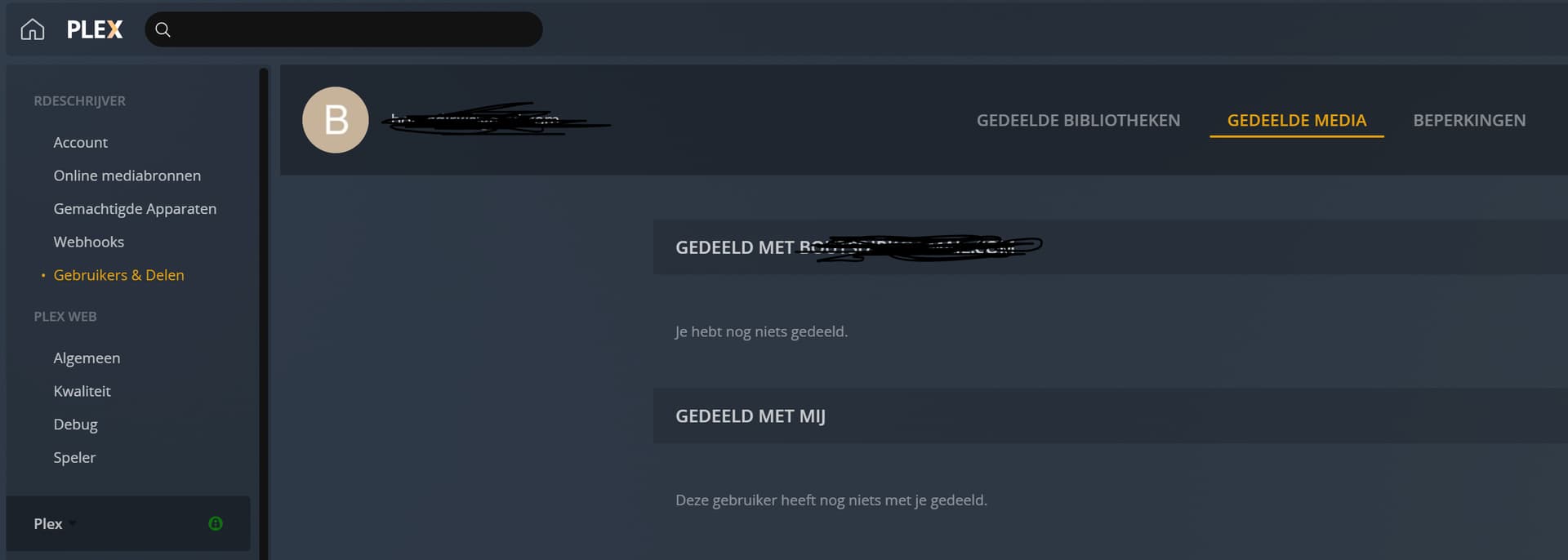
I’ve ran Plex from a QNAP server for a few years now and were always able to share libraries with friends. However, since an update (not sure which one) this doesn’t work anymore. On the shared Libraries tab I can see which libraries are shared, but when switching to the Shared Media tab, nothing shows up and my friends are unable to see shared media on their account.
I have already deinstalled the complete Plex Media Server from QNAP including removing all folders, reboot, reinstalling etc. But for some reason the Shared Media tab stays blank when adding libraries to share or even individual media files.
Also, I have no limitations or restrictions set for them.
How to solve this?
You didn’t merely perform an update. You performed a new installation which gave your server a new identity.
As a result, the old shares are no longer valid.
When you look at https://app.plex.tv/desktop/#!/settings/users-sharing
click on one of your “FRIENDS”.
Seek your server’s “friendly name” and click on the Edit link left of the server name.
Now fill the checkboxes for the variouis libraries on your new server accordingly.
I performed an update, then it stopped working and I couldn’t figure out why. So then I performed a new installation. So you are correct, at the moment it’s a new install but the problem is still there.
When I follow your instructions, there is no way to click edit left of the server name. I have tried re-adding the libraries by selecting the checkboxes again from the correct server, but they just don’t show.
Could you show me a screen shot?
Screenshot 2 is exactly how it is supposed to look like.
Do the same with the remaining friends.
I also notice that this user has now joined the 2 managed users who already had access to your new server.
So whatever you did to make it so, it was the right thing.
in pic3 nothing is showing as shared for that user and he is unable to see any shared items. Pic2 looks good but its not actually sharing those items
So it might look ok, but its not working.
There are no items listed in there because you did not use “single item sharing” yet.
Yes, I explained above that the user is now listed among the sharees of your new server. He appeared shortly after you posted this screenshot. So you must have done something, and it as the right thing to do.
If the user tries again to access your server he should succeed now.
BUT: He might have to click on MORE in his left side bar and then select your new server named PLEX from there. His “pinned” items are probably still connected to your old server.
OK, so I understand that pic3 only shows individual items, rather than complete libraries like pic1 and 2. The only thing I changed was the name of the Plex server under Settings > General > Name
As of now, a second one of your friends is back.
Please open the section in screenshot 2 for the remaining friend and toggle some of the library checkboxes back and forth.