I see this is not working or it’s different now. A user has a video on Plex paused for a week and according to the graph it’s using my server CPU and such. How can I shut this off on him? I remember I used to be able to do this and send a message also.
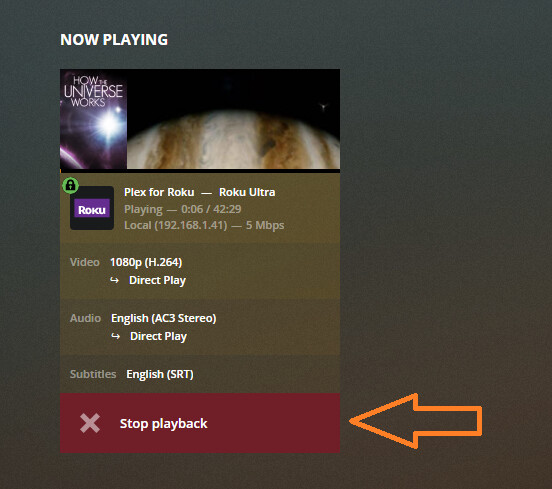


What client is that?
There’s a setting (which @JuiceWSA mentioned): Settings → Network → Terminate Sessions Paused for Longer Than.
I wouldn’t recommend setting it very low. Perhaps 3000 minutes (just over two days) or so.
Some clients (Apple TV) have occasionally behaved poorly if a paused session was terminated out from underneath them.
I’m the administer trying to shut it off on a user. Hovering over the name does nothing. Tried with firefox and chrome.
They’d better work out whatever the problem is in 5 Minutes…lol
All the possible clients here are Roku Ultras, a Firestick and some other Amazon thingy. Everyone knows not to pause, but just in case - that does work as advertised.
That sounds like a bug.
It just worked in a test using Chrome and Plexweb, playing on a Roku Ultra - local network.
Agreed - I’ve never had a problem on Roku. And many of my users are on Amazon-flavored things.
I don’t notice paused sessions using any CPU or other server resources that I care about. Even a transcoding session only uses a little bit of disk space while sitting there idle.
what version of web app are you using. Does it do the same from https://app.plex.tv ?

4.60.2
You’ll only see the option to terminate that session if hovering over the user name section at the bottom of the now playing tile.
I was using:
1.23.3.4707
Worked on that one.
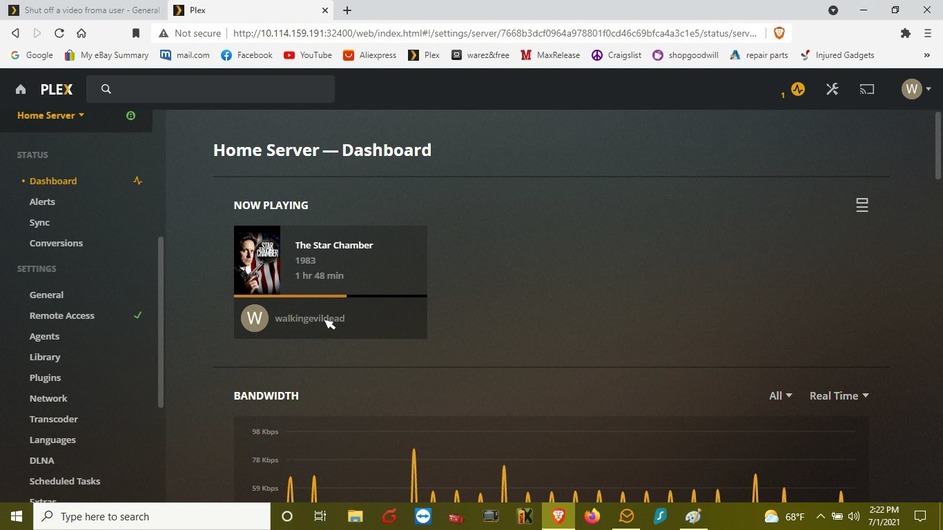
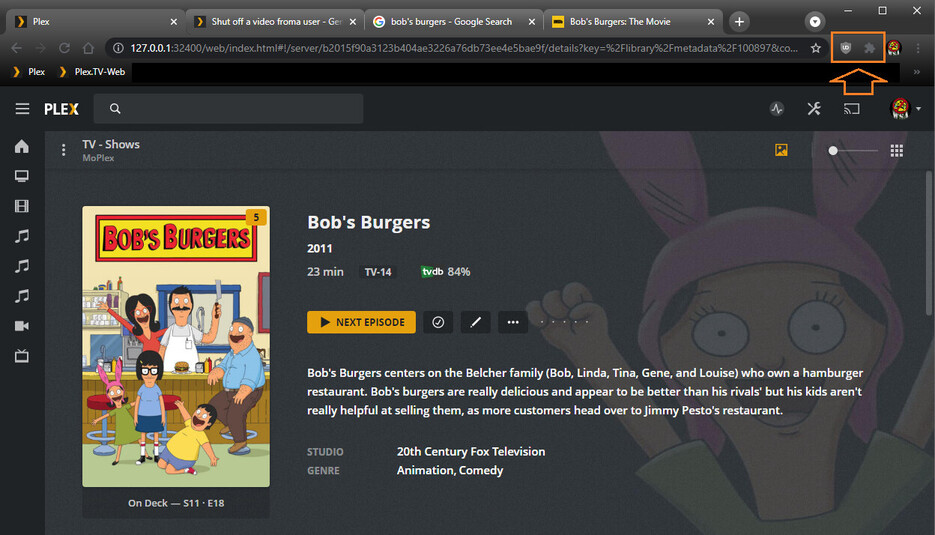
Do you have any browser extensions, etc running. Have you tried in an incognito/private window
Just tried private window and same.
can you please try from https://app.plex.tv not the local one. I think we may need to see console logs but I would also try restoring defaults in debug settings.
Same issue from there.
Take a look at the second screenshot which @JuiceWSA posted above.
Set the option to e.g. 20 minutes, then stop and restart your server.
After 20 minutes the session should be automatically closed.
