A couple of days ago I moved my Plex Server installation to a new Windows box. The previous installation had “Skip Intro” working with no issues. Every since moving to the new server, that function is no longer there on TV series that it showed up on previously. I have have run the analyze function on all of the episodes. Any idea what might a solution be?
Skip intro is annoying to try to process manually. I suspect that Plex is still churning through your library’s intro slowly, as it only does that automatically during maintenance.
IIRC, you can trigger it manually, but it’s not intuitive. You cannot just select a show and hit “Analyze”, you must select the episodes individually. Try going to a season of a show, and selecting each one by clicking the selection circle that appears to the left of the number of episodes in the season:
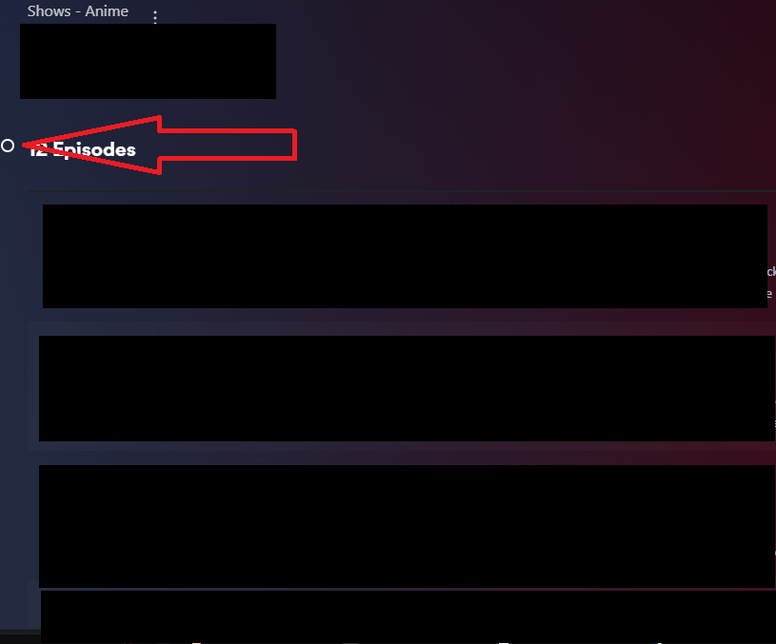
Hit analyze in the golden box that appears at the top of the page. Monitor the activity icon in the upper right of the page, does it indicate it is scanning intros?
Thanks for the help in troubleshooting. I turned my server off to place it in its permanent location and when I turned it back on, Plex was “detecting intros”. So, hopefully we are good.
