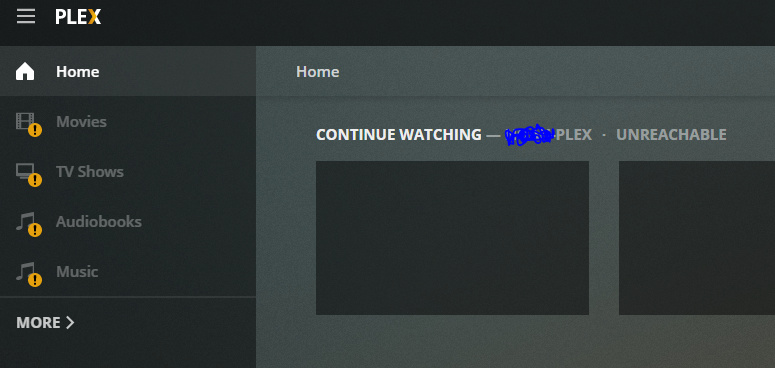
Server Version#: 1.16.4.1469
Player Version#: 4.0.1
I’m running Plex via docker on Unraid. Using pfSense and have a static IP. Literally every player can reach plex via secure connection except Plex web. I can even access securely through my domain at “plex.mydomain.com.” Roku, Android, iOS and UWP app are all connecting securely.
pfSense has the DNS resolver connection set correctly. NAT port-forward is working correctly.
I’m generally ok getting on the server, but I’m assuming its a simple setting that I missed. Last I remember, I was good to connect through app.plex.tv before update to 4.0.1 (or 4.0.0 if I missed that).
The best way is to go to the Debug page in settings, ensure it’s set to “Enabled” Go back to the home screen, refresh the page, then go back to the debug page and click the “You can view the debug logs here” link.
This redacts your token, but if you’re concerned about other identifying info like IP or machine identifier then there’s not much you can do aside from manually scrubbing those, and depending on how you do that it could reduce the usefulness of the logs
Welp - as I suspected, it really was a simple fix. I was combing through the console and noticed a bunch of random strings and UI that were missing or being blocked. At that point I caught out of the corner of my eye that Privacy Badger had a number of things also being blocked. Somehow, all FOUR of the browsers that I was testing on yesterday had PB installed. Disabled the plugin for that site, and I’m good to go.
Of course it was that. Plex Web is working fine now. Sorry for the hassle and theank you both for the help!