Is that the same video file on the same server or different servers? Which versions of PMS (on what platform) and player apps (e.g. hosted web app vs. bundled web app)?
Also… what information about the media do you see in … > Get Info > View XML?
Or do you experience this behavior on Plex‘s own video-on-demand service?
I have my own media on an UNAS Pro from Unifi. I use the plex media server on a Windows 11 64bits machine. I’m running Version 1.41.2.9200 video is only playable on the Android TV app or all the others apps, but not on the web app.
I don’t use on-demand.
But VLC Player on my computer couldn’t play the same media either.
The following I get from view XML: see attachment MediaContainer size=1 allowSync=1 i.txt (6.3 KB)
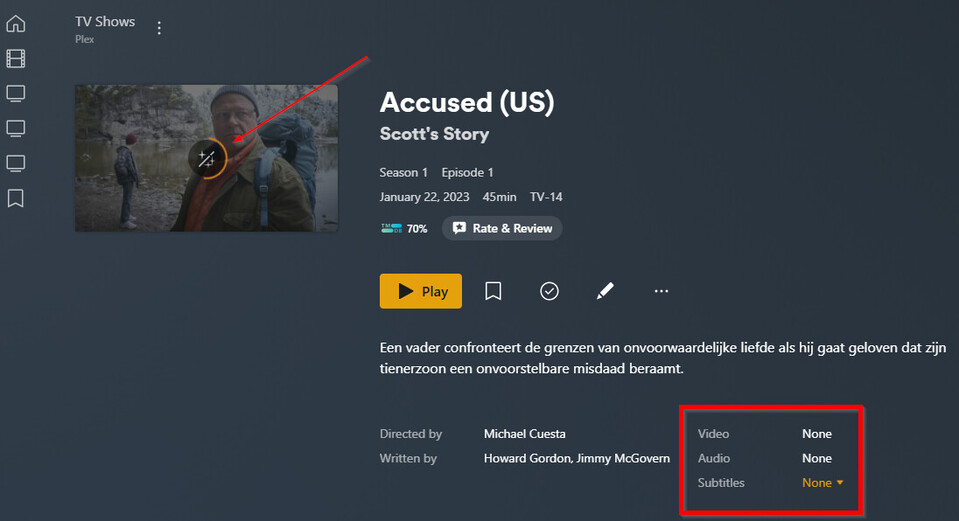
Plex doesn’t recognize any media tracks in your file.
There should be Stream elements inside the Part, but it’s empty (no video, no audio, no subtitles).
You’ve said the file isn’t playing in VLC either – so my guess is you’re dealing with a bad file.
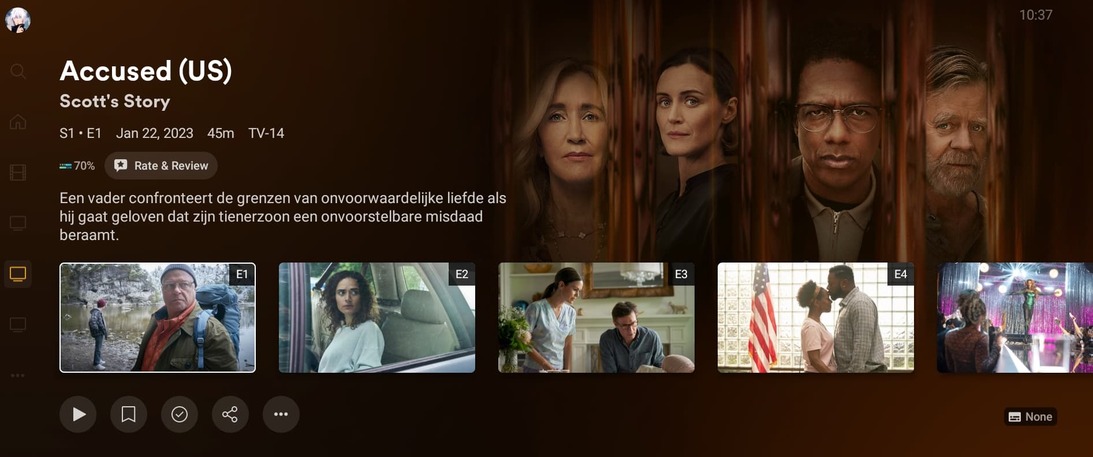
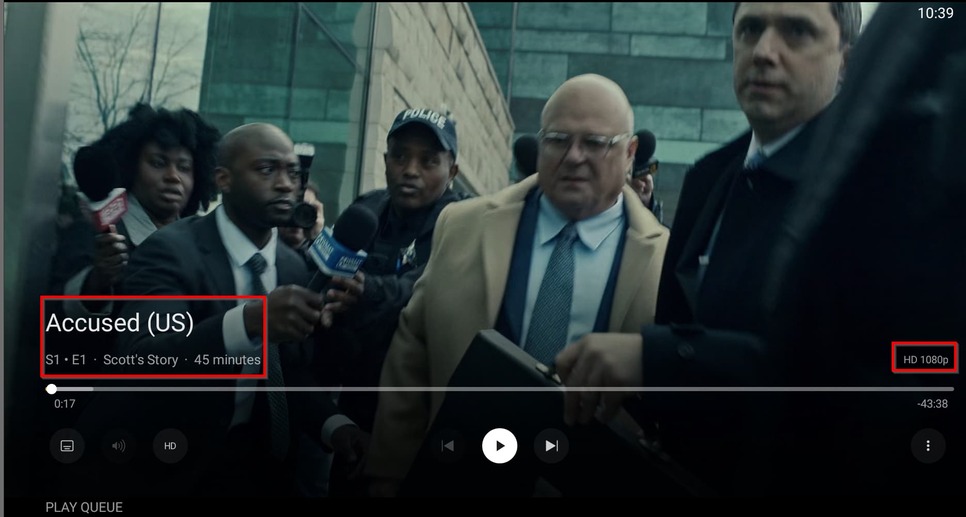
But it’s weird because you also said, it’s working fine on the Android / Android TV Plex clients.
According to those logs, you’ve run a lot of parallel activities. The server was busy detecting intros / scanning your library. In between you triggered the analysis of individual episodes. The analysis seems to have finished within 1-2 seconds – maybe the icon got stuck because the library was being analyzed and the item was still in queue to be analyzed.
The logs are also showing that the analysis fails due to some issue with the file.
That doesn’t have to mean the file is entirely corrupted – it could simply be that some parts of the container are corrupted while the tracks themselves are fine. It appears, the Android app is happily streaming on with or without valid analysis while the web app depends on the analysis data for certain playback decisions, hence failing to play.
You could try to run the file in question through MKVToolNix (or another remuxer). This should copy the tracks into a new container – you could check if the analysis works ok if you replace the original file with the remuxed one.