I was using a usb hub to stream from and shows would sometimes randomly become unavailable because the hub would sometimes randomly disconnect from my computer and change the letters of the drives making the paths incorrect. Someone on reddit told me that it is bad to leave flash drives active 24/7 so I bought a 2 tb SSD drive and after transferring 2 folders successfully it started giving me nothing but absolute bullshit - constant “unexpected errors” preventing me from copying or deleting files or folders. Constant “s1001” on randomly episodes and once an episode gives me that error it will continue giving me that error no matter what folder it’s streamed from. I never had any of these problems with the USB hub other than the occasional disconnections and drives changing letters. I would also like to point out that my computer is kept in a room that Im not allowed to enter past 7 pm because it is directly above the bedroom of my high-maitenence downstairs neighbor/landlord/sister so I am extremely pissed and need someone to help me figure out how to get this stupid sad to work properly. I am not tjat tech savvy so chances are whatever solutions you give me will be nothing but a bunch if jargon I have no idea how to do
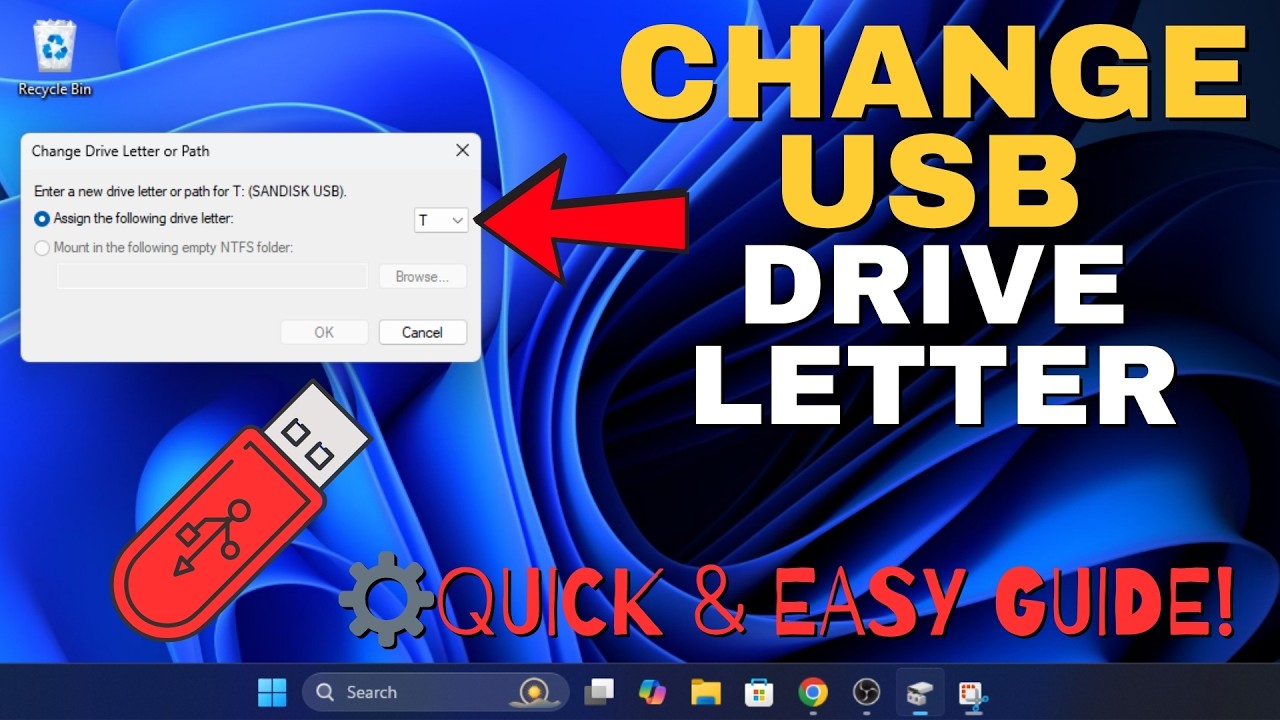
You can assign a “fixed” drive letter to external drives. As long as there are free drive letters available, this will prevent them from getting a different drive letter assigned, after they have been removed or temporarily swapped out.
For a better reliability, you could switch away from using external hard drives.
Higher storage capacities are available with “internal”-style hard drives anyway.
There are cases available, which can house from 1 to ~8 internal drives.
These are sometimes called “DAS”-units and are connected as a whole per one USB wire.
(as opposed to “NAS” units, which are connected per network cable)
I don’t think that is true in that general sense. It largely depends on the construction and the cooling of that drive. After all, most modern PCs have an internal SSD as their primary storage, which is pretty much continually powered on in a server device.
To add. If you are having issues with the hub, it won’t matter what type of drive you use. Try getting another hub, or if possible connect the drive directly to the computer instead of a hub.
Also, is it a powered hub?
Hi windowshadecure
I too use a USB hub but, in my case, I use it to add more ports and connections to my laptop.
However, I found that when I ran into problems using my USB hub, those problems were caused by a faulty USB drive, which almost made my entire hub unusable. Once the faulty drive was removed, the hub became a solid part of my computer kit.
Just remember, some brands of USB drive are less reliable than others, so check the reviews before purchasing anymore drives.
UK Bob
