Thanks for taking the time to look into this.
All my artwork is local assets - poster.jpg and fanart.jpg. I then have Use local assets enabled on my libraries. I’m not talking about locked artwork in this example. Anyhow, this is what happens for me …
Add a movie - in this example I’ll use \Borderlands {tmdb-365177}\Borderlands [1080p HEVC].mp4. Here is exactly how it appears on disk …
[mcurran]-[dokuro]:/data/MediaServer/14b-Movies/Movies from -> 0-D/Borderlands {tmdb-365177}$ pwd
/data/MediaServer/14b-Movies/Movies from -> 0-D/Borderlands {tmdb-365177}
[mcurran]-[dokuro]:/data/MediaServer/14b-Movies/Movies from -> 0-D/Borderlands {tmdb-365177}$ ls -1
'Borderlands [1080p HEVC].mp4'
fanart.jpg
poster.jpg
[mcurran]-[dokuro]:/data/MediaServer/14b-Movies/Movies from -> 0-D/Borderlands {tmdb-365177}$
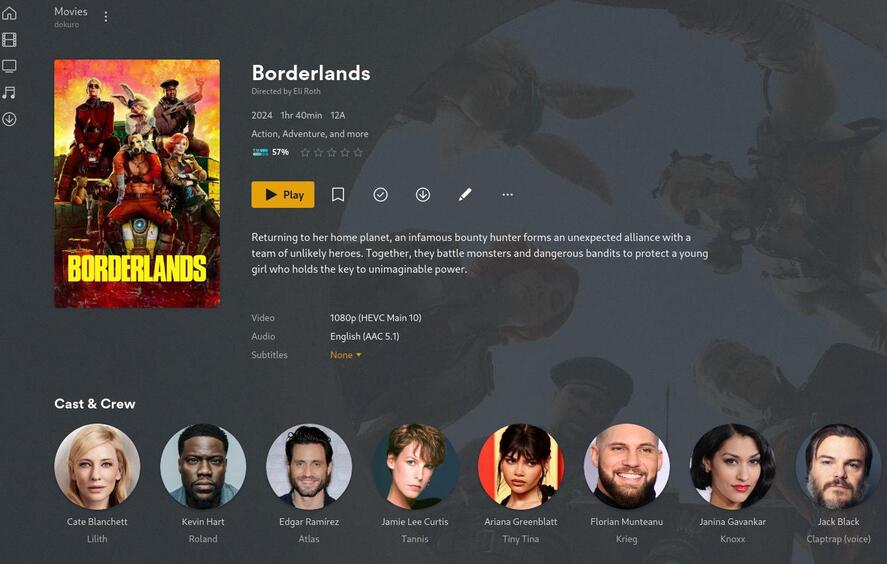
I have a movie in my library and the poster and fanart I have added appear fine. No problem so far …
Now, lets change this to \Borderlands 2024 {tmdb-365177}\Borderlands 2024 [1080p HEVC].mp4 (again, name does not matter as long as it changes).
[mcurran]-[dokuro]:/data/MediaServer/14b-Movies/Movies from -> 0-D/Borderlands 2024 {tmdb-365177}$ ls -1
'Borderlands 2024 [1080p HEVC].mp4'
fanart.jpg
poster.jpg
[mcurran]-[dokuro]:/data/MediaServer/14b-Movies/Movies from -> 0-D/Borderlands 2024 {tmdb-365177}$
Now perform a scan for plex to pickup changes. Once this completes the poster will change to being either blank or the default cloud poster from plex and the fanart will be removed (see screenshot):

Doing a metadata refresh does not restore the local assets.
To workaround this I can edit the movie in plex and tab down through poster (tab not an actual poster) and background (again, just the tab not an actual background) and select cancel. Refreshing the metadata then picks up the local assets again.
As I’ve just done this now I have collected the logs if you want them. I can send them via a DM.
