Hello,
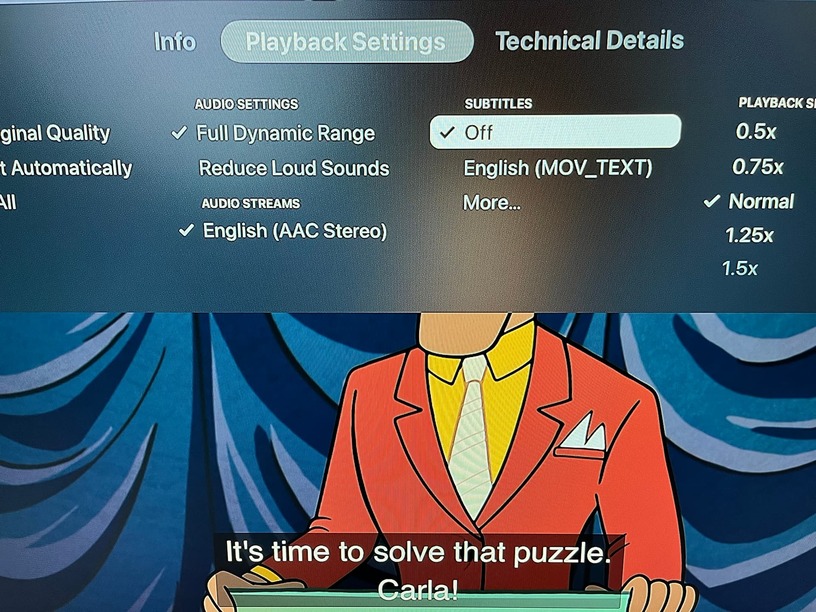
I’ve been having subtitles issues with Plex on Apple TV. The subtitles automatically display on screen even though the setting shows as off. If I turn the subtitles on, and then off, the subtitles go away. This happens with every single video I play.
This was never an issue until I watched the movie Shang-Chi and the Legend of the Ten Rings, which has an opening scene is non-english. So I turned on the subtitles in the Plex setting for that movie.
Now every video display subtitles, until I turn then on, and then off again.
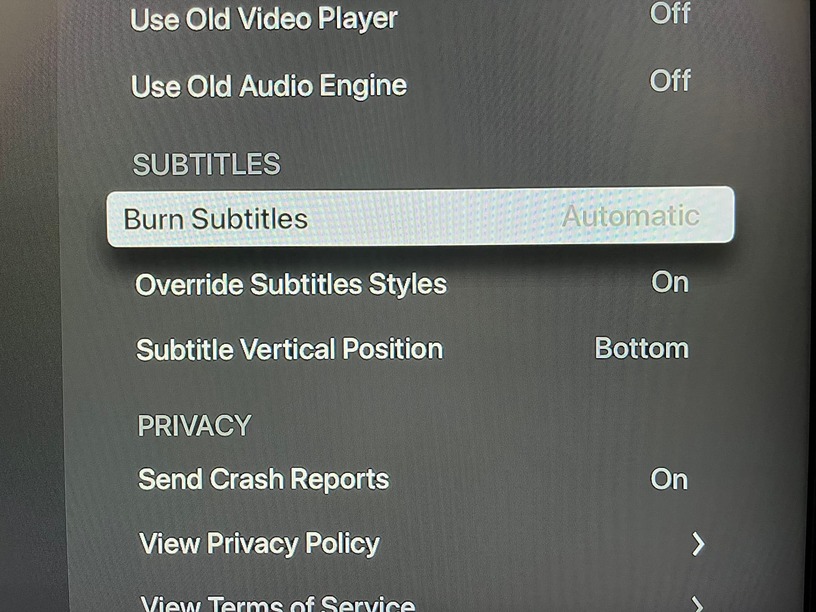
My subtitle setting in Plex on Apple TV for Burn Subtitles was set to Automatic when I watched Shang-Chi and the Legend of the Ten Rings. I’ve since tried adjusting the setting between Automatic and only image formats to see if that solved anything, but it didn’t.
Current Plex Setting:
My setting on the Plex web app are:

I could use some guidance. Please help!
Thank you.
