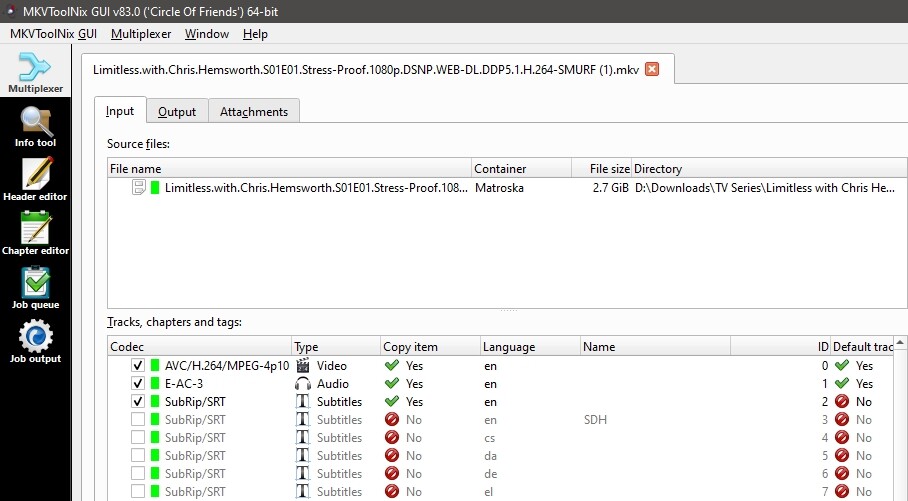
Still happening on my end, still the same thing, audio and video looks like artifacts when subtitle setting is set to Automatic and there’s more than 30 languages. If I change to always it works OK, but does not display my chosen color.
And now I have 2 new bugs.
When I delete an Episode form the TV interface, if that episode is the last item I have, it does not go away until I leave that screen. It used to go back to the previous screen which is the overall TV Shows screen.
This one is really annoying, whenever I delete an episode, and the next one is selected, the description, as in episode number, name, etc., it does not update immediately, it takes about 30 seconds until it does.
It takes just a couple of minutes per file, on a semi old PC, and creates a new duplicate video file, without the removed stuff, that works fine on Plex, no bufering, no hungup at the 95% play mark, no need for Always subtitle setting.