Server Version#: 1.42.2.10156 (Win11 NUC)
Player Version#: 10.30.6.4151 (AndroidTV)
Plex Server running on Win11 NUC, Plex client running on Shield AndroidTV, All Cat5. The majority of my content comes from the arrs.
Subtitles have worked since forever, until this week. When I attempt to select subtitles (SRT, SDH, forced…), I get a playback error immediately. Switching back to NONE fixes it. Most (but not all) titles seem affected. Edit: I notice older titles with PGS subtitle play just fine.
Not sure what might have changed at my end. I don’t think I dinked with any settings.
I’ve been having this same issue. Workaround exists but it’s weird.
I’m running Plex on a Proxmox setup. Plex is installed through TrueNAS Scale as an app. My library is stored on a ZFS dataset. The structure is simple:
Plex/
movies
tv_shows
plex_config
All my media plays fine until I try to search for subtitles inside the Plex server. The moment I hit the subtitle search button, I get: “There was an unexpected error during playback.” Playback stops and the video won’t load again unless I back out and restart it.
The weird part is this: When I sign into plexapp.tv in a browser and run the same subtitle search from there, it works with no issues. So it looks like my Plex server on Proxmox/TrueNAS is the one choking, not the client or my account.
Nothing unusual in my network. Proxmox host, TrueNAS VM, Plex app. Normal LAN. No VPN on the server.
I’ve already confirmed:
Other media on the server has the same problem.
Playback works fine as long as I don’t touch the subtitle search.
External SRT files load if they’re already in the folder.
The issue only appears the moment I try to pull subtitles through the built-in search.
Since plexapp.tv can search subtitles normally, it feels like either the Plex app on TrueNAS or something in the local server environment is breaking the subtitle fetch process.
If anyone has seen this recently or knows what server logs I should pull, point me in the right direction.
Same issue on same Server version. For some videos trying to enable hardcoded or external SRT subs on my AndroidTV immediately crashes the playback, but works fine on my PC, both pulling from LAN server.
Tried with an optimized version and playback didn’t crash, but subtitles didn’t show, either.
Some progress. After reading the other thread about this issue I changed settings on the player to always burn subtitles (previously on Automatic), and the video is playing now. Seems to be struggling with audio sync or buffering which isn’t common, but at least it plays.
I don’t know what video details are relevant, but “DDP 5 1 10bit H 265” mkv file
Doesn’t work to burn them in, still crashes when selecting subtitles.
Honestly, what the heck is going on here? “Plex app crashes playback when selecting any subtitles on Plex TV app” is a pretty high impact issue. It is happening on an LG TV, Google TV, Android phone …
Just here to say I’m having the exact same issue. In the Plex app on my LG TV, any time a subtitle is selected, whether an external file, or one found through the search function, a playback error immediately occurs. When no subtitle is selected again, it will play again, and it’s the exact same thing for multiple different movies/tv shows I tied.
The subtitles do work on my android app, and on my PC, so it seems to be exclusive to the TV app for me. An update/fix would be greatly appreciated, I haven’t been able to watch any foreign language content on my TV for months!
Same here. It appears that any attempt to add subtitles makes the movie unplayable. I’ve noticed if I turn them off then it plays just fine. Sometimes if I get it playing first, then turn on subtitles it does well. Sometimes subtitles will work for a while and then they just stop appearing, even though the movie is still playing.
I’m on (several) nVidia Shields (all the latest updates and version of Plex) and recently (say last few months) I’ve started to see a pattern: Selecting a particular subtitle works for an episode, possibly the next one too and then fails to load. If I then back out of Plex, go to Settings → Apps → Plex, clear the Cache and start Plex again, the very same subtitle will work! Hence, I suspect some state in the app gets clobbered and causes the load subtitle to work. Interestingly, if I instead run Plex on my Android phone and Chromecast to the shield, the subtitles are pretty much always fine - so the phone logic seems good, it is just the TV variant that gets confused. In my mind a well placed variable reset in the TV code should do the tricks…
Having the exact same problem. PC Server. Apple TV/ios clients. Crashes every single time. I did a fresh plex install and rebuilt libraries. It worked for a moment and then immediately started crashing again whenever subtitles are selected.
can someone please restart their server, recreate the issue, and then post their server logs? bonus points if you also give a minimum sample which reproduces the issue.
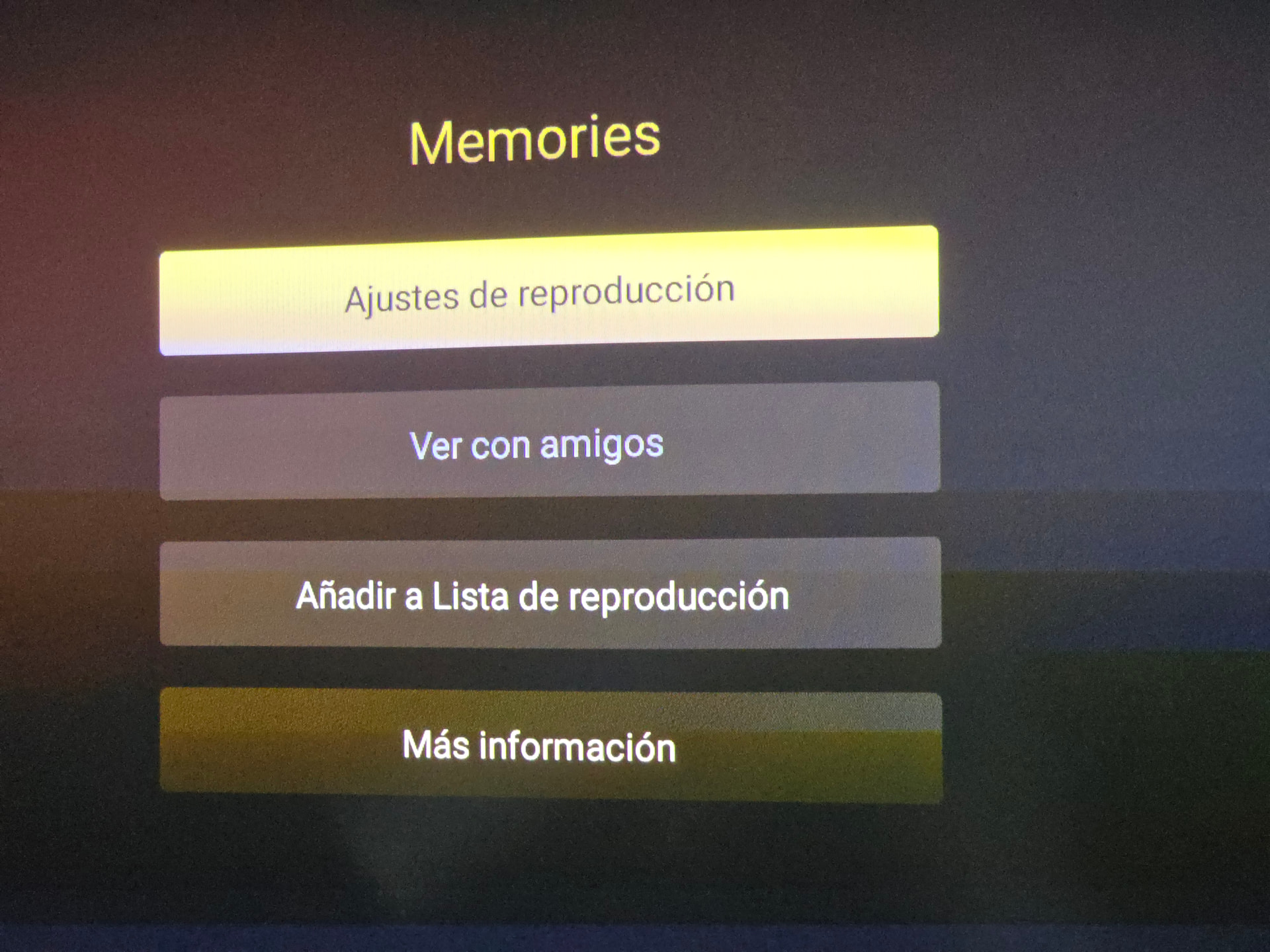
3- Then, I play the movie. In the menu of the movie (3 dots on the right) I change the adjustments of the reproduction. Usually it always does the automatic conversion and I think this is where’s the problem. Set it to original quality
Been having the same issues going on for months, I tried so many things to try and figure out what was causing the playback errors, everything from a clean install to getting all new hardware. I’m at my wits end on this. Is there any official fix in sight for this or should I just cancel my plex pass and move on to some other software, because as it is this is next to being useless.