Happy for anyone with this issue to jump in and share, but thank you for your curtesy, @highrolla32!
This is how you reclaim a stubborn server
There is MUCH CONCERN when you can’t connect to the server at all.
This is indicative of a DB problem preventing PMS from starting.
Attempting that now…
Thansk to @ChuckPa, the Dudest of Dudes, my Plex server is fixed! Five star!!!
Hi,
I’m having a similar issue, but before embarking on this journey (daunting for me) of reclaiming a server with your tool, I’d love to double-check if my situation fits its purpose.
I too can’t access my PMS on my Qnap NAS. It’s happened before but it was a while back and I stupidly did not take notes on the solution at the time.
When I click on the Plex Media Server app in QTS, it takes me to Plex, I login, but my NAS library is nowhere to be seen. My Apple TV doesn’t see the library, nor any of my other iOS devices.
When I click on the “+ Your Media” button in Plex, it just takes me to a “add your media to Plex” page, which is useless because I already have PMS installed on my NAS (the latest version).
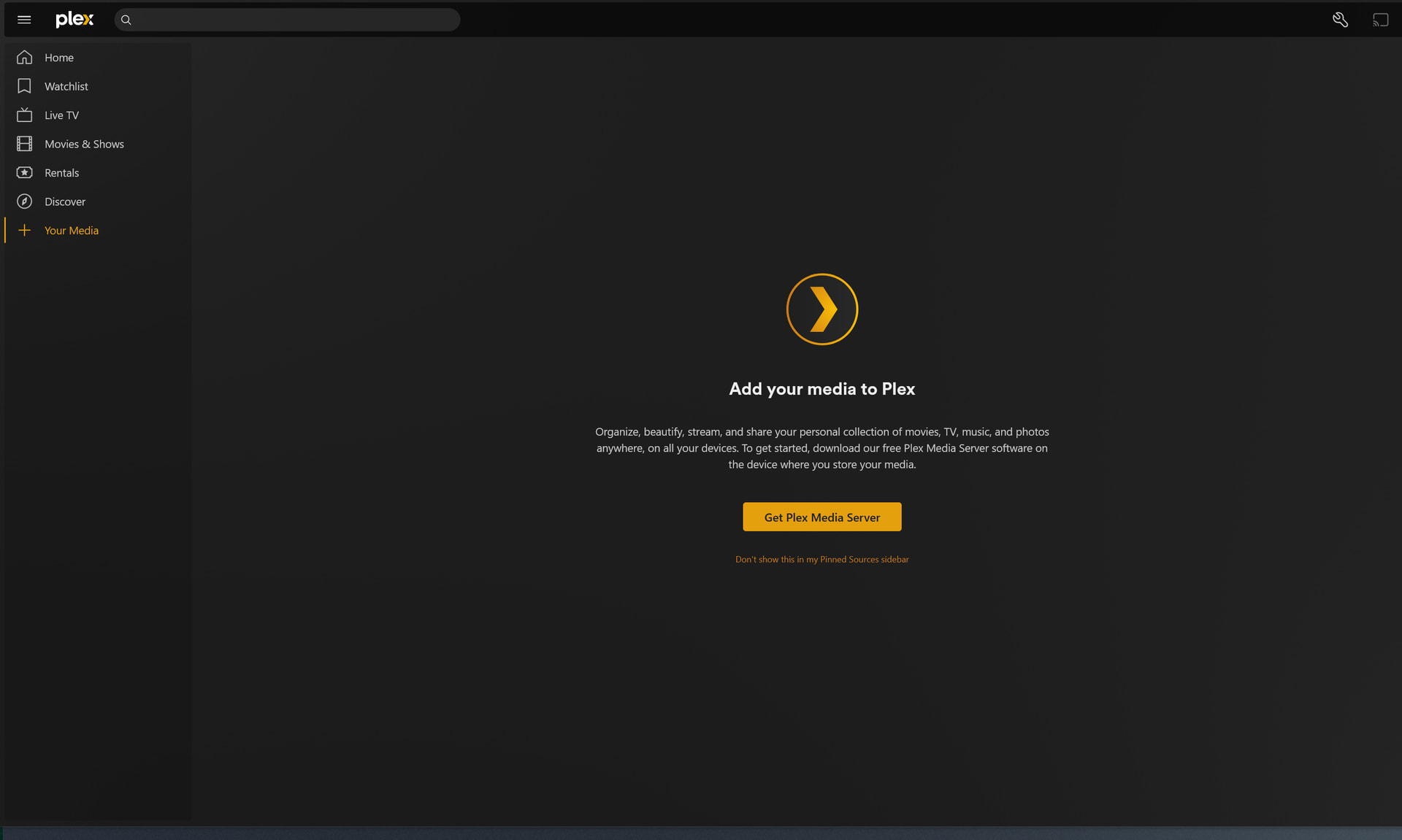
I’ve tried the below suggestion already and no dice.
Any help would be really appreciated. I’m a filmmaker and use Plex to pull references on set and I’m in desperate need to have it up and running again.
Q30: How to reset ownership and reclaim your Plex server on QNAP
-
Create a shared folder, named “PlexData” (exact capitalization)
-
Restart Plex
-
Let it run for 30 seconds then stop it
-
Install the QNAP “Text Editor” app from App Center if not already installed
-
Using FileStation, Open PlexData →
Plex Media Server(click into it) -
Right-click
Preferences.xml→ Open in Text Editor -
Carefully remove the
PreferenceName="Value"pairs for
-
PlexOnlineUsername
-
PlexOnlineToken
-
PlexOnlineMail
-
PlexOnlineHome (This might not exist . OK if it doesn’t)
-
SAVE the file
-
Start Plex
-
Open http://ip.addr.of.QNAP:32400/web from your computer
-
The server will now be in the state for you to CLAIM it again.
Best of luck! Glad my dilemma is flushing others out of the woodwork so that, hopefully, they, too, can get a fix.
I had this issue too. I have all my media in folders outside the PMS app but on my QNAP NAS.
I read all the comments here and decided to just remove the app from qnap, reboot, then I added it back. Set it back up in 2 minutes and then waited for it to scan all my folders.
Seems like an easier way that doing all that other stuff and it worked.
