Suddenly cannot access Plex Media Server on QNAP

Server Version#: QTS 5.2.7.3297
Player Version#: PMS 1.42.2

MacOS: Sequoia 15.6.1 Apple M1 Pro

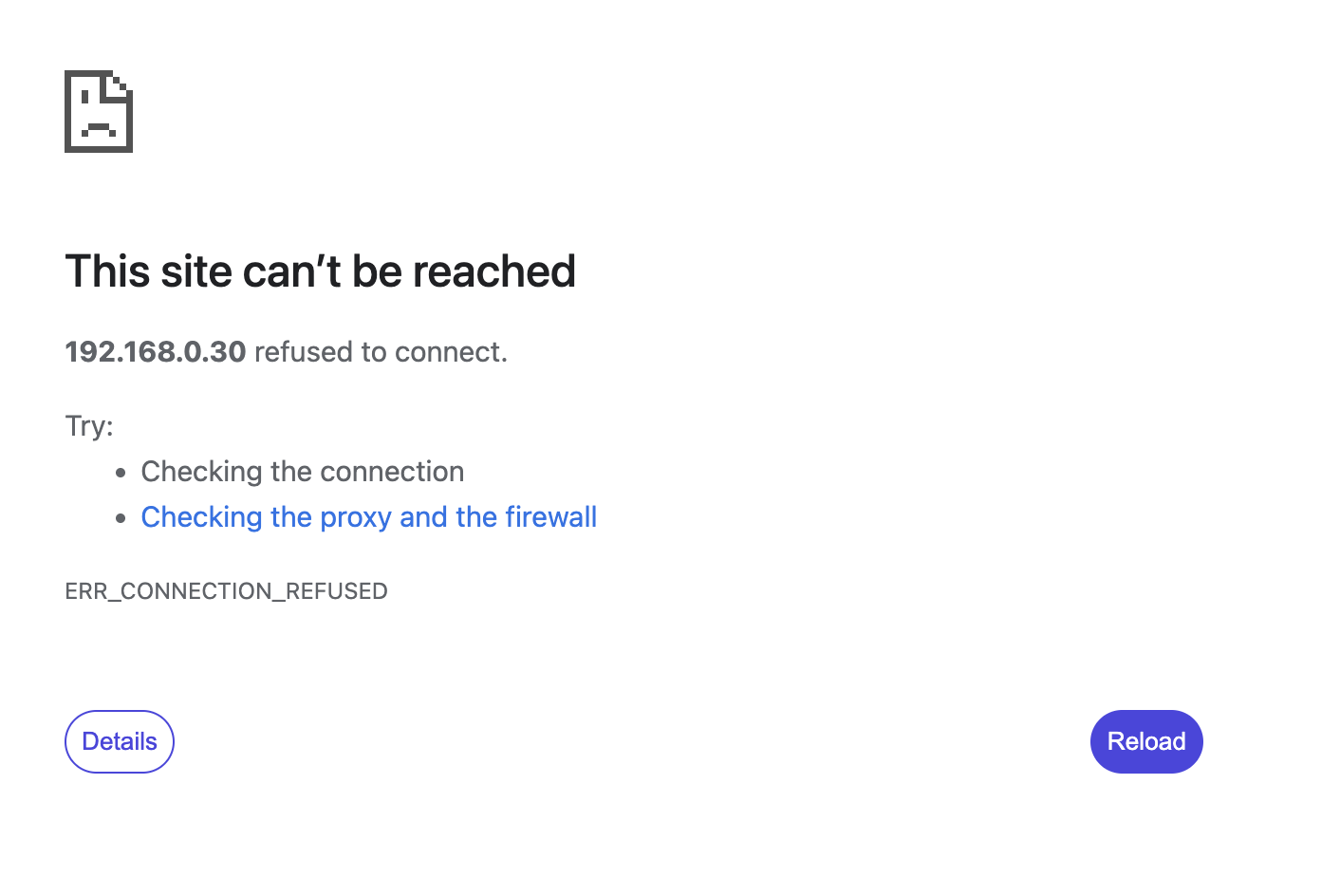
I have suddenly lost access to my Plex library on my QNAP QTS 5.2.7.3297. It happened a few days ago, without any noticeable (by me) change to server, router or network. I can access Plex but I cannot access PMS (“This site cannot be reached” on 192.168.0.30:32400). Plex cannot see my server. I am “running” PMS 1.42.2. I can access, manage and play all my content via File Station 5 within the QNAP QTS interface. This is doing my head in! it happened a couple of days ago now, long after I upgraded my router many months ago (and I have used Plex regularly in my home and on the road between then and now. I have over 12,000 films and I don’t want to lose all the custom art work and metadata. I back up daily and have rolled back and forward with different versions of PMS via the QNAP AppCenter.

HELP! I am a daily Plex user but cannot access what I need for some bizarre reason.

Jonathan

Edit:

PS According to yougetsignal.com, port 32400 is closed (not by me). I have set up port forwarding instructions on my router (never needed to do that before) to no avail. I have very recently started experimenting with Torrenting - could it be that my ISP (Virgin Media in the UK) have closed some/all my ports having detected my recent Torrenting activity? Happy to speak to them if so and get this resolved asap. I’d rather Plex than Torrent!

PPS And I’ve researched the heck out of this for two days now!

PPPS If I try to SSH 192.168.0.30 -p 32400 I get “connection refused” (although I am not a command line expert).

PPPS I cannot find my logs to include as I do not have that option available in my Plex Web A..

The Plex server logs article shows you how to grab your logs manually, see Can't Open Plex Media Server On New Asustor NAS - #4 by dbirch and replace Austor with QNAP

Thank you, but I am so hopeless I can no longer remember where PMS data is held! There is only one registered user on the QNAP - admin - and, yes, I am the one who installed Plex!

@jmaas28 please READ The linked post, and articles. It has the needed info.

I have (many times)! Please read my PPS in my OP - I cannot SSH:

ssh admin@192.168.0.30

ssh: connect to host 192.168.0.30 port 22: Connection refused

ssh admin@192.168.0.30 -p 32400

ssh: connect to host 192.168.0.30 port 32400: Connection refused

So I cannot at this point ask QNAP where the heck everything is :slightly_frowning_face:

I would reach out to QNAP support then, if you cannot connect to your NAS thats a bigger issue.

I have done so, thank you @dbirch. I suspect that they can fix all this, if anyone can.

@jmaas28

Can you open your QNAP in the web browser ?

http://192.169.0.30 ?

If not, Download the Qfinder program to locate it on your LAN.

From there, you can open the web browser, open App Center, and see if PMS is running or stopped (disabled)

I can access QNAP (as I said, I can see and play all my media, just not via Plex). PMS is allegedly running so, as @dbirch suggested, it is likely a QNAP prob. I’ll report back. Thanks y’all.

  1. QNAP support won’t help with this. They’ll redirect you back here.

  2. Do you have a PlexData shared folder ?
    – If not, Let me know and I’ll give you instructions

  3. If you do, using FileStation, navigate into PlexData/Plex Media Server
    – Right-click LogsCompress

  4. It’ll generate a tar.gz or zip.

  5. When it’s done, download to your computer then upload (attach) it here with your next reply so I can see what’s happening.

Dude, I’m not sure, but I must have a shared folder. Please tell me how to find it. QNAP forums and support do tend to be impenetrable!

If you don’t see ‘PlexData’ in FileStation, here’s the quick way to create it.

  1. Control Panel - Shared Folders

  2. Create Shared Folder

  3. Pick the DataVol you have PMS installed on (I use QTS and my PMS is on DataVol1)

  4. Carefully scroll down and find .qpkg (where QNAP installs packages)

  5. Expand it and you’ll see PlexMediaServer

  6. Expand again and see Library

  7. Expand Library and see Plex Media Server (where all the data is)

  8. When you click Plex Media Server it will select the directory and snap it shut

  9. Finish creating the PlexData shared folder (click OK)

At this point.

  1. Open FileStation → PlexData
  2. You’ll see the Logs directory.
  3. Right-click it → Compress (tar.gz or zip doesn’t matter)
  4. When done compressing, Download it
  5. Attach (upload) that zip here and I’ll see what’s happening

Thank you, @ChuckPa . Here you go.

Logs.zip (4.6 MB)

I’ve been experiencing this same issue this week as well and have yet to find a fix - any luck on your end since the last post?

Nothing further from the Plex team, but QNAP support have been in my server and report a port conflict. I’m rebooting before testing, but they sound hopeful. I’ve asked for more detail than just “port conflict”. I’ll report back when done.

@jmaas28

A port conflict ? That’ll be a first. lol

No additional info? That’s not like them.


Thank you for the logs (I’ve been busy here. Apologies for delay)

Your server is signed out / unclaimed somehow

It’s not been seen by Plex.tv (on this account)

The first steps to reclaiming it (easiest)

  1. Close all browser Plex tabs
  2. Open an incognito tab
  3. In that tab, open a connection to your machine using IP address
    ( http://LAN.IP.of.QNAP:32400/web )
  4. Settings - General
  5. You should see it’s unclaimed and it’ll want to be reclaimed.
  6. Do so.

If unable, I have a script (with documentation & examples) of how to reclaim it

@highrolla32

Plex.tv has not seen your machine in able a day.

This sound about right?

@ChuckPa

Yes, that is correct. Plex was working fine for me at the beginning of the week, but now I’ve only been met with server is unavailable messages despite no changes on my end to the network or settings.

Like @jmaas28 when I try to navigate to http://[serverip]:32400/web I’m met with an error page saying that the site cannot be reached.

Also, I don’t want to hijack the thread from @jmaas28 so please let me know if I need to start a new thread for my issue.

Thanks again, @ChuckPa. Alas, no joy.

Also, following the QNAP help I can now SSH to my server, just not through port 32400. And I’ve set up port forwarding ( hope!) on my router.

@jmaas28
@highrolla32

Sent you both PMs (upper right corner)