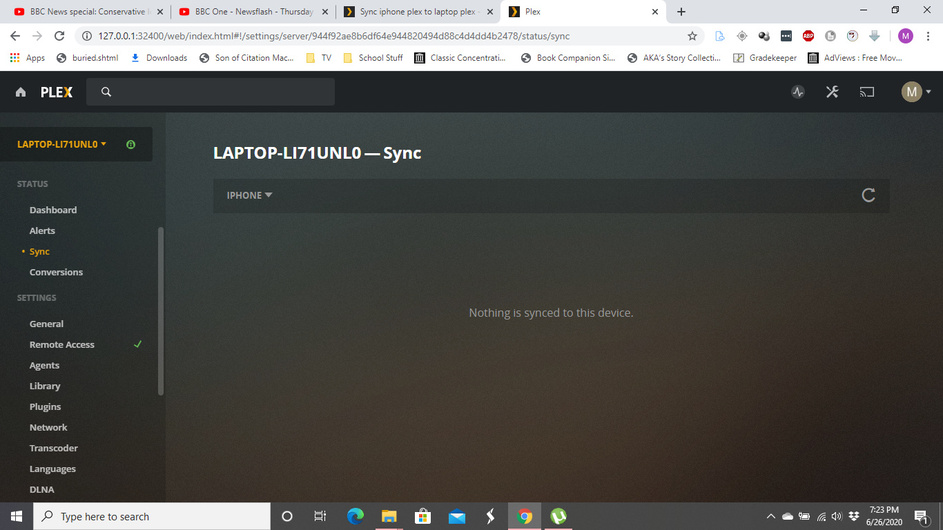
when transferring from a old laptop to a new laptop via a portable hard drive i forgot to put folder of video files on the drive to put on the new laptop, they were youtube videos that were from a channel long since gone and sadly i can’t find them anywhere online. the good news is that i they are synced on my iphone or downloaded i can’t tell really and i’d love to sync them onto the laptop so i can have them there because space is limited at this moment on my phone
Well shoot. Well at least they’re somewhere I can watch them. I use them for background noise anyway. Btw you wouldn’t know if there’s a way to get them off the iPhone on to a folder on the computer because are they on the phone when they’re synced or just on that phones plex server
I haven’t heard of a way. It’s saved on the device so if it’s jailbroken you might be able to access the files. This is not something I have any experience with.