Server Version#: would be good if this could be accessed intuitively. How about putting the version on the dashboard?
Player Version#: 8.5.2.20133 on latest Android for Pixel 3.
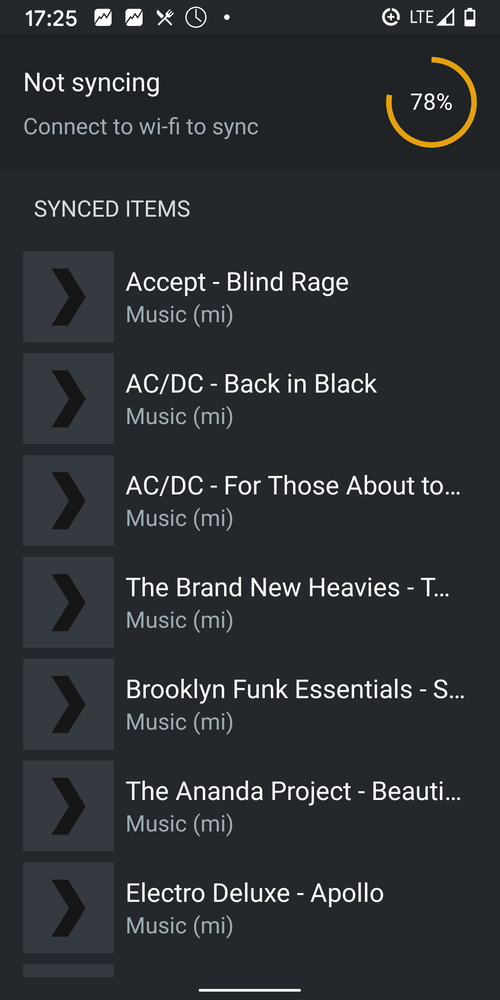
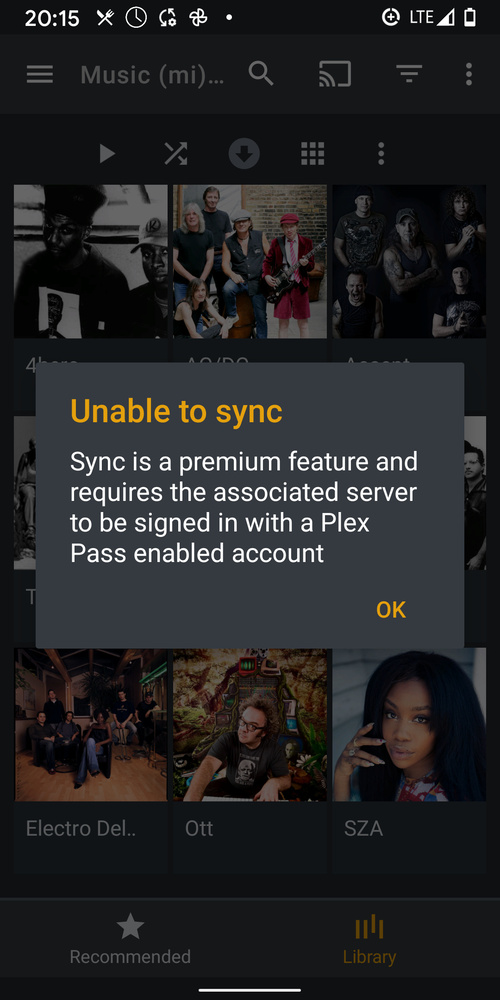
I sync music from my server, and all is fine. Once I leave the house (off Wifi) and want to listen, it claims there is no content and shows no more cover or artist art (see pic).
Yet the content is there! It uses several GB of storage per Android system and even shows the items under ‘Downloads & Sync on Device’, albeit without cover art (see pic) and ‘missing’ when clicked (see pic). Once I get back home (on Wifi) it magically reappears without requiring re-sync. I am suspicious it ‘forgets’ I have a lifetime pass and blocks the feature from me.
Offline mobile music is the main reason I purchased a license. I don’t care about or have time for live TV, which all development effort seems to be spent on. Take this opportunity to get new users who are fed up with Google Music and other services and want to control their own media. Fixing basic stuff like offline playback would be a good start.
Thanks.