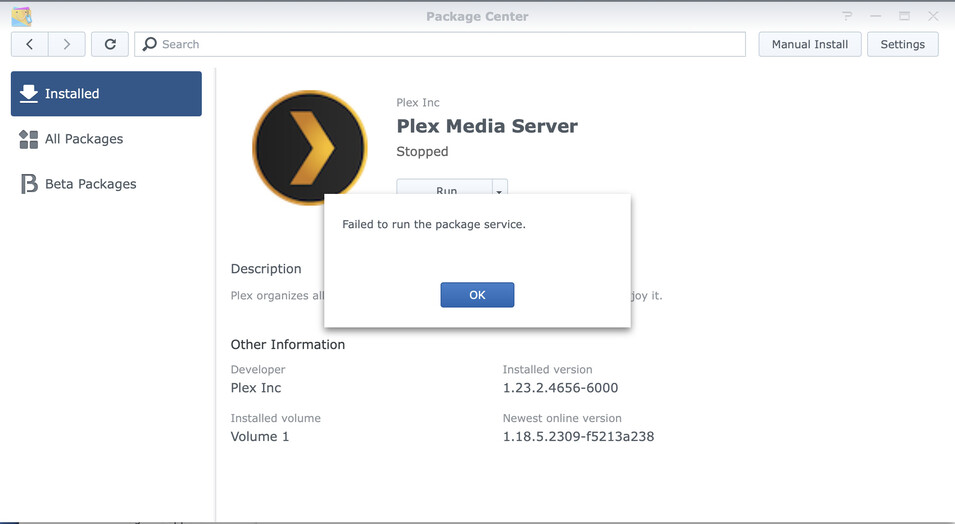
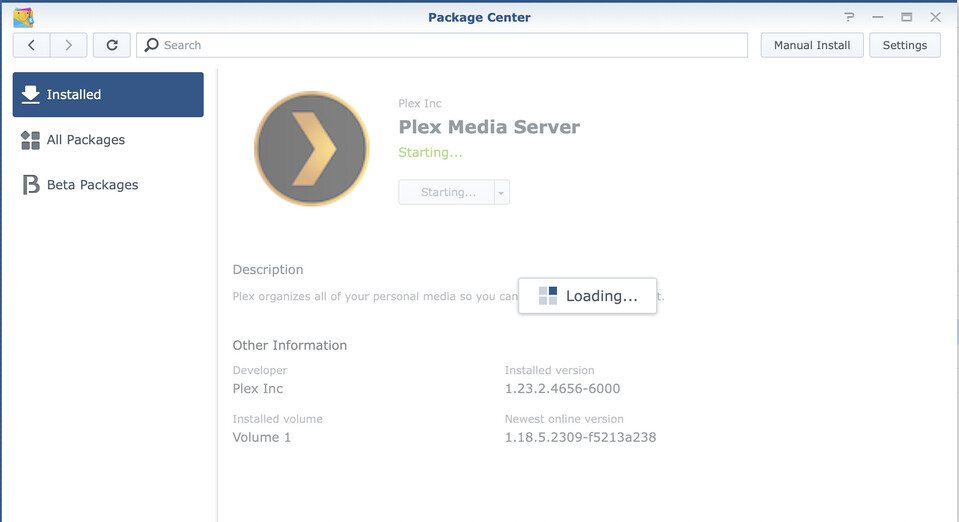
Server Version#: 1.23.2.4656-6000 Logs.zip (12.2 MB)
So, this is bizarre. I was on holiday and noticed my PMS on my Synology was off. Tried logging in/out, nothing would get it going.
I could still fully access the Synology, so at least that was still alive.
Did some forum searching, tried some of the repair/restore options presented for database corruption, but ultimately got annoyed and just deleted everything.
All of the media is there, but Plex just wasn’t loading. I tried reinstalling PMS (both from Synology directly and from Plex) but nothing works. I assumed it was due to not being at home on my LAN, so I waited.
Well, I’m home now, and I’m receiving the same error. Nothing works. So, what in the world is going on?
I think there may have been additional factors at play with this whole situation. After a number or reboots, it looks like Plex or the Synology was caching some files in a hidden folder that was holding onto the corrupt database(s) that you identified above.
Once I found that folder and deleted everything, started right back up without an issue.
Which is weird, because I was making sure to remove the trash and everything too.
But, either way, you helped immensely. I also now know how to do a checksum test via terminal in macOS, so I came out with a net positive in learning something new! Thank you again.