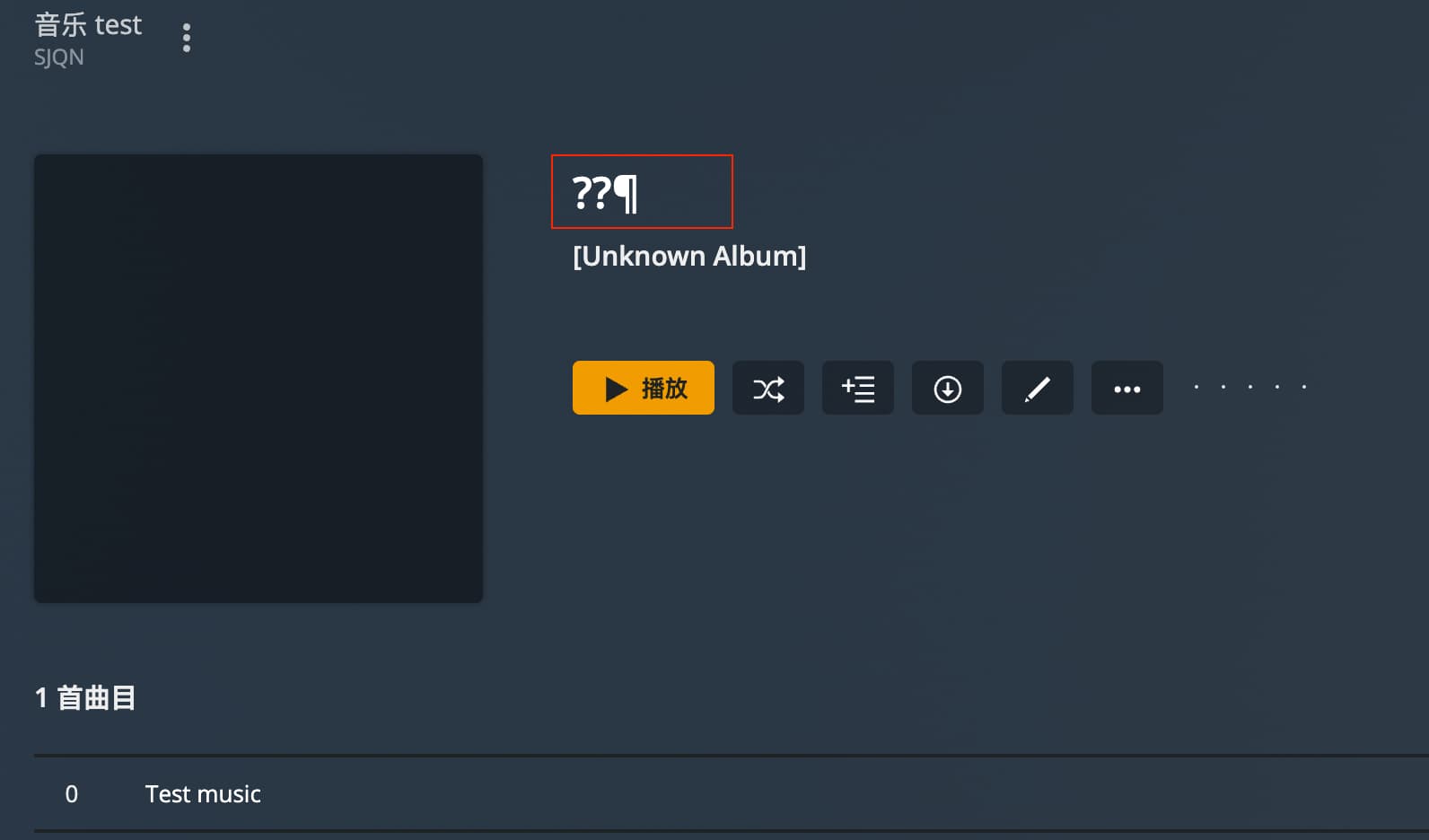
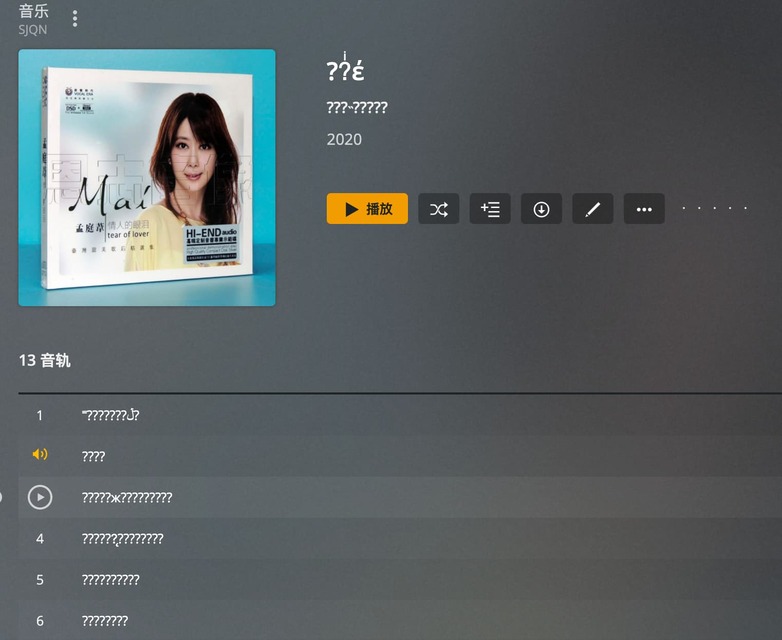
Hello, please use the following wav file for testing. Plex supports wav embedded tags and needs to solve the problem of garbled Chinese display. thank you test.wav.zip (1.3 MB)
We rely on FFmpeg (mainly) for reading embedded metadata. As far as I can tell, it doesn’t handle these WAV files very well.
You can run ffprobe on the files which exhibits the same behaviour:
ffprobe test.wav

....

[wav @ 0x55f2e00a4ac0] Discarding ID3 tags because more suitable tags were found.
Input #0, wav, from 'test.wav':
  Metadata:
    album           : Test
    artist          : M2M
    title           : Test Music ��������
  Duration: 00:00:17.91, bitrate: 705 kb/s
  Stream #0:0: Audio: pcm_s16le ([1][0][0][0] / 0x0001), 22050 Hz, 2 channels, s16, 705 kb/s
I’m adding this to our issue board but it’s not something that’s going to get looked at any time soon as it’s a very small amount of users this affects and it’s also an issue residing in a 3rd party library (not within Plex itself).
I would always recommend avoid using WAV files for personal music libraries where you can and use FLAC, or similar lossless formats instead which have much better metadata tagging support.