If a series has a 16:9 and 4:3 aspect ratio, the 4:3 episodes are not displayed correctly. The 16:9 episodes have a 1080p resolution, and the 4:3 episodes have a 480p resolution. The 4:3 episodes are displayed with black bars and in 16:9 format. This wasn’t the case before.
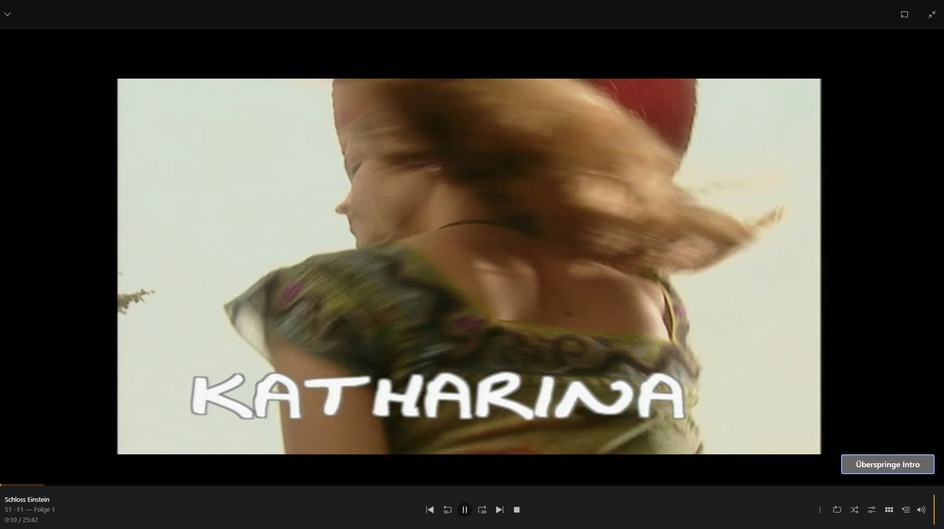
Click on the Display, bottom right you will a ⋮The menu called Playback options, change to zoom, for what ever reason it has been set at by developers Pixel: Pixel. So change to Zoom and all will be good.
This setting isn’t available in the Internet browser or the Windows PC app. I’m only aware of the option in the Android and Fire TV apps. The new version of the Android app doesn’t work perfectly yet. But that’s a different topic.
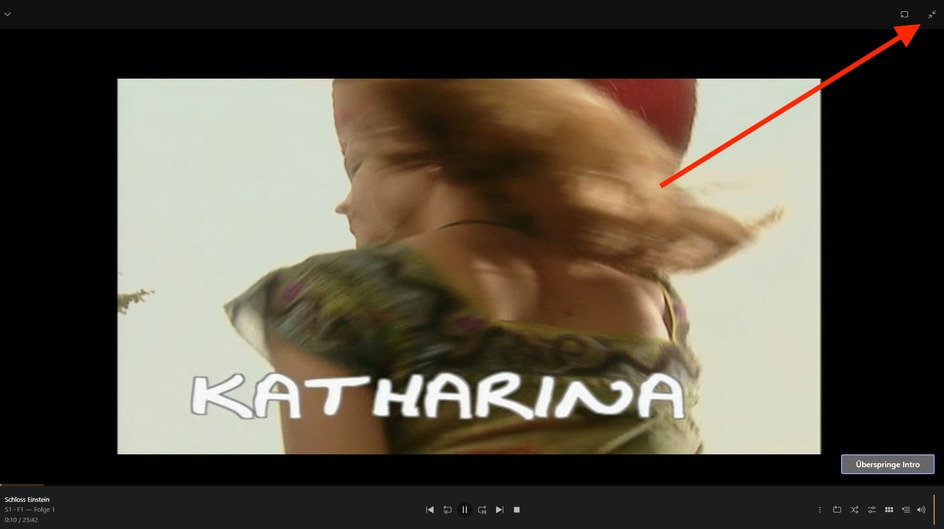
No, that’s the full screen function.
Ok then, for now all you can do then is correct aspect ratio in Handbrake or equivalent.
The series has over 1,000 episodes, and I’d have to edit 400-500 of them. I’ll wait until the developers find a solution. Thanks for your advice.
What was the show?
This is a German children’s series that has been running since 1998, and new seasons are still being released. It’s called Schloss Einstein.
I was thinking can you download the episode and just open it with Browser Open file or VLC?
Well, I have the episodes on my hard drive. If I want to watch them via my browser, I can do it via Emby, and it displays correctly there. But Emby isn’t Plex. But I’ll say goodnight now, because it’s 2:19 a.m. here.
To me this looks like an original 16:9 picture was put onto a DVD. Which in the beginning could only support 4:3 pictures.
That is very normal, because back then 16:9 screens were very rare.
But the producers of the DVD achieved this by adding black bars at the top and bottom of the picture to get to a 4:3 aspect ratio.
When this series was finally ripped from DVD, the black bars were not removed. They remained a part of the picture.
Now when you play such a file in Plex on a 16:9 screen, Plex sees only the pixel dimensions of the file, which are in 4:3 ratio.
Plex is not aware that there are black bars in the picture which don’t carry any information whatsoever.
In order not to obstruct any part of the video picture, Plex is showing all of the picture, including the black bars.
This is the reason why you now have black bars on all sides, when watching on a 16:9 or wider screen
There are 2 solutions:
- remove the black bars from the source files. This would mean to re-encode them (or even re-rip them)
- use a Plex client type which is able to zoom into the picture. Unfortunately the Plex web app is not able to do that.
No, the original image is 4:3. VLC Player, Emby, and my Blu-ray player don’t display any bars at the top and bottom.
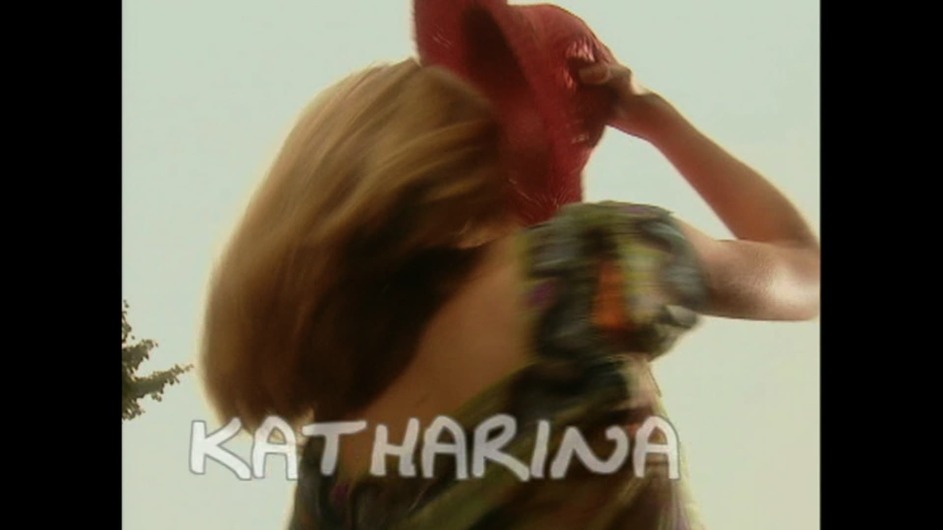
Another example: I have a series where all episodes have a 4:3 aspect ratio, and they display correctly in the browser. This only applies to series where the old episodes are 4:3 and the new episodes are 16:3.
Then I’d go and inspect the files themselves. It might just be that there are conflicting parameters about the aspect ratio encoded into the file container.
If some episodes are 4:3 but others are 16:9, then someone might have touched all episodes together at some point and applied the same parameters to all of them. Which in this case was the wrong thing to do.
Are these MKV files, by chance?
I’m not sure exactly what you mean by “put together” and “parameters,” but they’re MKV files. I converted an episode to MP4, though, and it didn’t change anything. By the way, I think it worked in an older version of Plex.
The MKV format allows two different places for the display aspect ratio:
- in the properties of the video stream itself. Usually created during encoding of the video stream and usually not modifiable
- in the header of the MKV file, changeable with MKVpropedit or MKVtoolnix GUI
Which of the two is ultimately observed is unfortunately not the same across various platforms and player stacks.
In plex it can even vary depending on whether the file is Direct Played, or Direct Streamed/Transcoded.
If you drag one of the misbehaving mkv files into MKVtoolnixGUI
Select the video stream and then scroll the right side of the program window downwards to “Video Properties”, you might find something interesting.


Display Size is set to 1024x576 pixels in the container. That is a 16:9 aspect ratio.
But this is s01e01, so it is one of the older episodes.
And aren’t those old episodes supposed to be in 4:3 aspect ratio?
So the video picture should be shown 768 pixels wide, instead of 1024 pixels.
What happens after you
- change the 1024 into 768, then press “Multiplexen starten” at the bottom.
- then take the resulting mkv file and replace it on your plex server
- trigger “Analyze” on episode 1
?
Side question: are you certain that there are no black bars at the sides in your video file?
Now it’s displayed correctly. There should be black bars on the left and right sides for a 4:3 aspect ratio. Now I just need a solution for batch processing, since I don’t want to do it individually for the 400-500 episodes.
Only the “old” episodes need treatment, though.
