Thank you so much trumpy81. I got certificate error and nothing but a PLEX on the page at the step 5.

Done. New log files sent. Thank you so much!

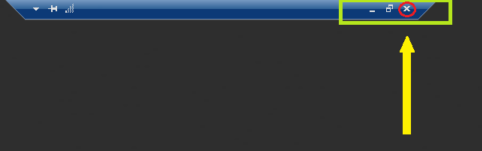
This happened not long ago. I got the error to open the contents. I RDP to the server to see whether the server is still running. The player started/resumed playing again after I RDP in to the Windows 10/Plex server. And it keeps giving me error minute after I close the RDP ever since. The only way to make the play playing is to have a computer or a tablet to RDP in to the Windows 10/Plex server.
Yes, I’m at home. Sitting right by the laptop which is running the Plex server. I have a Verizon Fios router, the Plex server/Windows 10 laptop and the laptop which is running the player are connected to the same router/modem
Verizon router has an option to auto remove unused port forward configuration. Go to Advanced → UPnP and Uncheck it.


Settings look good. Check your Windows event viewer
Yes, both two laptops are on the same subnet. I don’t understand the question, we are supposed to even access the file when we are offsite, am I right? This is one of the reason we pay for Plex.
Windows event viewer has 4 errors, none of them is Plex related.
Sorry for the confusion. The only reason why I Remote Desktop in to the Win 10/Plex server is to see whether it is still running. I never did anything else except that.
The only time I RDP in to the server was when I the player was not playing or connecting. Just to make sure that the server is still running. I never did anything else except that. That laptop is for Plex server only.
Have you tried what Uh_Oh said, closing the RDP session without logging out?