First of all awesome what the devs did with “themes” these improvements I spoke with @romancamelia about a while back, thanks!
There is what I would consider a “oled mode” . Makes the whole app also much faster on slower soc devices great extra bonus.
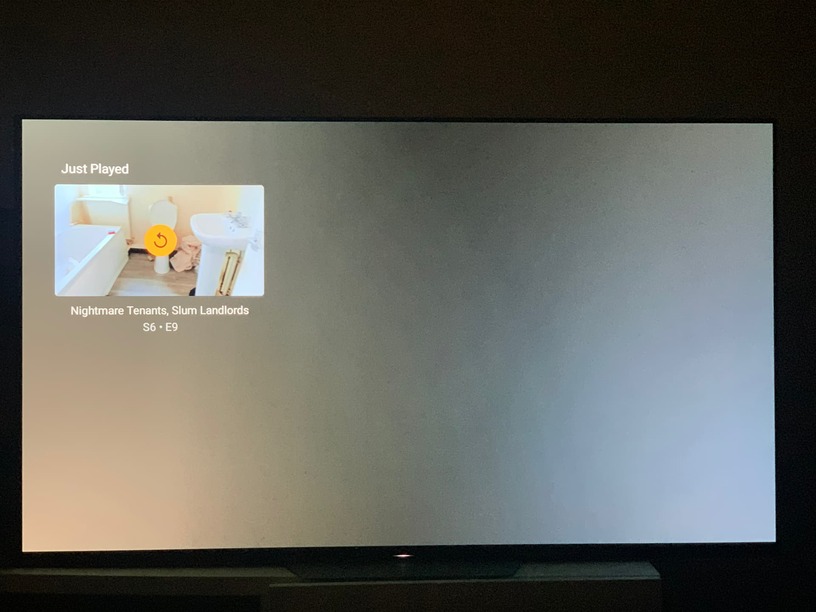
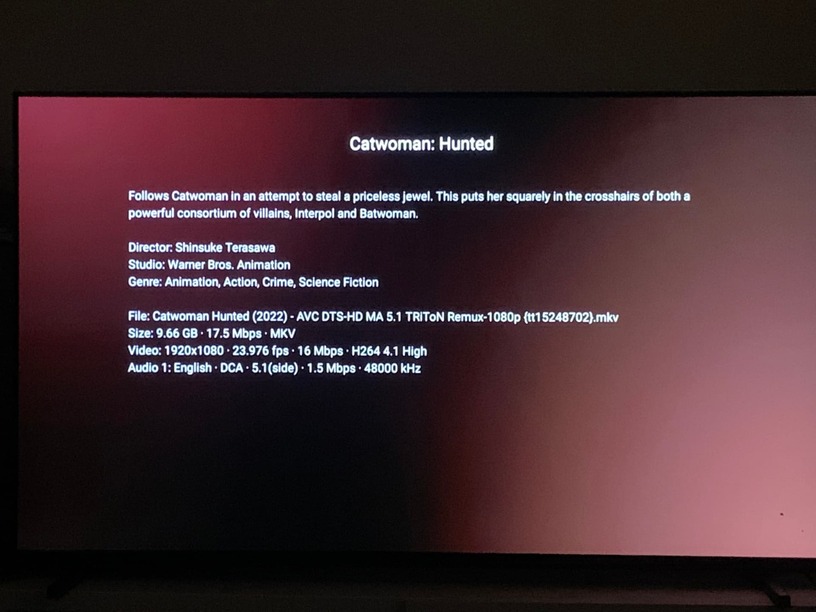
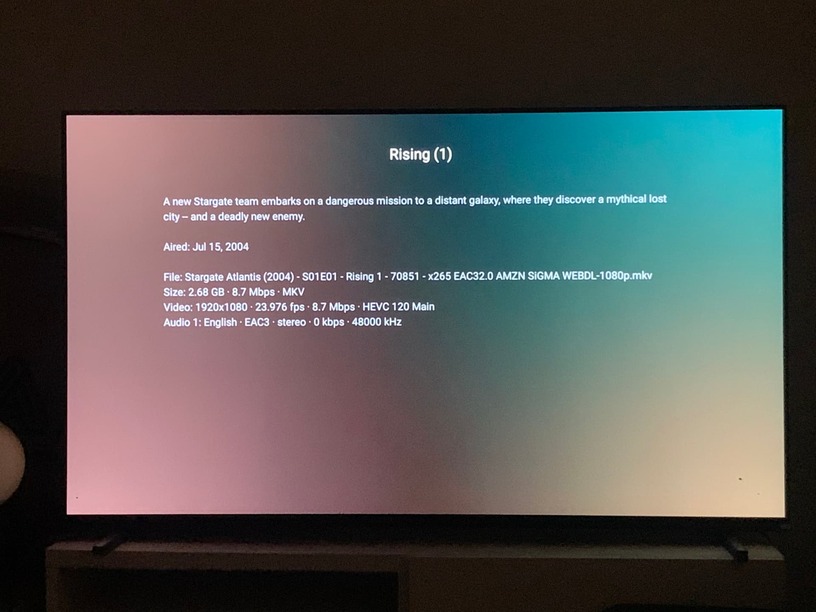
I found a little bug, when you choose high contrast mode and for content layout select “modern”. All nice and black with a small bug. It temporary display color background, see screenshots.
First one how it looks like all black with some art.
Second one a little glitch I think? I guess this is also supposed to be black.
does it ever change to black? if you leave that library and come back to it does it change to black?
@BigWheel Yes, It do change eventually. When I move back to “home” it has the same colorful blur, and eventually change to black. This is repeated every time I perform these sort of action for every library .
I played around a bit, full on “high contrast” mode. All nice black, when you play around with the settings like “content layout modern” I hit the issue like mentioned above.
Found another one I think.
When in “full contrast mode” all option on theme default. After finishing a show/movie there is a colorful blurred background, instead off full black.
@BigWheel i found a new missed screen, on a media file when you click on more → more info .
For series, movies just in general.
thank you @Mike.Kentin! As you might have noticed, we are fixing these as we go, so thank you for letting us know
Thanks ! @romancamelia . I found several different UI bugs. I will make a new combined topic for them, with some video proof and how to replicate.
Any update on this ui bug? The other once where fixed pretty fast, this one is still there.
Thanks
Hey @Mike.Kentin! As far as I know there is nothing left, but maybe we missed something.
The “more info” screen is fine for me in latest beta, and so is the “Just played” one.
Could you let us know which one doesn’t work for you?
Hey @romancamelia
Running latest beta 8.30.0***** , theme settings.
*Highcontrast / Modern/ None/ None
On both movies and tv shows, more > more info . Produce these results.
@romancamelia updated today to latest beta. Bug still there unfortunately . Thanks for checking
@romancamelia any progress on this?
hey @Mike.Kentin, the fix will be in this week’s beta. Thanks for checking!
Thanks ! @romancamelia it’s fixt. Great, I will make a new topic for my list of UI bugs. Hopefully it gets the same attention. As all the fixes for “live tv” lol.