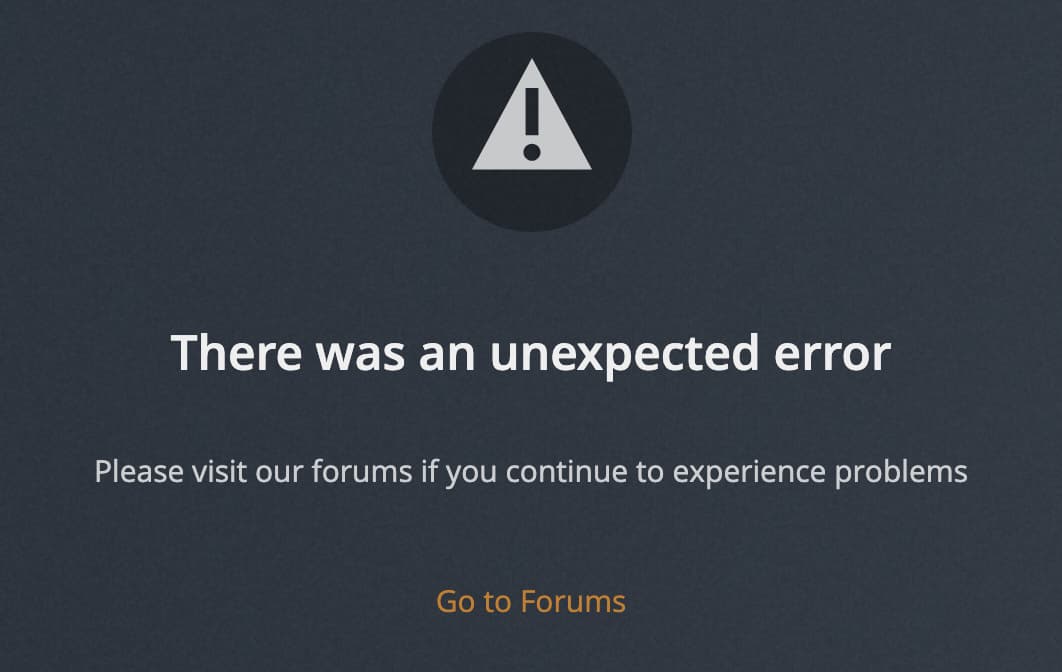
"There was an unexpected error" when opening Device Settings in web player on plex.tv

Server Version#: 1.24.2.4973
Player Version#: 4.65.0
Tuner Make/Model: tvhProxy
Guide/Lineup name:
Using XMLTV?: No
Channel number/Name:

When trying to open device settings (the cog icon in the top right corner here)

image

the following is displayed:

This only happens when using the web player on plex.tv (version 4.65.0), and works as expected when accessing the bundled version (4.62.1) on the server.

4 Likes

Same issue here after server update. No Live TV / DVR is now showing in Plex and my scheduled recordings are gone. What are you folks playing at (@Plex).

Edit: After another reboot and guide refresh, it seems to be returning. Crisis averted.

1 Like

Still an issue here. Cannot open Device Settings from web client or smart tv client. Only works from Plex for Windows which still has the old layout for DVR devices.

Tried the reboot and guide refresh as suggested, but it had no impact.
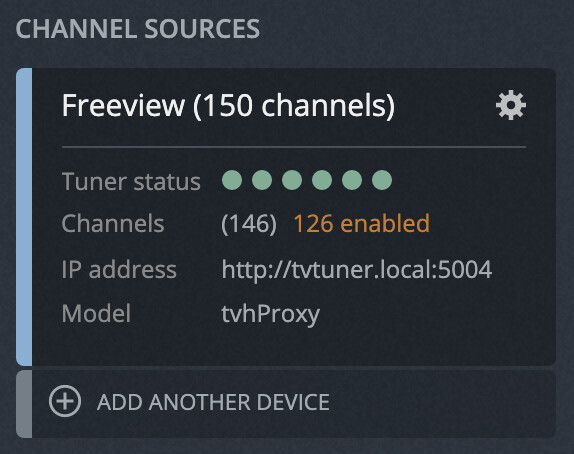
Same issue here.

The problem persist even if the incident on the plex status page is now closed
Please help

Solved: go to plex server thought local ip (not via plex.tv url but via 192.168.x.x:32400) and remove the DVR on o error.

This topic was automatically closed 90 days after the last reply. New replies are no longer allowed.