- Server Version#: 1.18.5.2309
- Synology DS918+
I used Plex Media Server on Windows without any problem. Since i moved the Database to a Synology NAS (DS918+) and run the server on the NAS, there is a problem regarding the posters from TheTVDB. The TheTVDB posters aren’t selected automatically anymore. Movies are working fine. Shows / series are not.
Can someone maybe help me to fix this?
I will try to describe the problem more detailed:
Adding a new episode:
When i add a new episode, the episode has a poster selected, but it is the poster that has been created by the server and not the poster from TheTVDB. When i edit the episode and click at “Poster”, i can select the poster from TheTVDB. But i have to select it manually. On Windows the poster from TheTVDB was selected by default.
For example:
The TheTVDB poster:
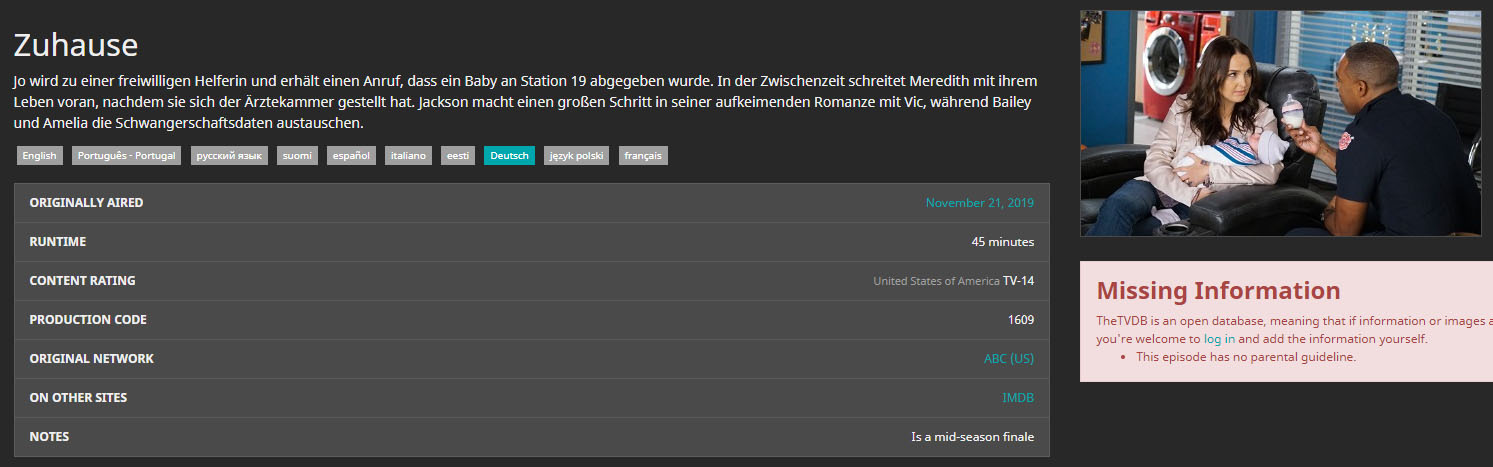
The poster in Plex after adding the episode:
The wrong poster…

Edit the Episode -> Poster:
The wrong poster is selected…

When i select the TheTVDB poster and save, everything is fine. But i have to do it for every episode…
Adding a new show / series:
When i add a new show / series, the poster / background will be blank. No poster and no background is selected. When i edit the show / series and click at “Poster” or “Background”, i can select all the pictures from TheTVDB. But i have to select them manually. By default no poster / background is selected.
For example:
The poster in Plex after adding the show / series:
No poster…

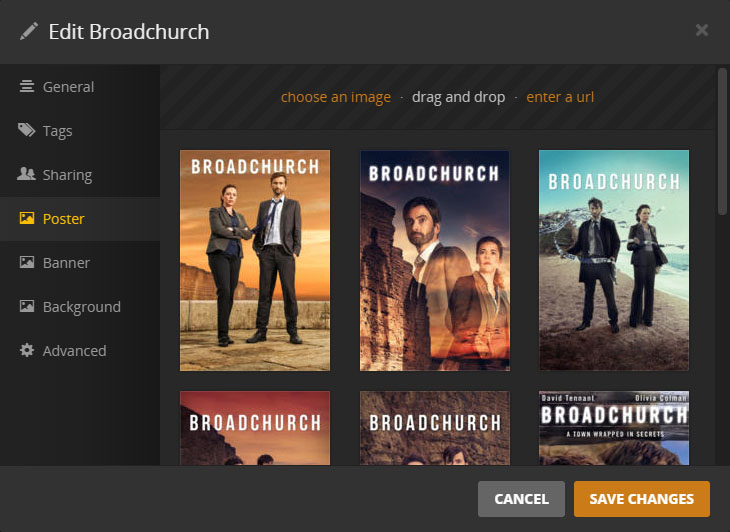
Edit the show / series -> Poster:
No poster is selected…
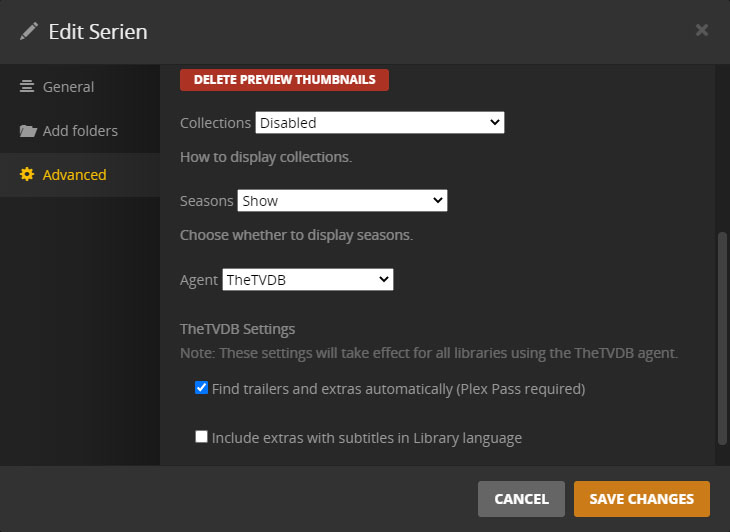
Agent in the Library Settings -> TheTVDB is selected:
TheTVDB Agent in the Server Settings:
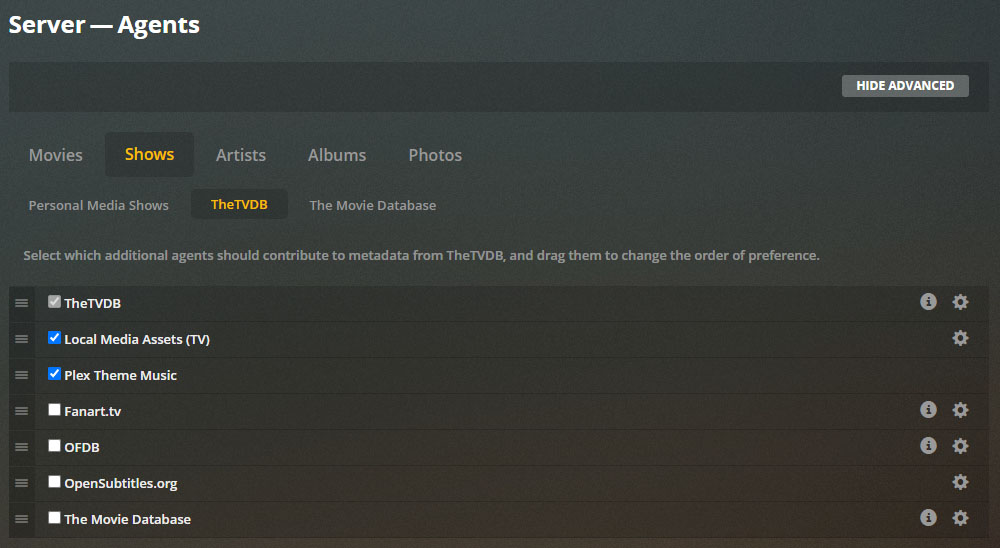
I already tried to change the order of the agents and tried to deactivate all agents except TheTVDB, but nothing changes. Even if TheTVDB is the only active Agent, the posters of TheTVDB aren’t selected manually, when i add a new episode / show / series…
