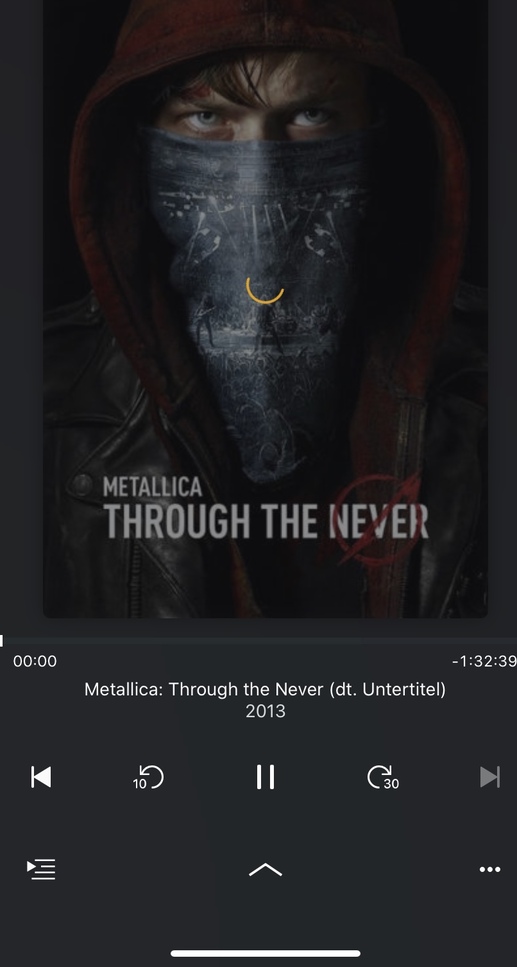
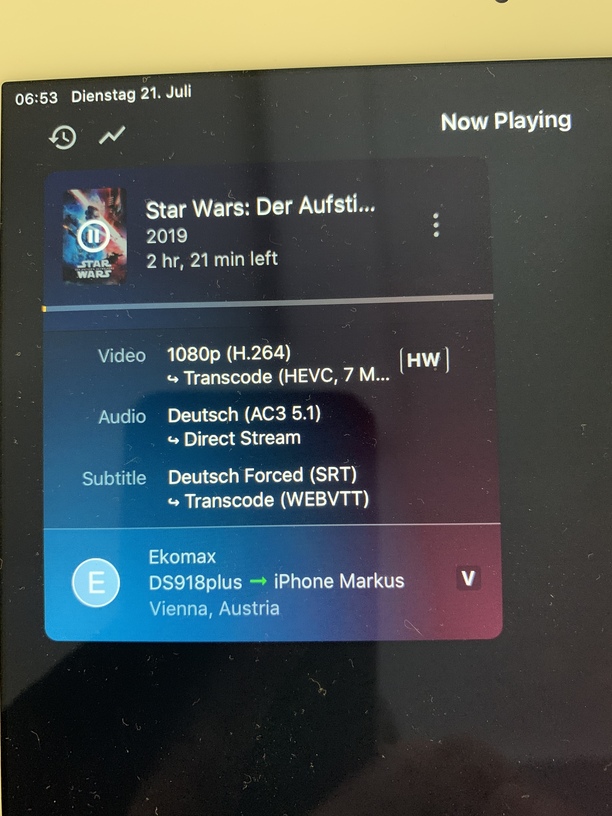
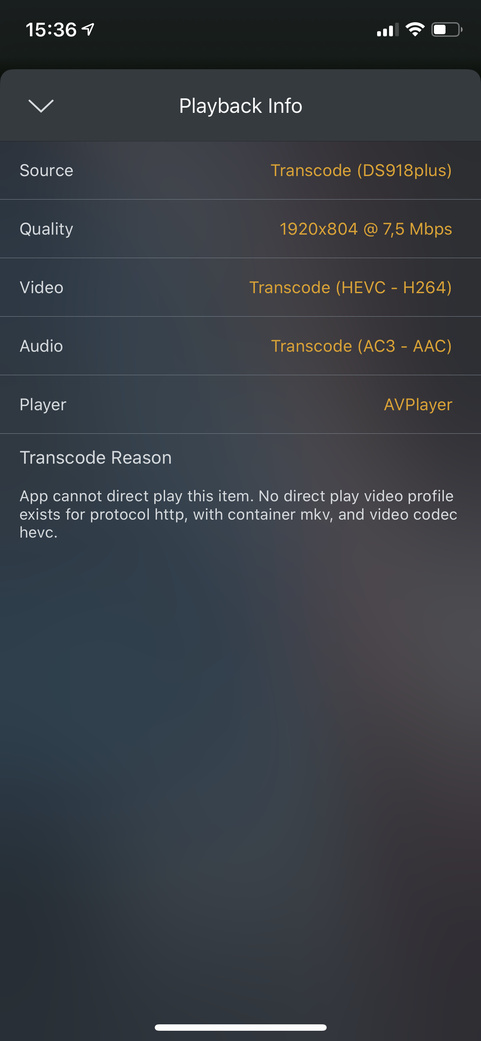
Thank you @Ekomax!! From what I see in those logs, it’s actually transcoding to h264 and not HEVC. Those logs were generated using the old player, right?
If so, it might be a bug in Plex Dash If you can, check the dashboard of the Plex web app inside your server to see if it says the same thing.
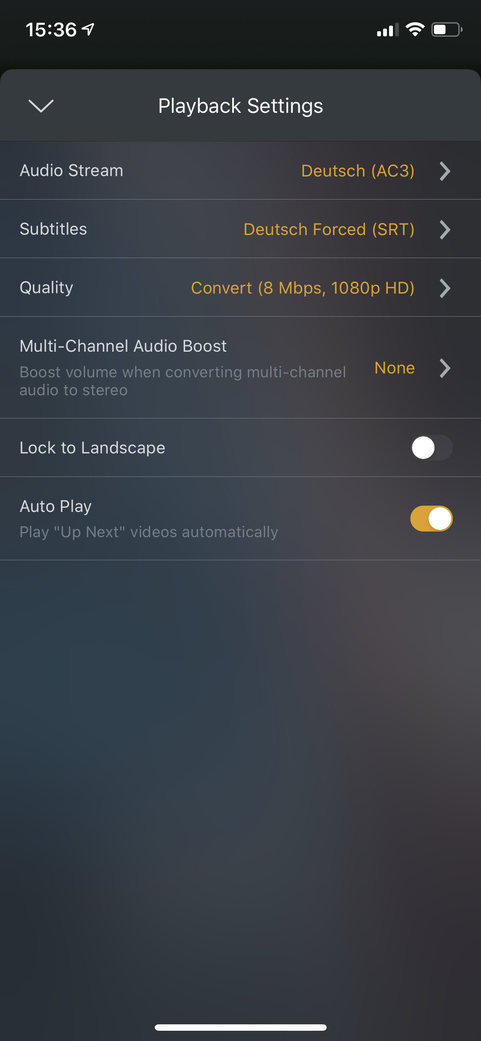
From what I see, the app doesn’t see a h264->hevc transcoding. You can probably confirm that inside the video player → ··· → Playback Info.
Also, I see the player is having trouble to get the video info from the stream Have you tried to disable the subtitles and see if it plays? Just trying to rule out things.
Is this something with this specific file or also with other videos?
Problem seems to be subtitels.
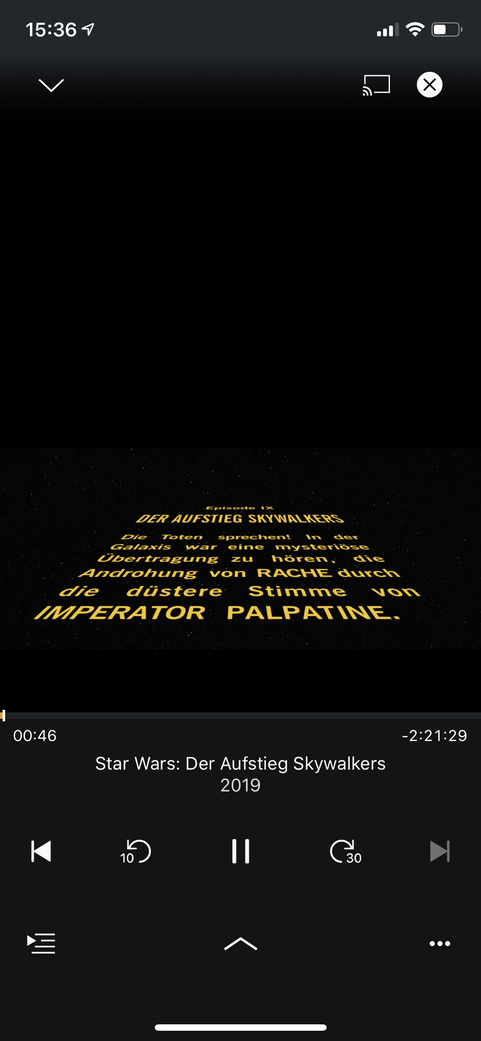
Problem happens with several movies i played. MKV, h264 or hevc, all work without subtitels (srt). Enabled - endless spinning wheel.
With enhanced player, and all my other players (Shield, Samsung Tizen, Chromecast), these movies work.
Its not that big problem for me because i use the enhanced player. Just tryed the old player and saw there is a problem.
@sergiou87
My movies are MKV - so beeing remxed. But they play only without subs-Direct streaming. No difference if i activate Direct play or not.
Subs enabled endless spinning
Transcoding only works outside home network as well.
Super weird… can you share a sample file with me or just share that movie with me via Plex (using Single Item Shares | Plex Support) ? My username is sergiou87
Let’s see if there is a way I can reproduce the bug…
I tried with and without DNS rebinding protection in my server and everything works fine. But that shouldn’t make a difference in the old player when subtitles are enabled/disabled, since the stream is transcoded/remuxed anyway I hate these bugs
I know, that’s why it’s super weird. When DNS rebinding protection is enabled and the old player is used, there shouldn’t be a difference for the app whether the subs are enabled or not, if the app always needs to transcode or remux.
The problem with DNS rebinding protection comes when, let’s say, the app builds the URL of the video. And that doesn’t change when subtitles are enabled in your case.
I also have DNS rebinding protection enabled in my network and MKV videos with external subtitles work perfectly.
Are you able to pinpoint this problem to a specific app/server version?
@sergiou87
Dont know why but now its doesnt work with plex.direct in the DNS Rebinding protection too. Thought it did, but guess i was wrong. Thought i tested it.
Good thing that the enhanced player works flawless for me😂

 Can you reproduce the bug again and immediately after get the server logs for me, please?
 If you can, check the dashboard of the Plex web app inside your server to see if it says the same thing.
 I hate these bugs