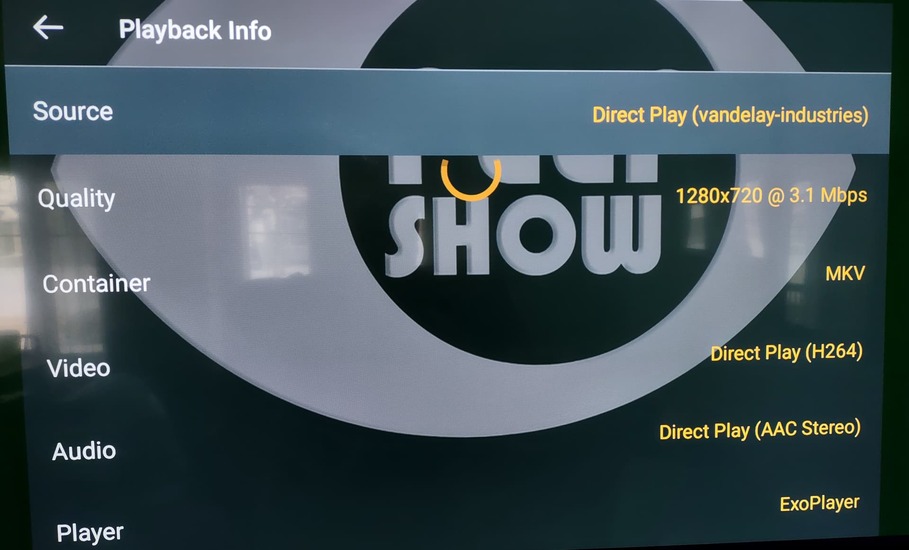
I am finding that certain files cause buffering every 5-10 seconds during playback on Fire Stick, causing the “you don’t have enough network bandwidth” error, offers to transcode down, etc.
The same file played back on the Plex Windows desktop app on the same network does not have any issues.
Speed test done on the Fire Stick itself shows download speed of 74 Mbps, while the file having issues with playback is playing at 3.1 Mbps, direct play with no transcoding according to playback info.
If it matters, the files I have seen this with are both BBC series and appear to have PAL frame rates in the media info. (media info screenshot attached for the file I played, as represented in the log file)
Network log from the fire stick is attached, as is a screen shot of the playback info.
Anything else that would be useful in troubleshooting this, let me know and I will get it.
Thanks in advance for any help.
Server Version#: 1.30.0.6486 (Linux)
Player Version#: 9.13.1.37459
fire stick log.txt (34.9 KB)