Server Version#:1.21.0.3616
Player Version#: 1.27.2
Windows 10
I’m having a lot of difficulty getting started with Plex. I intend to use it to curate my music collection. That’s all. I’ve installed the server and the Plex application. Somewhere along the way I have uploaded my music collection, which is well organized (and I could tell it uploaded). But when I open the Plex app and look at music, none of my collection is visible. I see stuff about “Tidal” but not my collection. I loop endlessly through webpages telling me how great Plex is, but never find troubleshooting tips. Can I hire someone to help me with this?
This seems like a great thing, but I am utterly baffled. Stuff just doesn’t work. I try to upload updates and get unhelpful messages like “Hmm, something went wrong.”
Nothing gets uploaded anywhere. You just tell the server where the files are and it creates a database of them. The files stay where they are. On the Home page if you click on More do you see the music library you created?
Yes, that found it. Thanks.
When hovering over that library the menu on the right of it. ( the dots) will be there where you can pin/unpin it to the home screen.

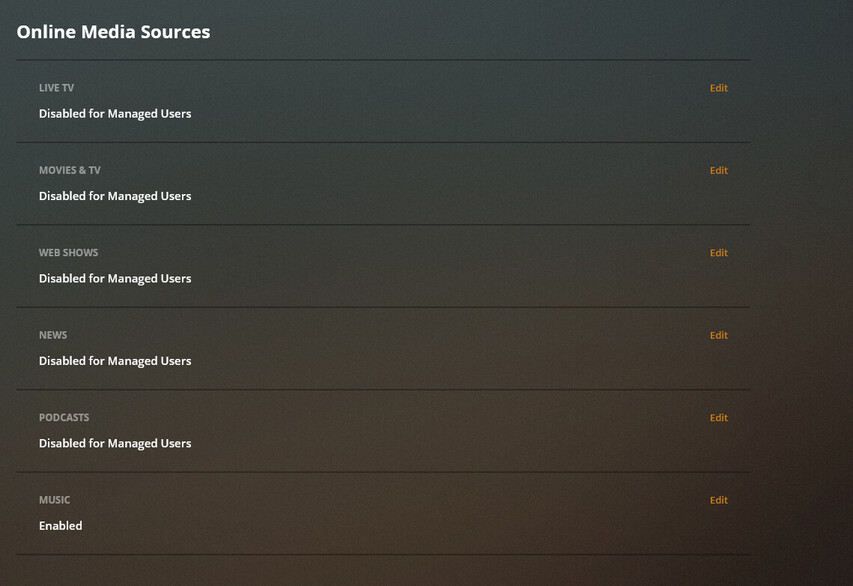
if you don’t use Tidal or the other streaming stuff we have you can turn those off for your account here https://app.plex.tv/desktop-qa#!/settings/online-media-sources
Thanks, but I’m not seeing that. I can go to the specified page and I see I’ve disabled everything except “Music.” There isn’t an option for Tidal.
“Music” is Tidal. we left it generic in case we partner with any other music sources. Turning that off will not disable your personal music library.
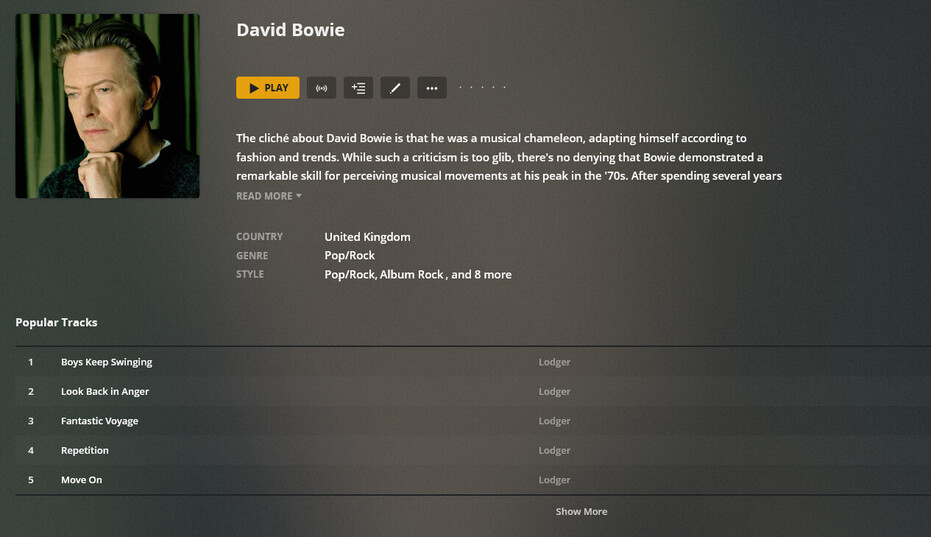
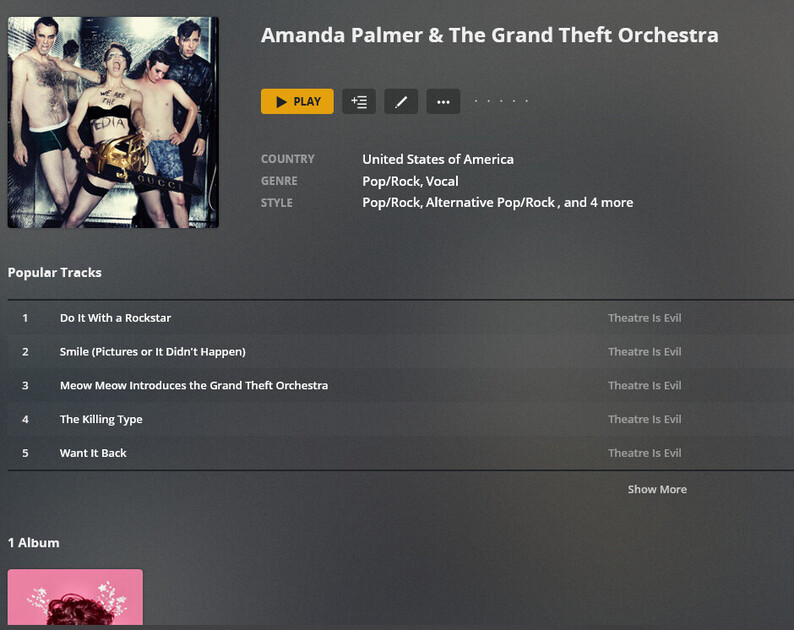
Hey, this is progress! Since I’ve now gotten started, when I pull up an artist’s page, the I see a list of “Popular Tracks” before I see the available albums. Is there a way to remove, or just move, the Popular Track so the albums are visible up top?
Edit the library then on the advanced tab there is an option to remove “popular tracks”
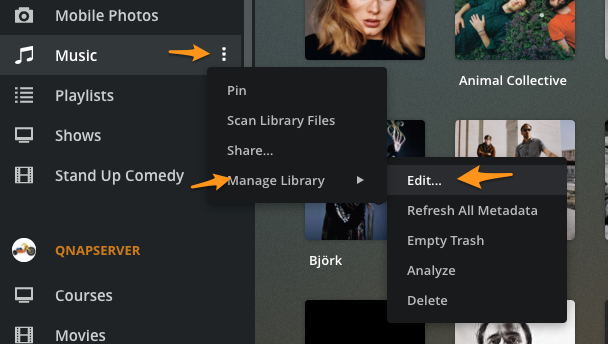
Well, I did that and I’m still seeing Popular Tracks. I even re-loaded Plex, moved to different artists, but it persists. How do I get this change to be recorded?
Still no luck with Shift+reload or Cntl+reload. I logged out and back in and check the advanced settings. Popular Tracks is still unchecked.
FWIW, I also unchecked “Artist Bio” and I’m still getting that as well, though I don’t mind seeing the artist bio.
I did “Refresh Metadata” on the artist’s page, and the Bio disappeared, but Popular Tracks is still persisting
Ok. Gonna need to ask some folks about that. Not sure what is going on yet.
Try clearing your web browsers history, cache, and cookies.
Disabling popular tracks will render some of the “Radio” (auto-generated playlists) un-usable.