TV Show not recognized in Plex

PMS running on Win 10.

TV episodes not recognized. I have them named and indexed according to Plex requirements:
Example - none of these show in Plex:

image

Also, PMS is showing deleted folders in my library. I have the setting turned on to auto empty trash.

Have you tried to manually match up against TheTVDB.com ?

I removed the folder from my library & re-added it and the episodes show now, but they don’t have the proper episode names, they have “Episode 1”, “Episode 2”, etc.

My directory structure & naming convention are correct according to Plex standards. How do I get the correct names to populate?

Thetvdb has been having issues for a while, “they” are working on a fix… (*note, they means both plex and tvdb)

I found that when I add the folder to my library I have the add the “season” level folder, not a folder at a higher level. Annoying that it won’t monitor the parent folder and include all sub folders.

image

That should not work that way…

You should be able to add the “TV Shows” folder, and it will monitor everything inside that folder including sub folders…

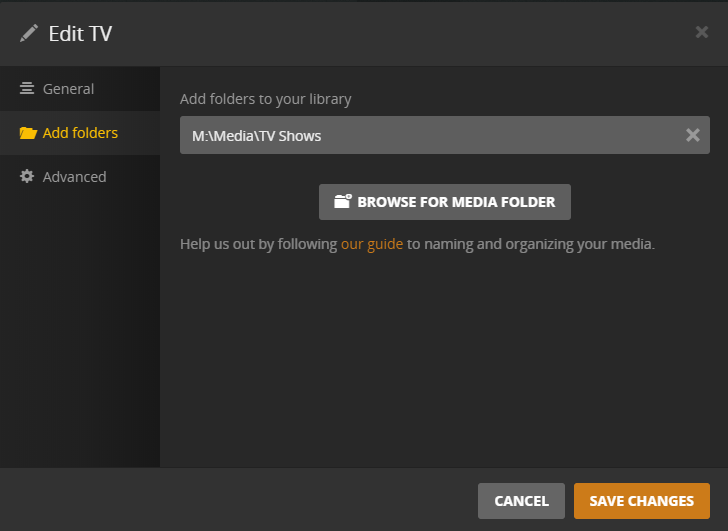
This is how I have my library set:


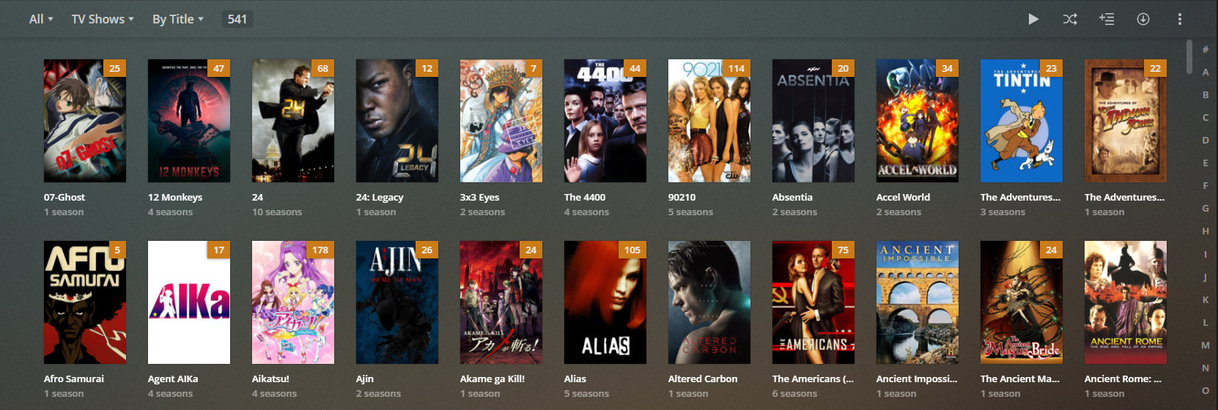
And the result is:

I tried that but it doesn’t work. Once I added the season folder it worked - annoying!

In your case you should add C:\Users\mikep\Media\TV Shows for your TV-Show library. Neither a show nor a season folder.

Thanks - Some of my shows don’t have a title or description populated. I guess it’s related to whatever problem TheTVDB is having??

Yeah, most likely

This topic was automatically closed 90 days after the last reply. New replies are no longer allowed.