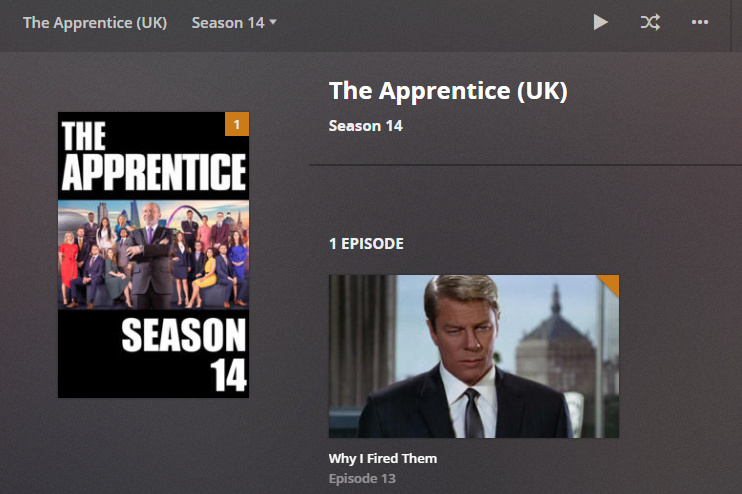
Has correct title in Recording Schedule -
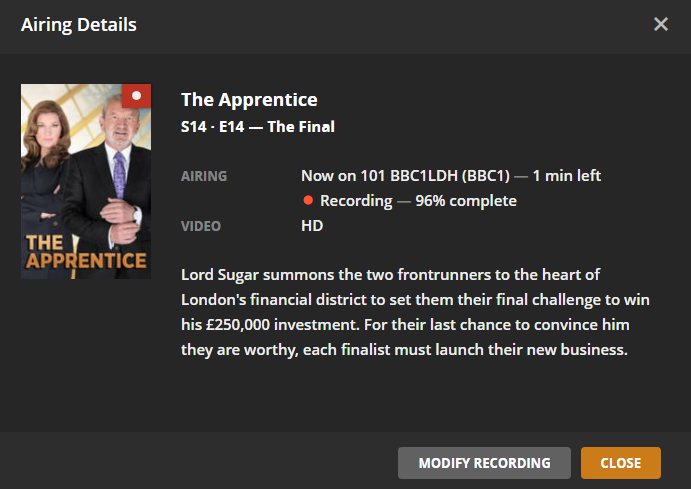
After Recording, puts it as The Apprentice (IE) -
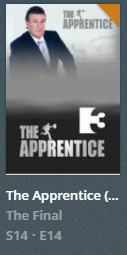
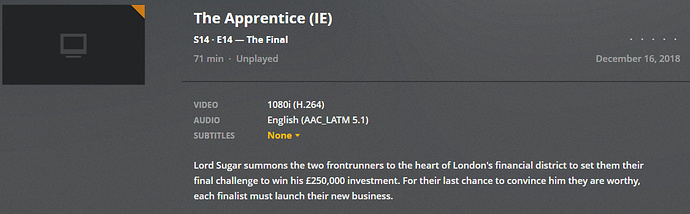
File Name -
The Apprentice (2005) - S14E14 - The Final.ts
Plex Media Server Databases_2018-12-16_22-25-50.zip (6.0 MB)
Plex Media (2.8 MB)
Has correct title in Recording Schedule -
After Recording, puts it as The Apprentice (IE) -
File Name -
The Apprentice (2005) - S14E14 - The Final.ts
Plex Media Server Databases_2018-12-16_22-25-50.zip (6.0 MB)
Plex Media (2.8 MB)
Thanks for the logs and other info
Will look into the issue
Noticed that the The Apprentice (IE) show entry was added to your database on 13th December at 22:01:02 - would you have any logs for that period?
When was that show recorded last and was it matched correctly then?
Ah, I didn’t see that the other recording also got matched as that. I can try and remove the files from my library and try and schedule another recording and then capture the logs after.
The next airing is tomorrow at 00:15am (UK time), does the log need to be captured straight after or would capturing a log in the morning (7-7:30am) show the events after it finished recording at 1:15am?
At the moment I do not know what the issue is - except that needing to have logs when the wrong show title gets added to the databases - so probably need database after removing the bad entry and clearing trash / cleaning bundles - then need logs and db’s at time equivalent to what was happening on 13 December 22:01
Just removed, cleared trash & bundles. Recording scheduled - most likely will do it again. Will stay up to grab files after recording if it happens again.
Database Before - Plex Media Server Databases_2018-12-17_08-17-12.zip (6.1 MB)
I have tried to simulate the issue by creating file structures like these and in my tests they got matched ok
The Apprentice (2005)
Season 14
The Apprentice (2005) - S14E13 - Why I Fired Them.ts
and also tested
The Apprentice (2005)
Season 14
The Apprentice (2005) - S14E14 - The Final.ts
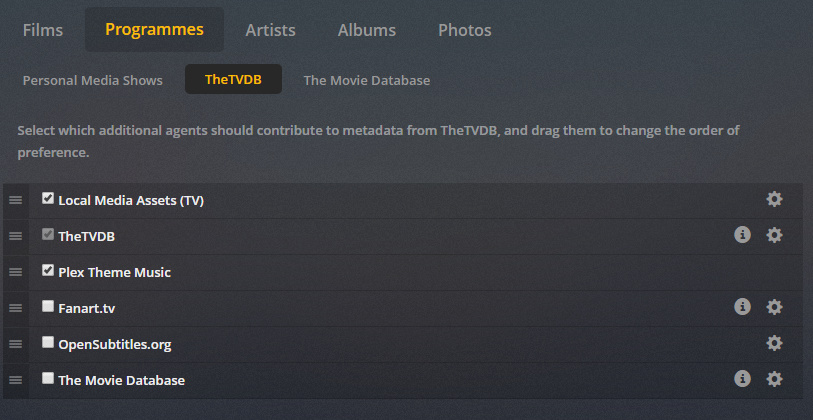
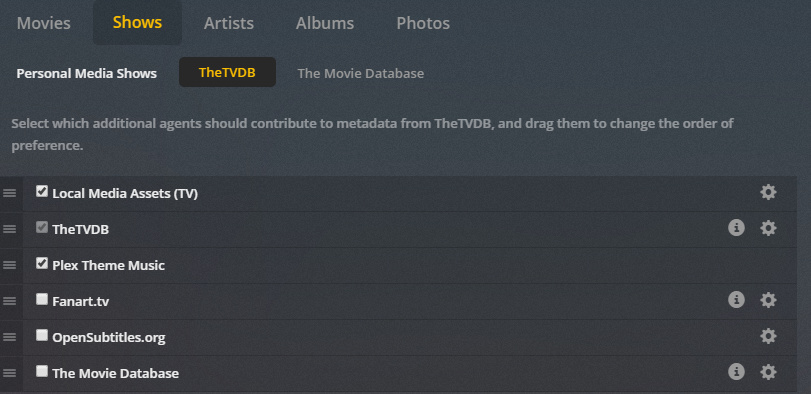
I think the friday 13 22:01 matching in your database was for episode 13 - but it matched to UK for me. So i will need logs and the db when it goes wrong, Do you have default set of agents and order?
If it will go wrong and mismatch, after you get the diagnostics db/logs - go through a test of removing them again and cleaning bundles/trash and then do the test that i did - create a file structure with names as above in a test library - would need to use a .ts file that does not already exist in your libraries - so a new .ts file that you could rename to what we need for the tests. and then scan the library - we see then if matching library is different from the auto matching for recordings
Is there anywhere that shows the default order of agents? Would like to check whether all my libraries have the default order as I can’t remember whether I’ve moved them around.
and on the library itself, the agent specified by default is TheTVDB
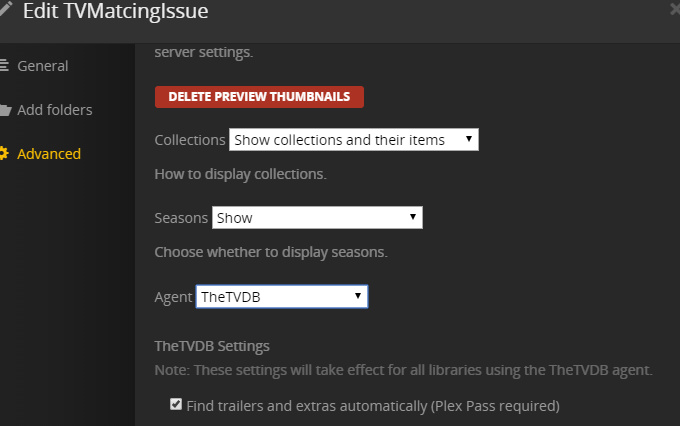
Thanks for them, I put the files back into the library after readjusting the agents and it’s got the correct show now! Thank you! I have removed them from my library again, cleaned bundles and emptied trash. Hopefully after the recording later, it has the correct show 
Thanks - so was the agents order / selection different?
It was yes, I readjusted to match the order in your first image and made sure the library was set to TheTVDB
what was the sequence before and the agent -
The sequence was exactly the same except Local Media Assets (TV) was at the bottom and unticked.
Agent was already TheTVDB
The episode that recorded last night, has the wrong title (The Apprentice (IE)).

I’m sorry if the logs are too late to show anything, it was late and I fell asleep. Would this mean that for some reason after a recording, it’s matching it differently to when you just add the media to the library?
Plex Media Server Databases_2018-12-18_02-44-02.zip (6.0 MB)
Plex Media Server Logs_2018-12-18_02-44-05.zip (3.5 MB)
This topic was automatically closed 90 days after the last reply. New replies are no longer allowed.
The cause for this mismatch was identified recently and is due to the show starting year not being included in the search. This is now with our development team to look into.