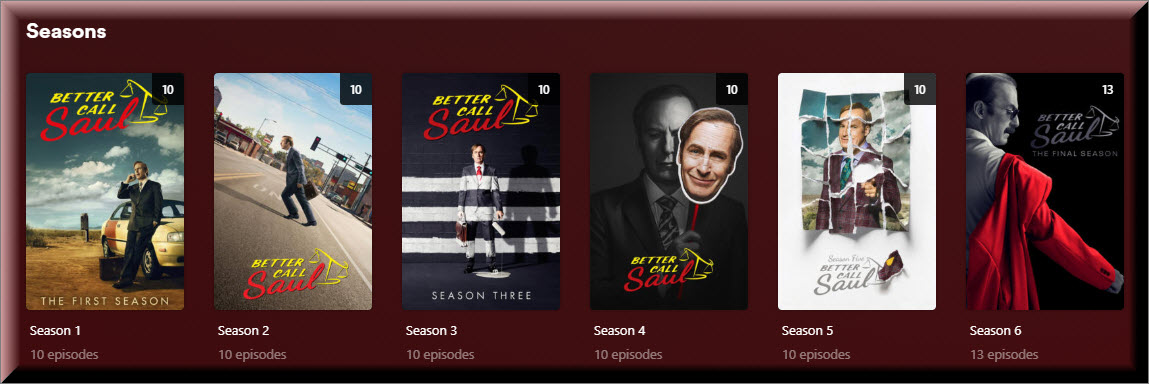
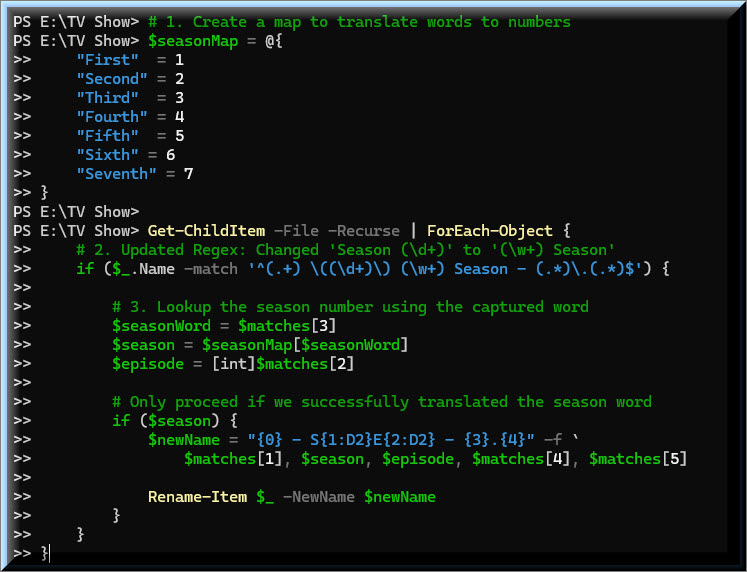
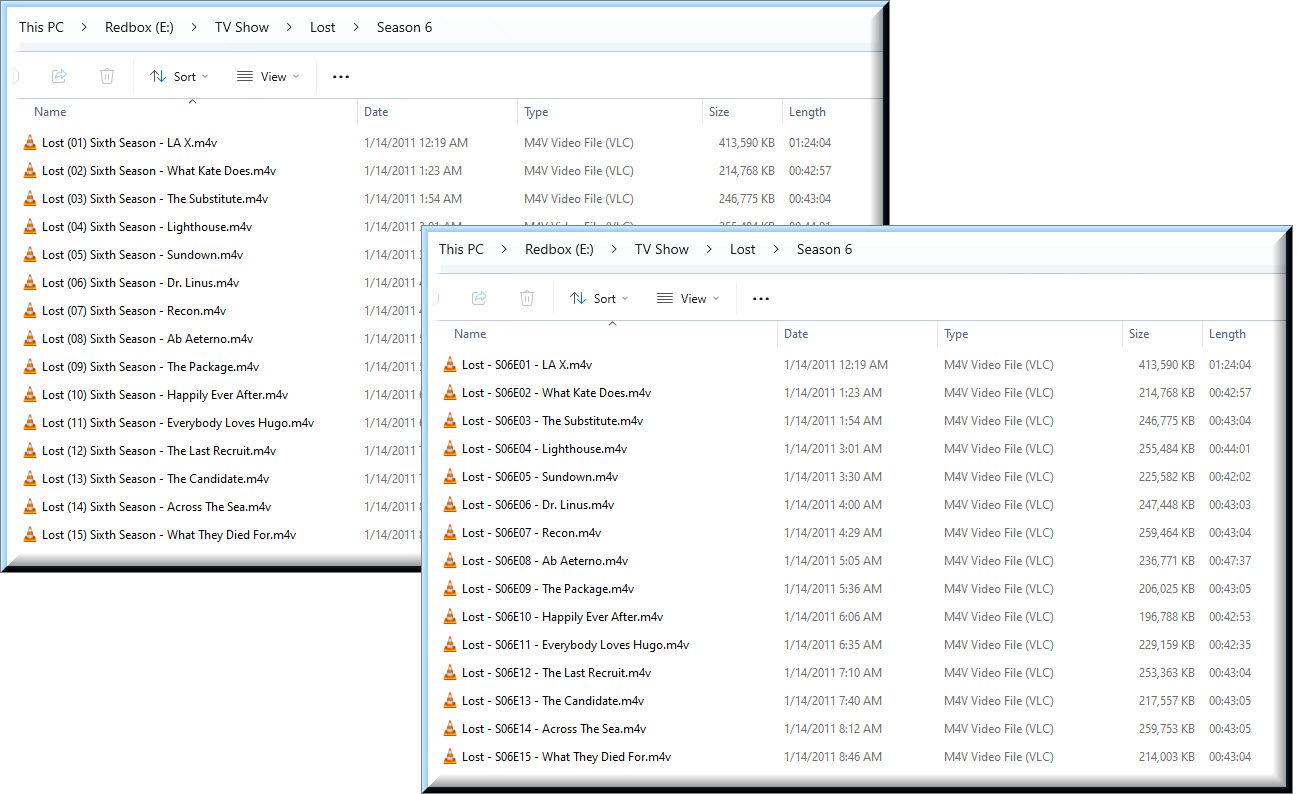
@pshanew I asked Gemini to modify your recursive script to support (First Season, Second Season, Third Season, etc). It built the following script. Of course, I will modify it so that the Hash Table will support more than just 5 Seasons.
After getting the Episode files renamed, this problem was easier to resolve.
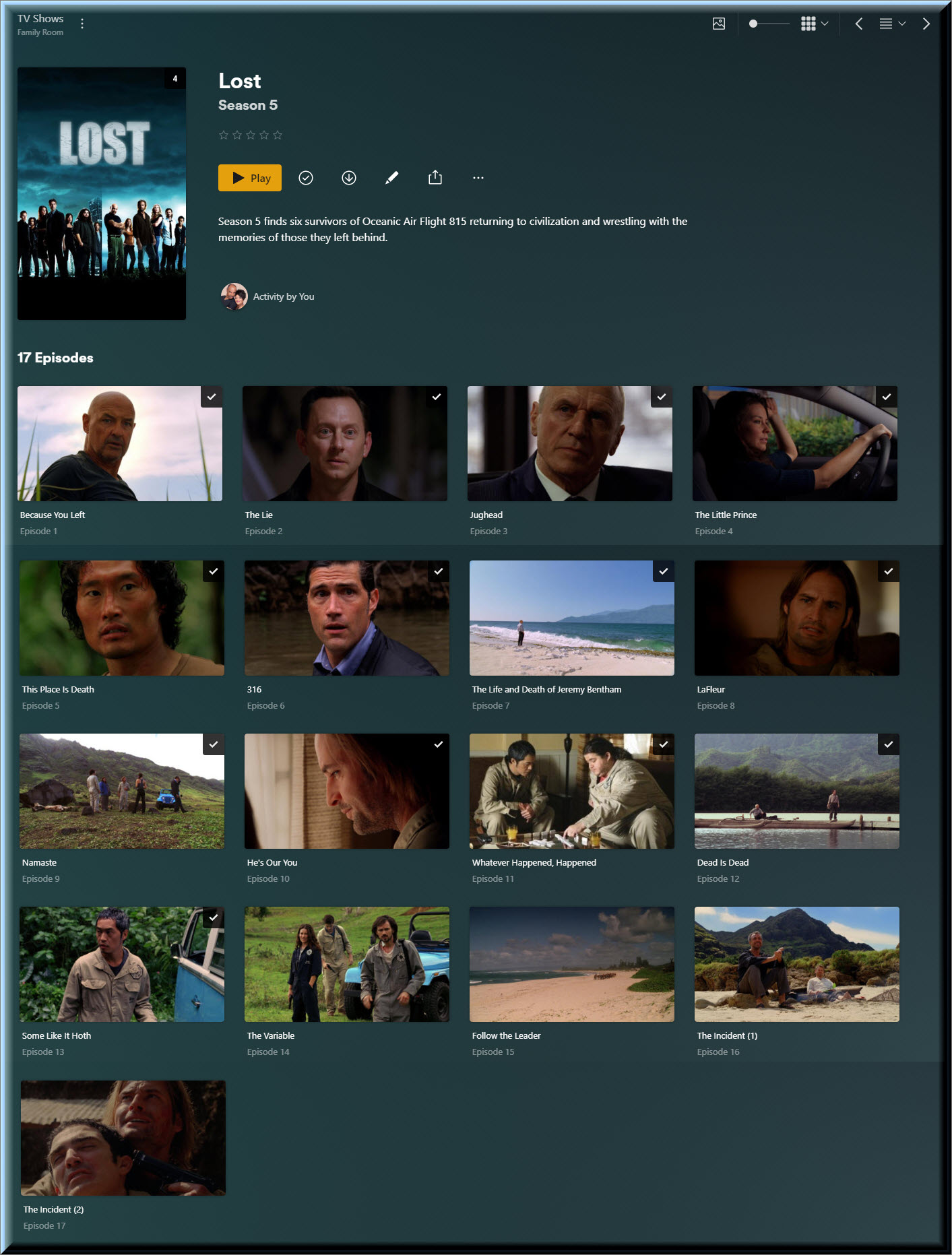
Since the last episode in Lost, both run time and size, is twice the size of any other episode it is obvious that this single file is for both parts (episode 16 and 17). Therefore, I just manually renamed the file so that Plex would read it as two episodes.
Thank you again @pshanew for writing that PowerShell script for me. Without your script, I would still be trying to make my old file naming convention work.
Thank you @napolij for bringing the multi-part episodes to my attention so that I can now stay vigilant in keeping my episodes properly labeled.
It was extremely refreshing when I added a new TV Show to my Plex library, and I didn’t have to toggle settings in my Plex Library configuration just to get my PMS to catalog my new addition. It’s the first time in 3 years that it just worked.
Glad everything is working well for you now and that you are happy. Things will be easier now going forward. It’s a lot easier checking/validating file names a few at a time as you add them day to day.
Hopefully your results will serve to educate others/newbies on the benefits of using the preferred naming schema.
With the exception of having 4 additional episodes and having the episodes split into 5 different seasons, IMDB has something that is close. Even the order of the episodes is correct.
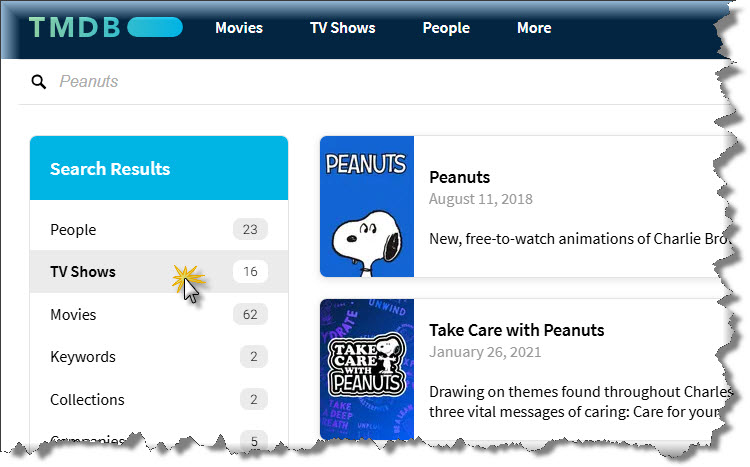
The TMDB has a different set of criteria to how they see things, if your new I’d suggest you take a look at their bible. Its very different to tvdb & imdb. One of their core rules is they list entries, exactly how they originally aired.
Regarding peanuts, they see these as individual movies and not a TV show as they aired as standalone TV movies rather than being considered a show. As an example, A Charlie Brown Christmas can be found here.
So, you won’t find these listed as a TV show on that site as that is how they originally aired. I remember this coming up before so just making you aware.
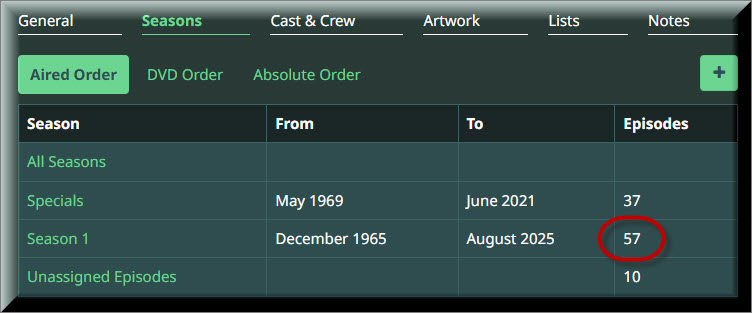
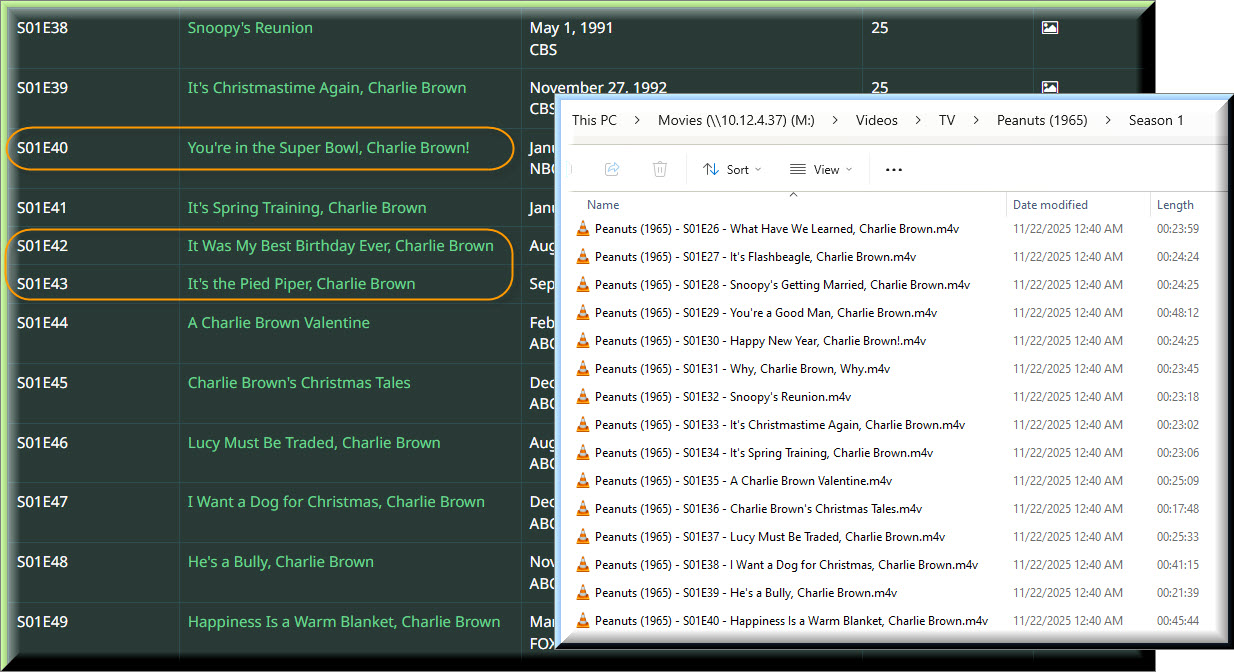
The DVD only have 40 episodes, but TVDB has 57. If I go to the end of the list, the order seems to be there, but I found a few additional episodes sprinkled in. I take it there is no perfect solution for the Peanuts DVD.
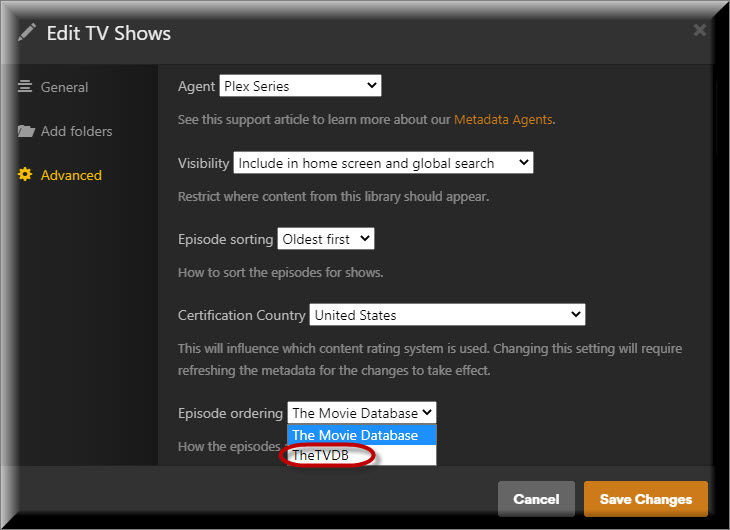
The screenshot is showing the default preference for the library.
But you can override this library default for every single show if needed. Just edit the show itself.
Plex doesn’t have a concept of “box sets” or video compilation releases. All it can do is pick among the episode orderings on offer on TMDB and TVDB.
I’m pretty optimistic that you can find all episodes which are on your DVD, within this show on TVDB. Sometimes you’ll have to renumber (a few of) your episodes, to make them fit whichever Episode Ordering you have chosen.