Server Version#:1.43.0.10389
Player Version#:9.0.31.10843-fa42f7147
What happened to the TheTVDB agent in the latest WIndows and Linux PMS?
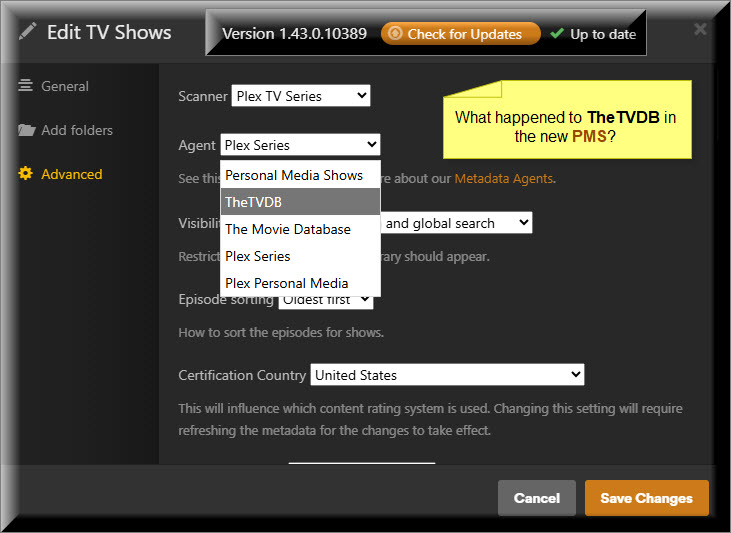
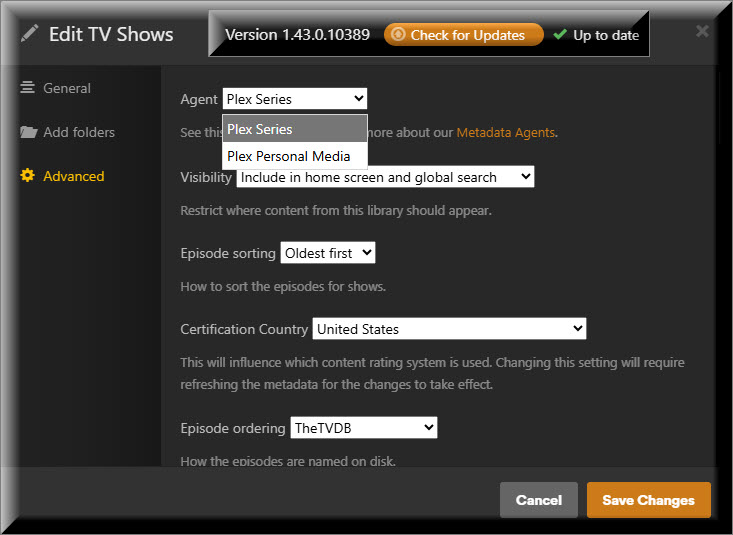
There is now only two Agents in Windows and Linux …
See release notes.
Look in Settings → Library.
Note that the legacy agents are no longer updated and will be removed at some point. Consider switching to the Plex TV Series scanner and Plex Series agent.
Thank you, that solved my problem.
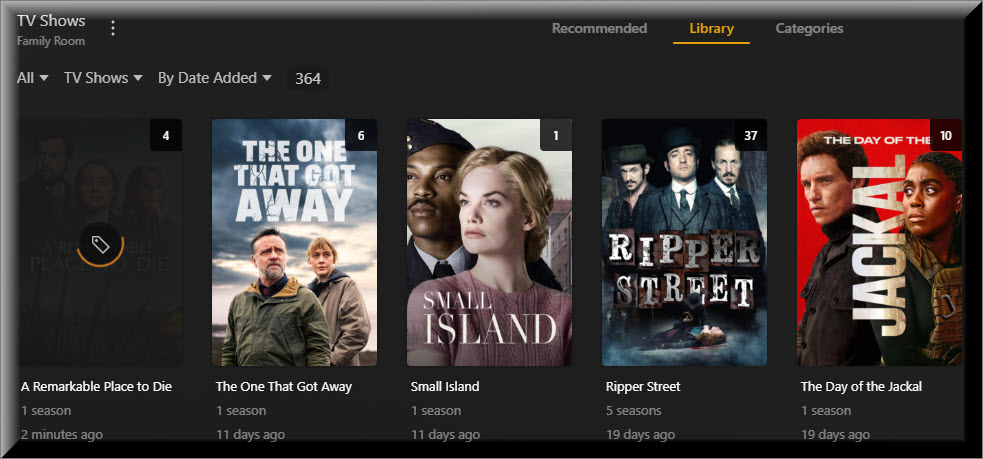
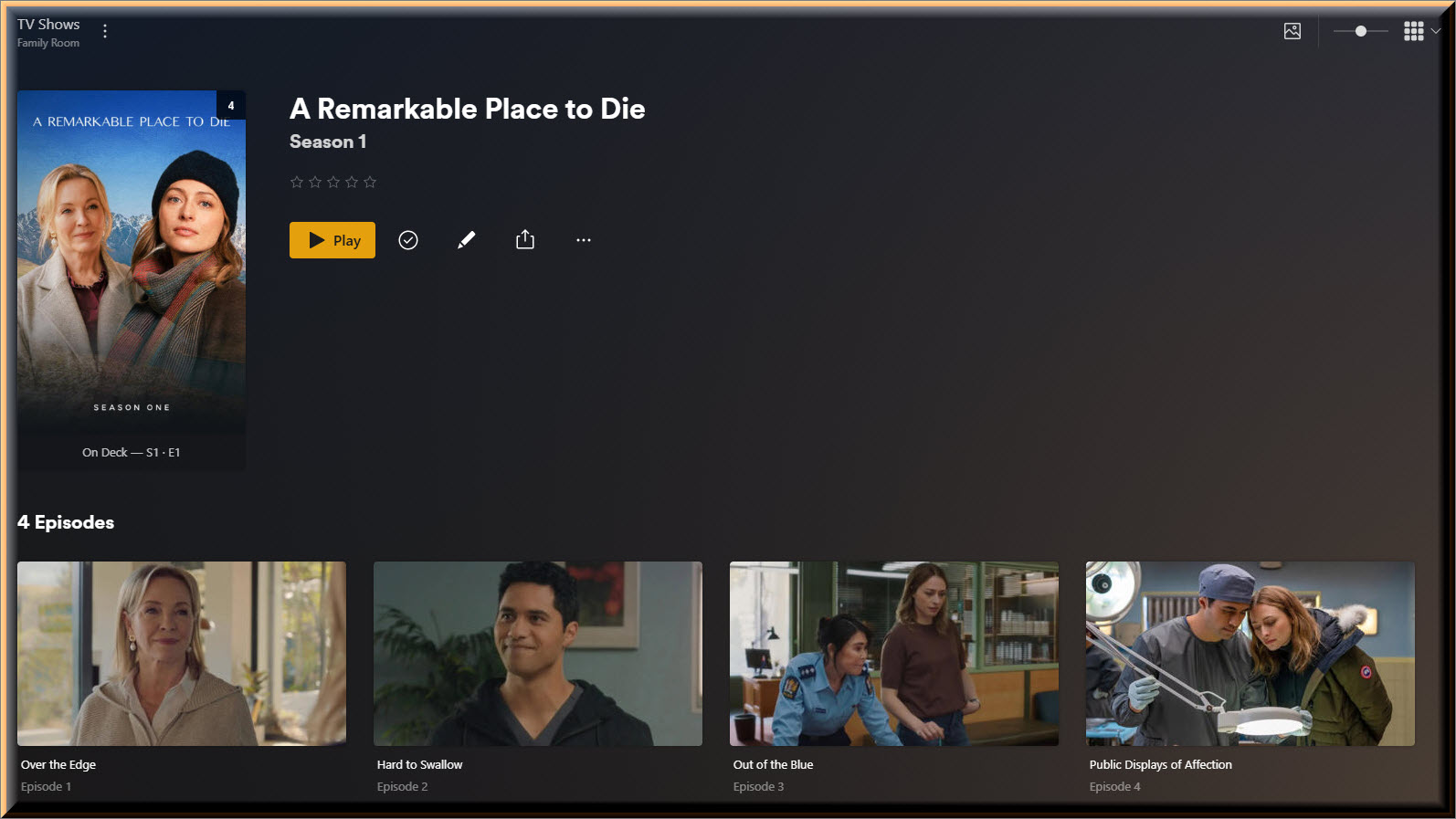
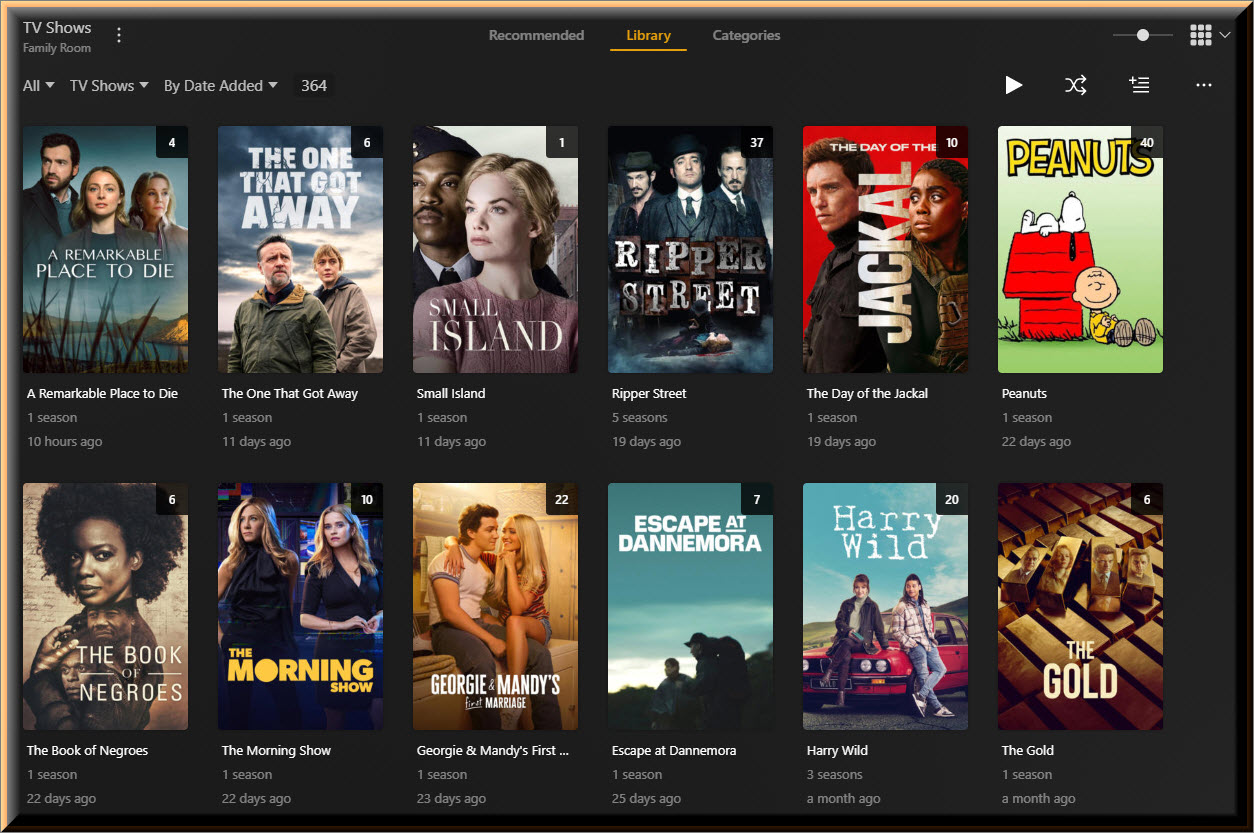
When I add a new TV Show or Session, I’m unable to get the PMS to detect the addition.
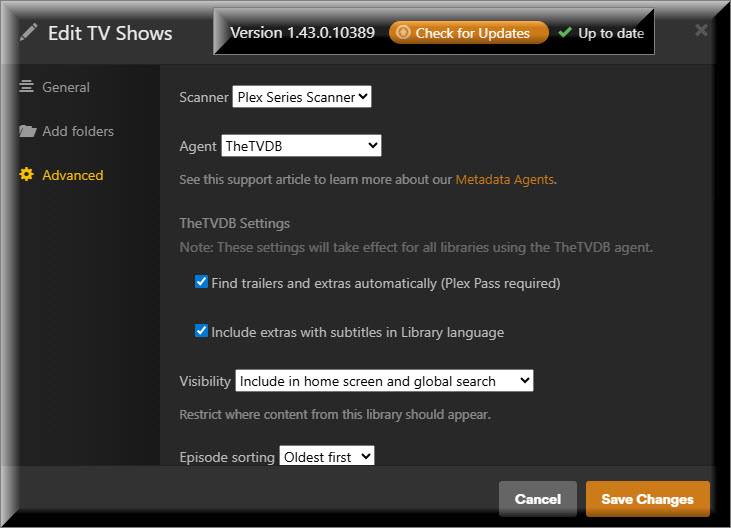
The only way I can get the PMS to add the new Show or Session to my Library is by changing the Agent to TheTVDB.
I will then get prompted to Upgrade my Library.
I then Upgrade my Library and PMS then detects my new addition.
Thanks again, for your help.
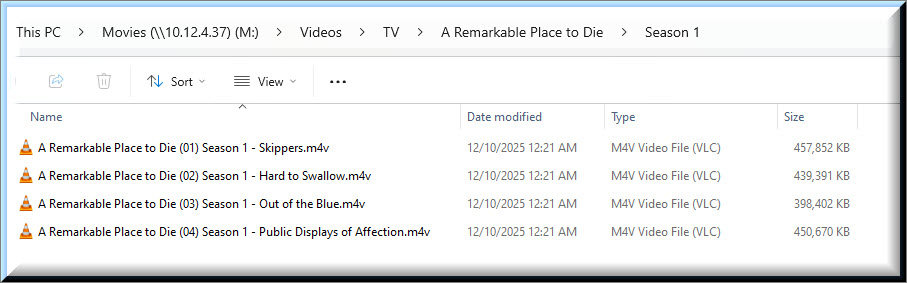
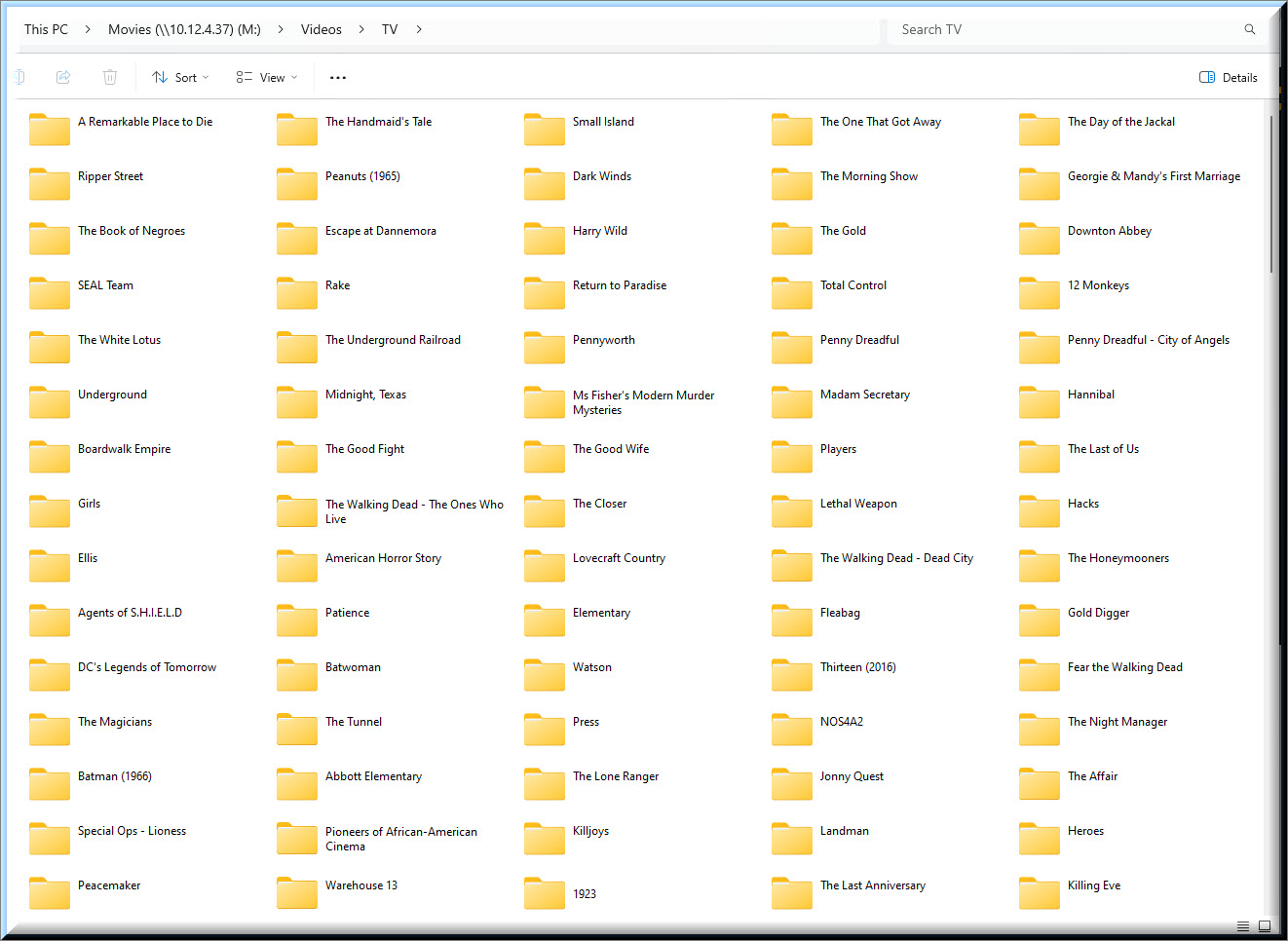
I created a test folder “A Remarkable Place to Die (2024)” and copied a file s01e01.mp4 into it. My Plex setup is to to Plex Series agent which defaults to TMDB. It matched right away on my system. How do you have things named?
Name and organize per Plex requirements.
Specifically, use sXXeYY notation for the episodes.
https://support.plex.tv/articles/categories/your-media/naming-and-organizing-tv-shows/
Try Filebot.
It’ll make short work of this.
There are other free alternatives as well, like Tiny Media Manager. Or even the PowerRename component of Microsoft PowerToys.
But they might require some more work by the user. Mainly by identifying the number patterns in your source file names.
If you are somewhat proficient with Linux and regular expressions, you could do it by hand. I used this “rename” command to get my test file renamed from your episode 2 name to something the Plex Series agent recognized.
rename ‘Die (’ ‘Die S01E’ *.mp4
Caveat - It’s doable but it is also an easy way to shoot yourself in the foot.  Backups would be a good idea.
One of the reasons people spend money on things like Filebot.
I use the free version of Tiny Media Manager. It covers almost everything I need. The paid version has a few more bells and whistles.
See this post. It has the renaming patterns I use.
I’m not familiar with any of these programs (Filebot or Tiny Media Manager) but I was at least getting comfortable with Filebot, until I saw the price, because I was able to find a video that did an excellent job explaining how to use the program.
How to Use Filebot to Rename Plex TV Show Episodes
I’m not able to find a similar HowTo video for Tiny Media Manager. Do you know where I can find a simple tutorial for the program that does a great job explaining the use of this program for this specific use case?
Just a Note: I’m not limited to Windows. I can also use Linux.
Here’s just one. Just search for Tiny Media Manager on YouTube. Disclaimer, I don’t use either TMM or Filebot.

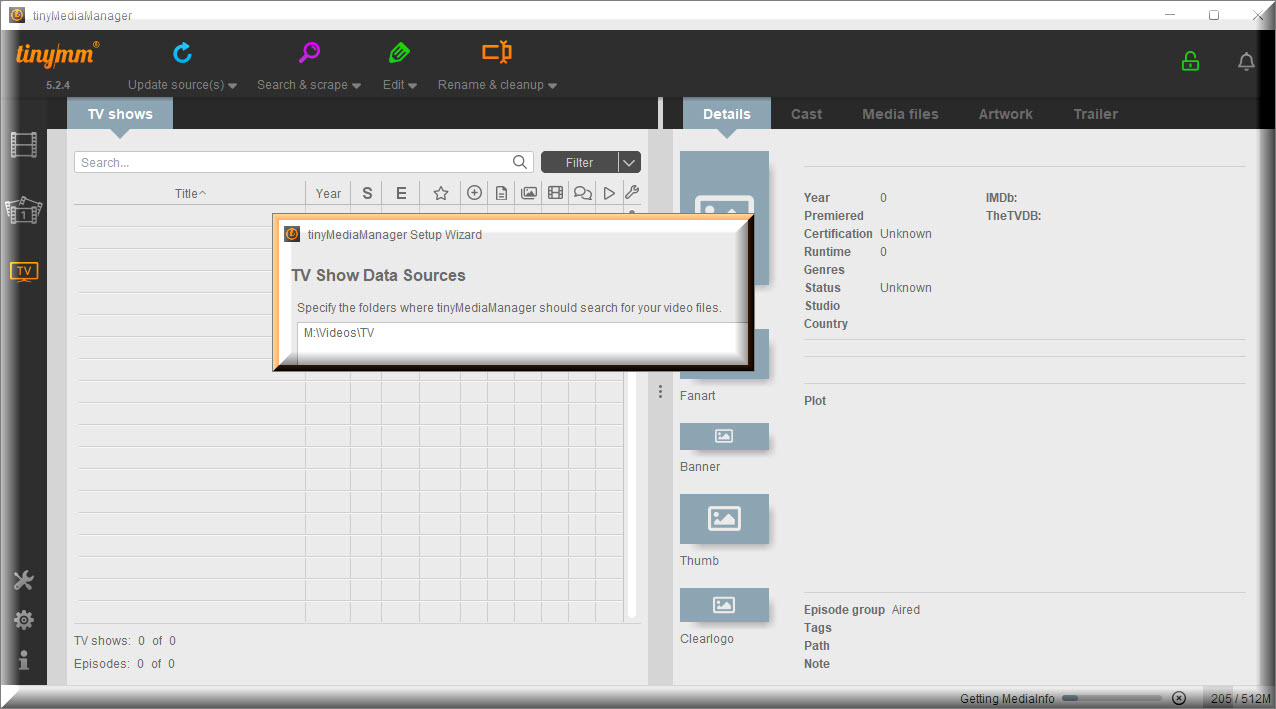
I was unable to find a video for tiny Media Manager that was done as good as the one for Filebot that caters to the beginner. So, I attempted to try to use intuition. The installation Wizard asked for my Movie folder, in hindsight, I should have left it blank because I’m not having any issues with my Movie Library.
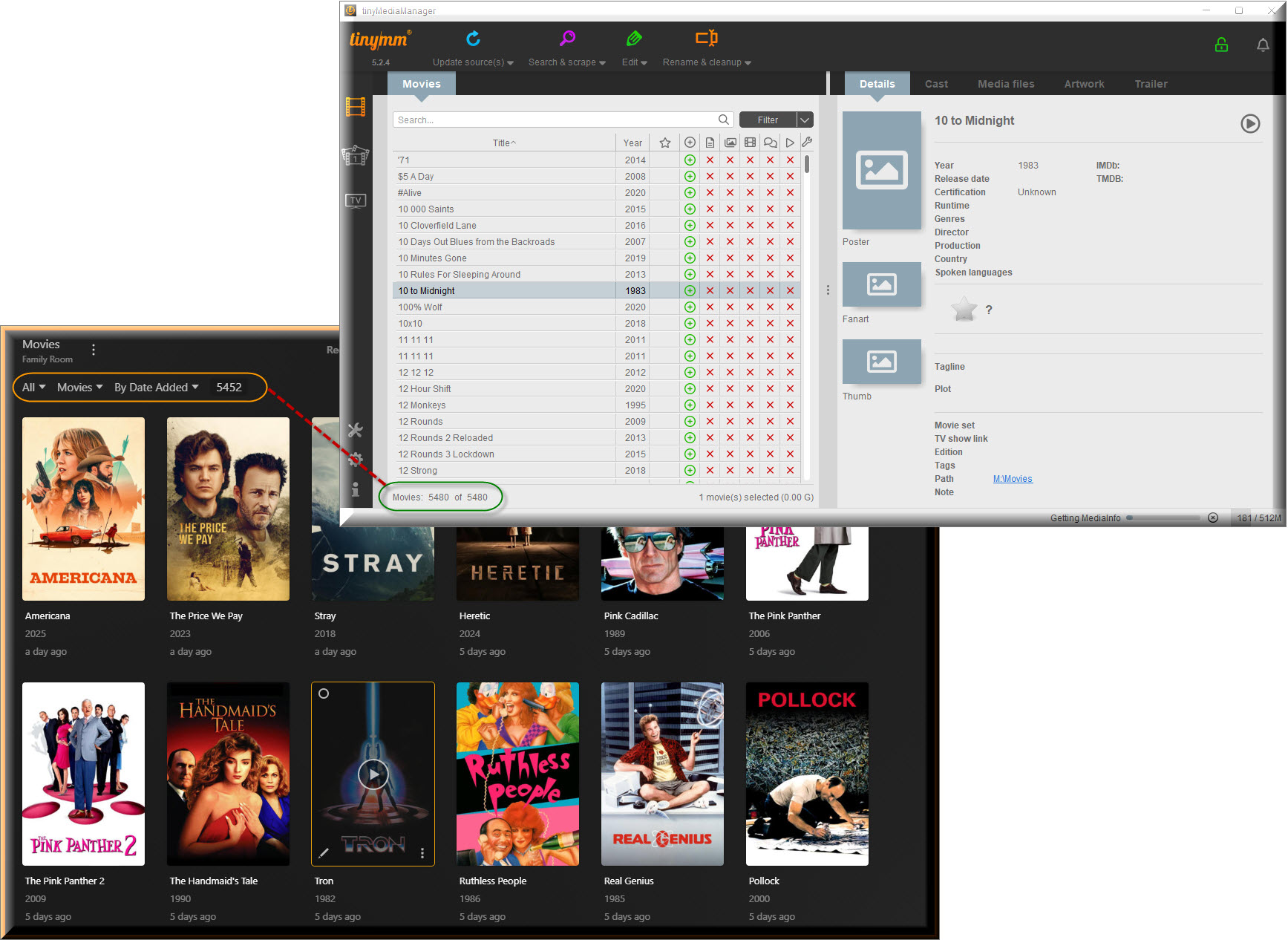
Since I didn’t leave it blank, I’m still waiting for tinyMM to finish processing it. The first thing that I noticed is that tinyMM seems to think I have more movies than is recognized by Plex.
I think I know what is causing the mismatch in the number of movies between my PMS and tinyMM. For now, this is just speculation: I believe it is caused by the rare occasions that I have to override Plex and take manual control.
There is the one occasion when I have two different movies that have the same year and the same name and Plex will join those movies together causing me to have to manually split them apart.
The other occasion is when I have multiple parts to a movie that I want to be joined but Plex catalogs them separate causing me to have to manually join the files together.
Delete (2013) is a TV mini-series [IMDB, TMDB, TVDB]. As such, it should be placed in a TV Show library and named accordingly.
/tv shows
  /Delete (2013)
    /Season 01
      /Delete (2013) s01e01.m4v
      /Delete (2013) s01e02.m4v
For actual movies split across multiple files, refer to the Plex documentation. There is a section addressing how to name such movies.
Plex Docs → Your Media → Naming & Organizing Your Movie Files
For such movies, append the IMDB/TMDB ID in curly quotes. See the Plex documentation.
After renaming, you may need to Plex Dance both movies to remove incorrect matching information from the Plex Media Server database.
Example:
/Movies
   /Batman Begins (2005) {imdb-tt0372784}
      Batman Begins (2005) {imdb-tt0372784}.mp4
Regarding Tiny Media Manager…
Consider creating two test folders, one for movies and one for tv shows, and point TMM at those folders instead your main library. Then copy two or three movies and shows into each folder.
Use them to become familiar with how TMM works, experiment with different options, renaming patterns, etc.
Once you’re comfortable with TMM, you can then point it at your main library.