Server Version#: Ubunut 20.04
Player Version#: Version 4.108.0
<If providing server logs please do NOT turn on verbose logging, only debug logging should be enabled>
Hello Community,
I have connected my external server via rclone under Ubunut.
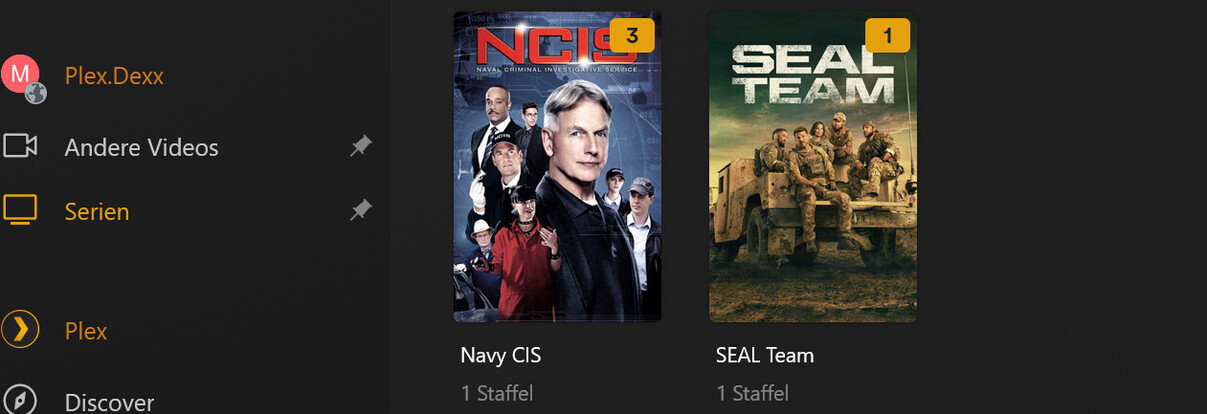
The mounted path would be “/media/Multimedia” - via Linux or ls query I can also see the data from the other server, but in the Plex application I do not see this folder mentioned above, although the Plex user has been given permission to the path.
I am at a bit of a loss as to what I can do now to integrate the files into Plex.
In German:
Hallo Community,
ich habe unter Ubunut meinen externen Serve per rclone verbunden.
Der gemountete Pfad wäre “/media/Multimedia” - per Linux bzw. ls Abfrage sehe ich auch die Daten vom anderen Server, aber in der Plex Anwendung sehe ich diesen oben genannten Ordner nicht, obwohl der Plex User Berechtigung auf den Pfad bekommen hat.
Ich bin ein wenig ratlos, was ich jetzt noch tun kann, damit ich die Dateien in Plex integrieren kann.
Now i make a Search for Files:
i have many Fails in the console:
Couldn’t get size of file “/proc/169/root/proc/169/root/proc/169/root/proc/169/root/proc/169/root/proc/169/root/proc/169/root/proc/169/root/proc/169/root/proc/169/root/proc/169/root/proc/169/root/proc/169/root/proc/169/root/proc/169/root/proc/169/root/proc/169/root/proc/169/root/proc/169/root/proc/169/root/proc/169/root/proc/169/root/proc/169/root/proc/169/root/proc/169/root/proc/169/root/proc/169/root/proc/169/root/proc/169/root/proc/169/root/proc/169/root/proc/169/root/proc/169/root/proc/169/root/proc/169/root/proc/169/root/proc/169/root/proc/169/root/proc/169/root/proc/169/task/2178/root/proc/169/task/294/fd/4”: boost::filesystem::file_size: Symbolic link loop [system:40]: “/proc/169/root/proc/169/root/proc/169/root/proc/169/root/proc/169/root/proc/169/root/proc/169/root/proc/169/root/proc/169/root/proc/169/root/proc/169/root/proc/169/root/proc/169/root/proc/169/root/proc/169/root/proc/169/root/proc/169/root/proc/169/root/proc/169/root/proc/169/root/proc/169/root/proc/169/root/proc/169/root/proc/169/root/proc/169/root/proc/169/root/proc/169/root/proc/169/root/proc/169/root/proc/169/root/proc/169/root/proc/169/root/proc/169/root/proc/169/root/proc/169/root/proc/169/root/proc/169/root/proc/169/root/proc/169/root/proc/169/task/2178/root/proc/169/task/294/fd/4”
I would first change the mount point to not use /media.
Nautilus / automounter uses /media . Crazy things are known to happen in there.
When Plex cannot see items in /media, but you can, then you are guaranteed this is a problem caused by the automounter (exclusive access to your username only)
The infinite symbolic link loop is not a good sign.
while likely caused by the combination of rclone and nautilus/automounter, I don’t remember the exact cause (it’s been a while).
I recommend changing the mount point directory first.
Create new directory somewhere
Set your username as owner
Set 755 permissions
Now perform the mount
See how PMS behaves with that. You should find it better behaved
Last login: Fri Nov 17 20:03:14 2023 from 91.64.169.48
root@vmd122137:~# sudo bash
root@vmd122137:~# cd /proc
root@vmd122137:/proc# ls -laR 169
ls: cannot access '169': No such file or directory