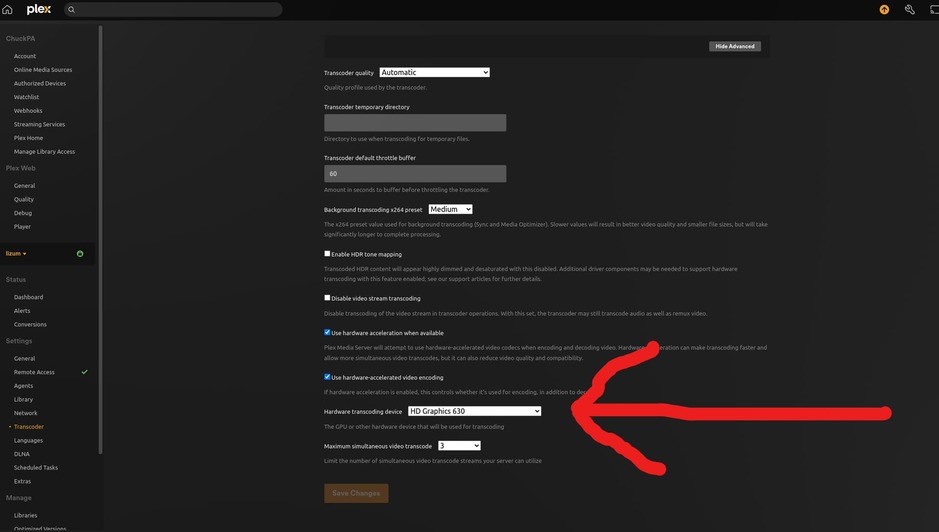
I am thinking of buying an AMD 6400 GPU for the computer that my Plex Media Server is running on. However, I don’t expect it to work with Plex Media Server. Currently I have an Intel i5-10400 with Quick Sync Video – which I am using for Plex Transcodes. However, I read a comment on r/Plex saying that if I add an AMD video card, I might lose Plex’s ability to use Quick Sync Video (!!)
I just want to know if there is a supported way to have Plex completely IGNORE the AMD 6400 GPU, and yet still use the i5-10400’s QSV features?
TL;DR: I want to add an AMD 6400 GPU to the system and have Plex completely ignore the discrete GPU while also still being able to use intel CPU QSV. Is it possible?
Server Version#: 1.32.6.7557 – But I can easily update to the latest if need be, just haven’t done it yet.
Player Version#:
<If providing server logs please do NOT turn on verbose logging, only debug logging should be enabled>