My Plex stopped working randomly the other day. I have been trying to figure out why, as I did nothing for it to stop working. I have been going through forums and such and I still cannot find why it stopped working.
My server is on my Synology DSM 7.2.2-72806, and I first installed v.1.41.0.8994-f2c27da23 found on https://www.plex.tv/media-server-downloads/?cat=nas&plat=synology-dsm72 and that still did not fix the issue so I installed the beta v.1.41.1.9057-af5eaea7a and again that hasn’t fixed the issue. I still get the error “The server “[server-name]” is unreachable. Make sure it’s running, double check your network, and try again.” - Any help would be appreciated!
Hm, any changes in your router configuration? I know stupid thing, but try to restart your router(s) and NAS as well to see if that makes a difference.
I would also go back to a stable version instead of staying on a beta version of PLEX.
Few more network related hints:
Make sure you only have one DHCP server on your network. Any chance that you added a device which may do DHCP and that conflicts your NAS and therefore your PLEX server?
Ensure that your NAS has a static IP assigned in your router config
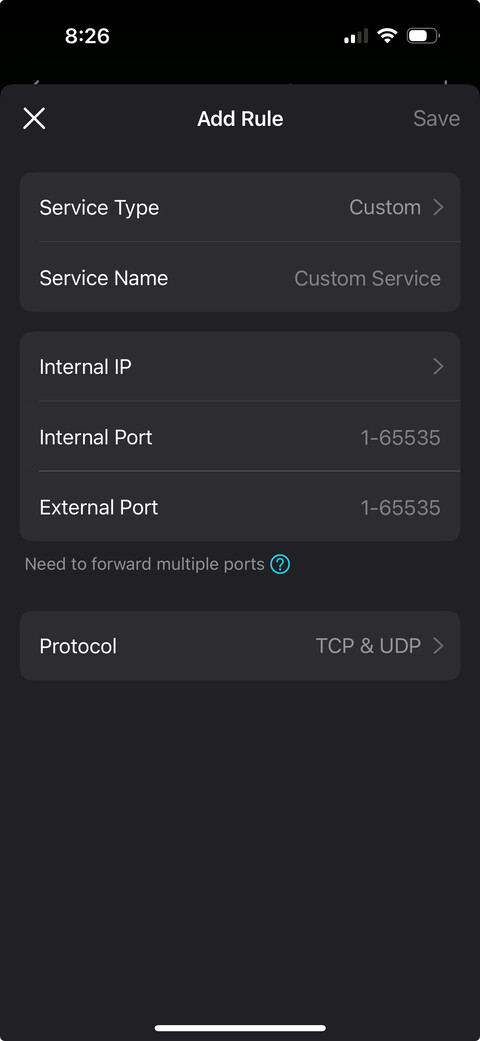
Enable Port forwarding for 32400 (this is Plex)
From the top of my head, this is what I would look for
@acivory I moved your post to a new topic, as the original was marked as solved.
NAS model?
Is Plex Media Server running? Verify in Package Center.
Can you access PMS using the IP address of the NAS? For example, if the IP address is 10.1.2.3, use http://10.1.2.3:32400/web.
As @apichler mentions, try a “network reboot.” Shutdown the NAS. Reboot your router and any other network equipment between it and the NAS. Then power on the NAS and verify that PMS is running. FYI, port forwarding is necessary only for remote access. It will not help with local access.
Hi @ChuckPa! Thanks for jumping in! I restarted the server and it is working now! Did I do something to get the certificate ‘stuck’ and how do I know in the future if this happens again and what to do? Thank you!!
Please re-enable debug server logs. They were not needed in this case, but in most instances they are needed to diagnose problems. Do not enable verbose logging, as that floods the log files with too much information.

 Did I do something to get the certificate ‘stuck’ and how do I know in the future if this happens again and what to do? Thank you!!
