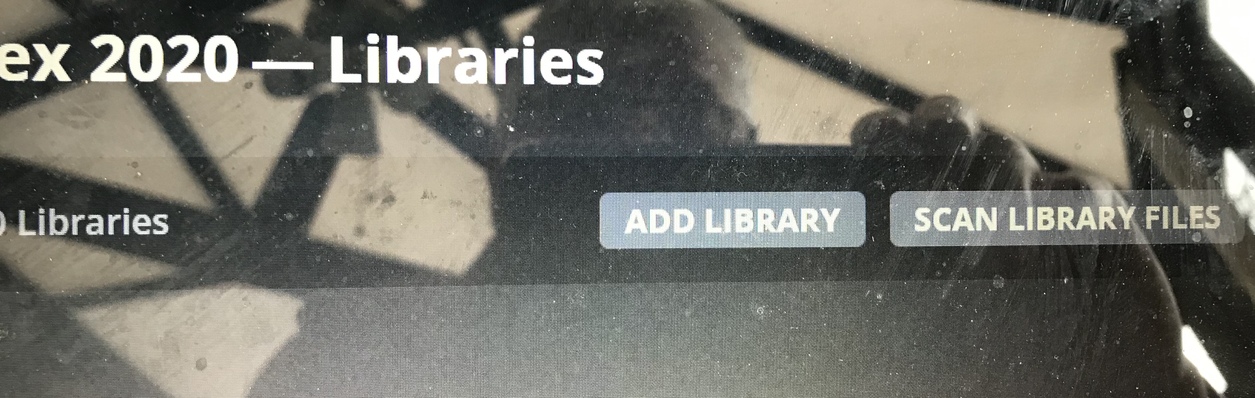

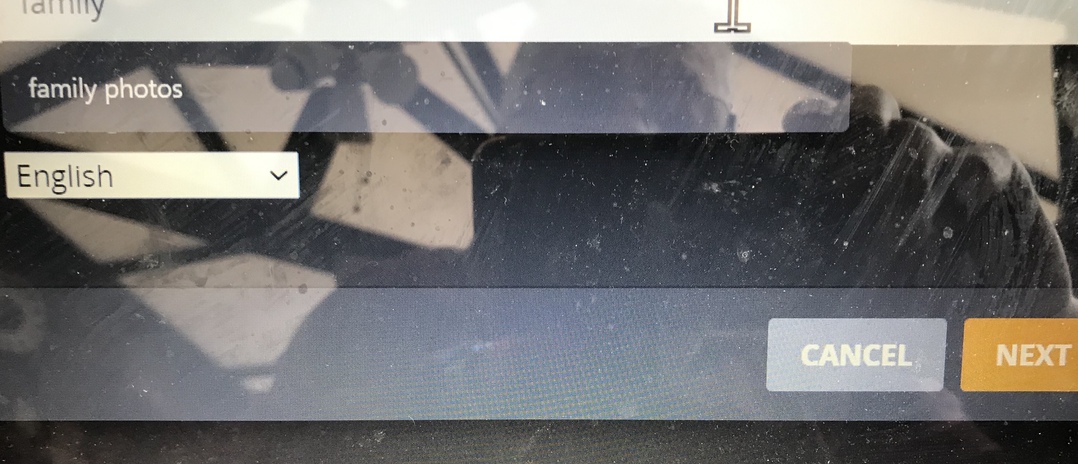

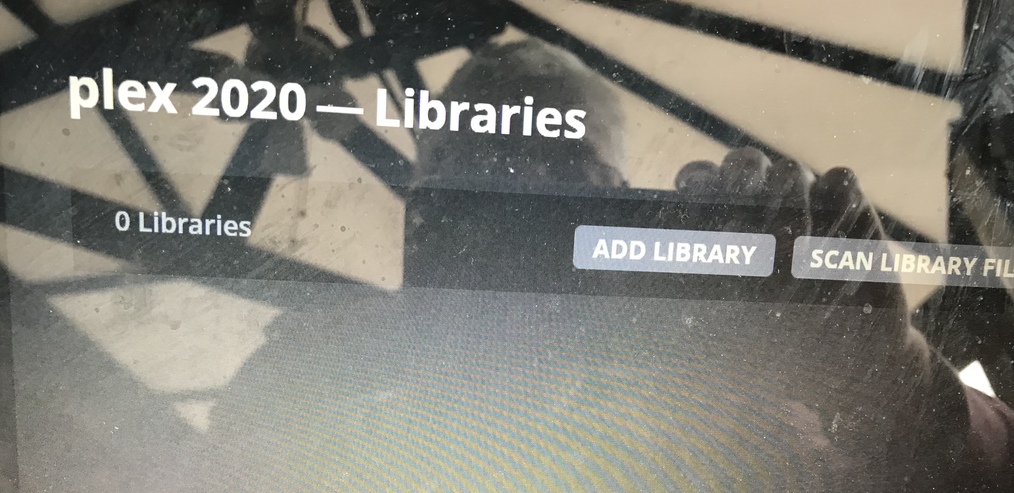
but the pics give a nice impression of your terrace / balcony / barn.
From the angle they’re taken I assume this is not a TV but a notebook or Plex Web running on a tablet/mobile. Here’s how you can take actual screenshots from those:
-
Windows options
- Press
[Windows key]+[Shift]+ `S (=shortcut to get a “modern snipping experience”) - Press
[PrintScr]button (if available on your keyboard - Use the
Snip & Sketchapp
- Press
- Apple phones or tablets
- Android devices
(just in case you want to provide some additional impression/perspective to the information @trumpy81 has been asking for)
thank you for your reply regarding this issue the plex media server version number is
1.19.4.2902-69560ce1e
i am using Windows 10
regarding download logs I have downloaded them to my laptop but I am not sure how to save them to send to you
the download logs as requested[Plex Media Server Logs_2020-06-06_12-56-30.zip|attachment](upload://lwgnoTxeMVs0LnBYjqnzy2OQZ3lPlex Tuner Service.3.zip (575.0 KB) .zip) (565.9 KB)
I have uploaded the download logs file could you inform if I you have received it as I am new to this type of thing
is it ok I am new to this I am not very tech minded
have got to uninstall plex media server and plex
I have uninstalled plex from my pc but I am stumped about number 3 in your list I don’t know how to go about that
and where do I go to do that
is it in program and feautres
I am not very tech minded all this computer is new to me
do I type that information in my browser what you sent me
