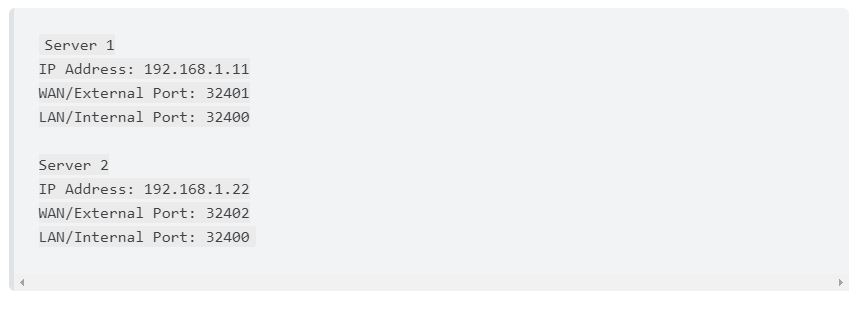
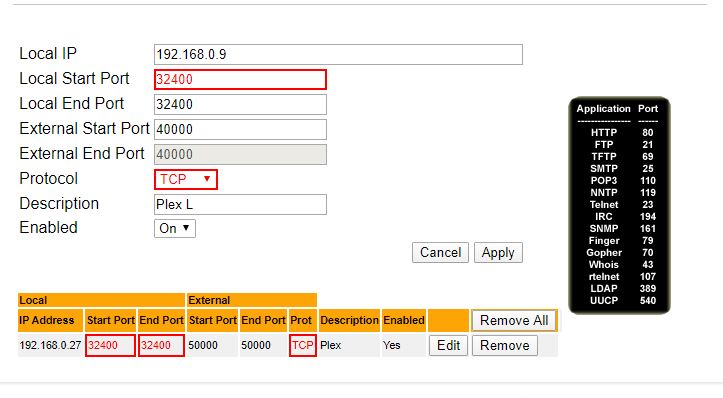
Trying to enable remote access on 2nd Plex server on network – they are on two separate Win 10 computers – via static IP/port forwarding. Following instructions on the Plex website, which says
It seems odd that your router would not allow port forwarding rules to two different internal IP addresses to use the same local port. But if that’s truly the case, you can work around it with a Windows port forwarding rule. From the command line (Admin), something like the following should work:
What this says is to redirect all inbound traffic to 192.168.0.9 TCP port 5000 and redirect it to 192.168.0.9 TCP port 32400. You can then set your router’s port forwarding rule to use 50000 for both the local and external port.