Unable to connect to WD My cloud EX2 ultra

Hello,

I’m having troubles to connect to my WD EX2 ultra server.
At some point I installed the PlexMediaServer app on the computer (so the windows version).

It seems that I was accessing the NAS through the windows plexmediaserver app.

It’s when my computer was off and I wanted to use Plex on my Apple TV that I saw that things were not configured as it should.

So I went back to the administration panel of my EX2 to add the media server app:

Pressing the configure button leads to this :
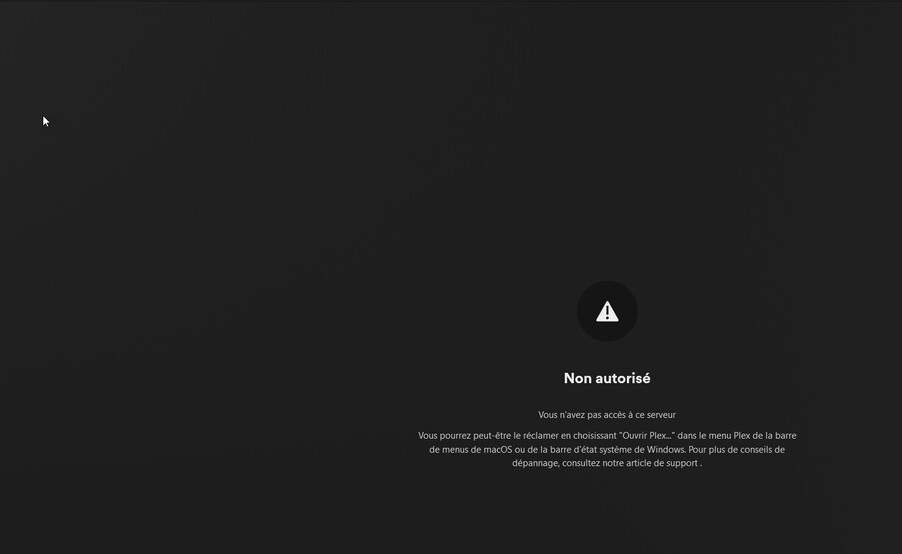
Unuthorized “you don’t have access to this server”.

In the adress, if I delete the last digits to have only “setup” at the end of the adress it says “media server not found”:
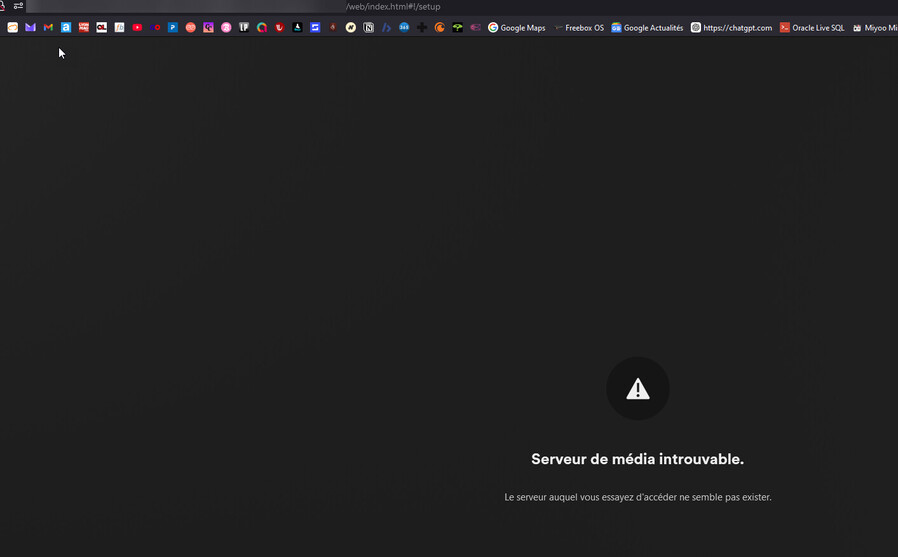
As if it wanted to connect to the windows PlexMediaServer server app. Which is not ok because my computer can be shutoff.

I’m running out of options here. Please help as I don’t understand why it’s unable to pickup from the plexmediaserver of the NAS.

Ok I think this can be closed.

I’ve used an info someone gave around which is using :

“http://[Local Plex Media Server IP Address]:32400/web” address directly instead of clicking on the configure link that is on the NAS interface.

And it’s finally allowed me to use the Plexmediaserver from the NAS.

I have exactly the same problem with only the very latest update, except that web address is what I’ve always used and it doesn’t work any more. It also breaks the remote connection for people accessing outside the local network.

I have the same problem. Suddenly the ‘configure’ button results in page not found. Also :32400/web is not recognised. This happened after latest server app version update. I have tried everything including SSH and reinstall / restart etc etc

This topic was automatically closed 90 days after the last reply. New replies are no longer allowed.