Server Version#: NA
Player Version#: NA
Hello, Im a new Linux user using a Pixelbook Chromebook laptop. Linux Debian GNU 9 stretch OS as well as Android and Chromeos.
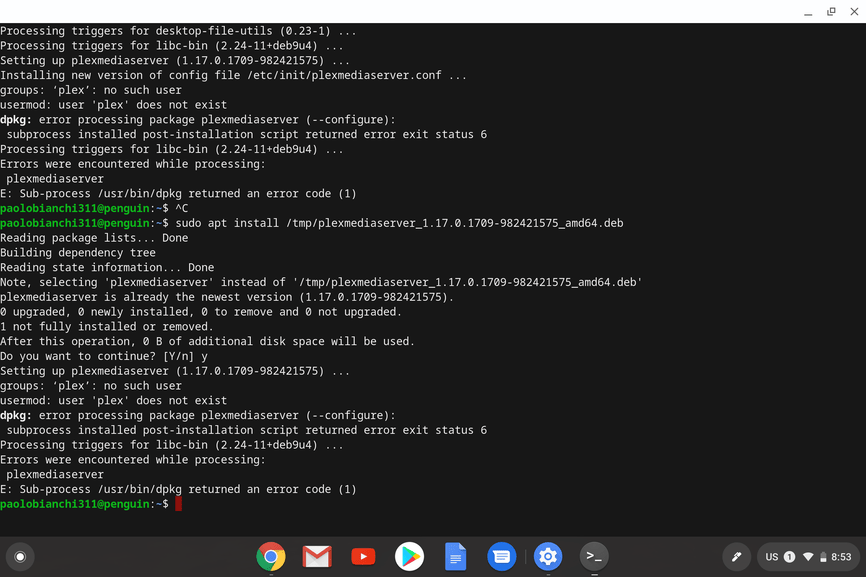
Installing the Plex Media Server has been virtually impossible for me, I have looked up many forums and tutorials and after 9hrs still cant figure it out.
Please help. I ran installs through my Chrome OS system and installing package for Linux as well as through the terminal, I have tried vritually all the latest PMS versions.
Looks like there was a previous attempt to setup for PMS which was done incorrectly.
Remove it all:
a. Delete user plex,
b. Delete group plex,
c. Completely delete /var/lib/plexmediaserver (it’s a symbolic link to somewhere which was done completely wrong by hand)
d. Uninstall the package
Restart the system
Now, install the package (the one downloaded from Plex.tv)
It will create eveyrting needed and auto start
There is ONE caveat.
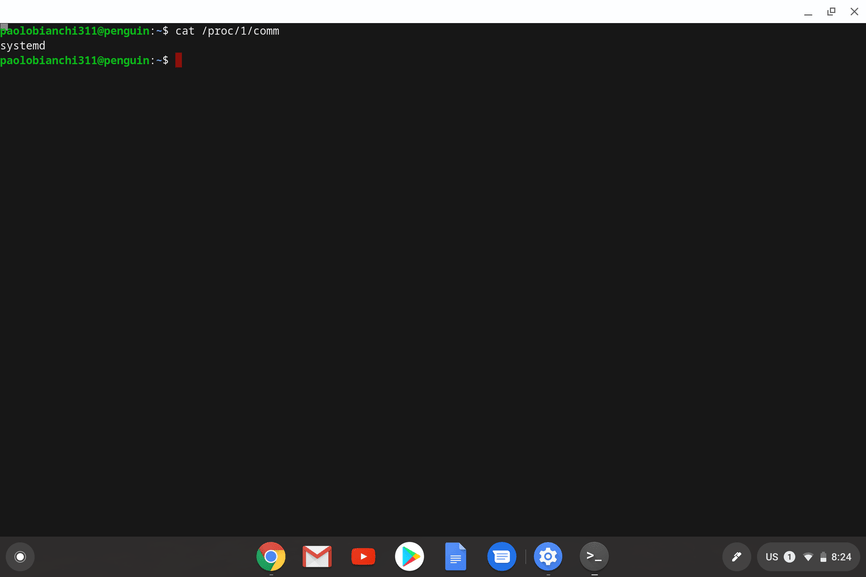
Type: cat /proc/1/comm
If this returns systemd, you’re ok.
However, if this returns 'init`, you have two choices:
Reinstall Debian with SYSTEMD and not INIT
Wait until I release the Systemd/Init agnostic packaging in a few weeks.
Either way, being new to Linux, you have a lot to learn. We are here to help but please understand we are not equipped or staffed to teach Linux.
Hi Chuck, thanks for your help
I did all the steps.
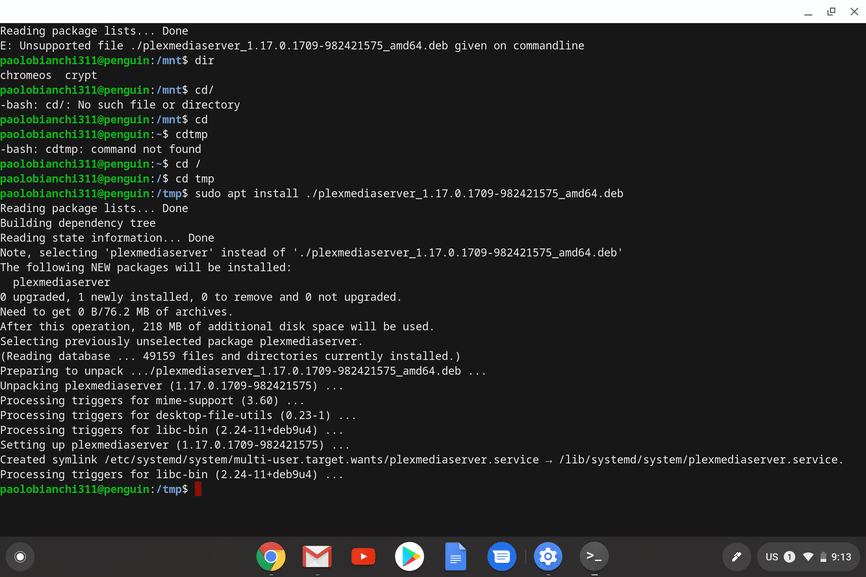
I found out the installation was not properly installed, it might have to do with the install package software in chrome, so this time I installed it through the terminal, I had to move the file around before
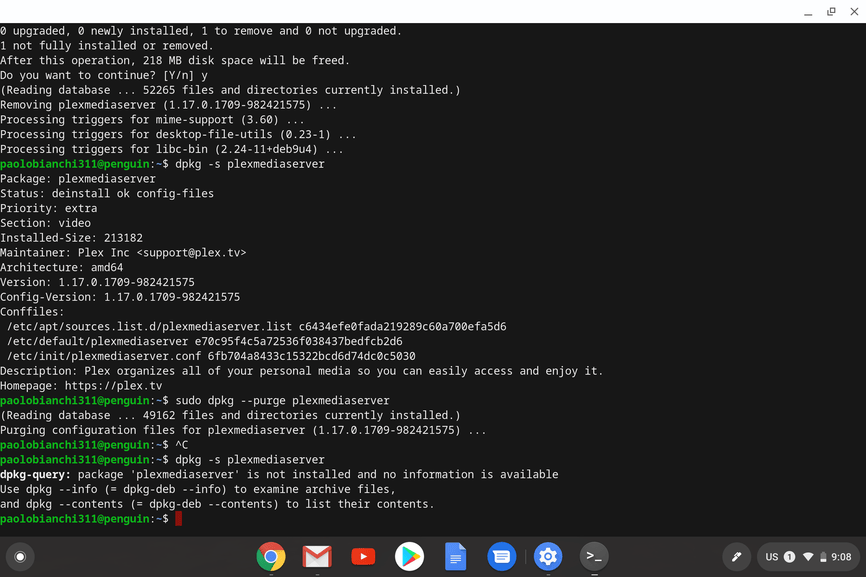
Now when i check the status : dpkg -s plexmediaserver … it seems its ok now.
However when I run the app .. its still doesnt open.
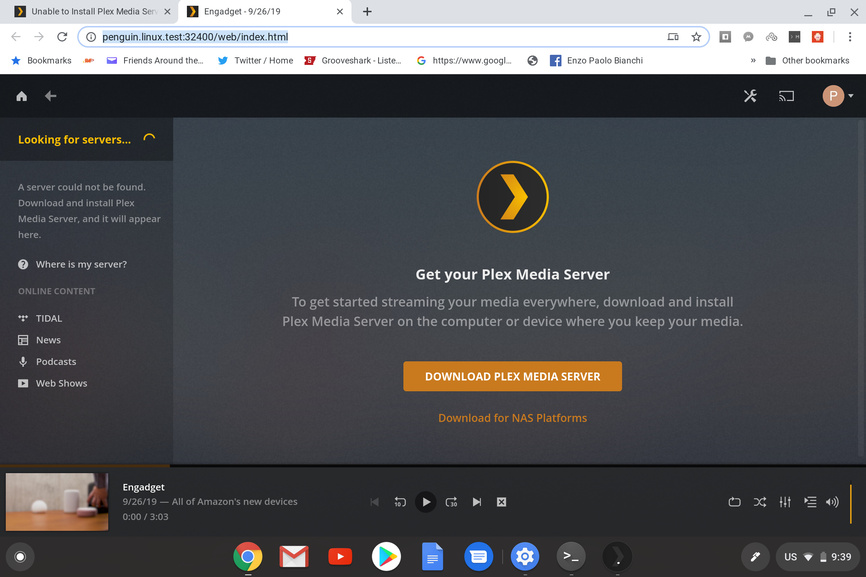
It opens in my browser http://penguin.linux.test:32400/web/index.html
and the Linux Plex Media Server app doesnt finish opening!
Is there anything else I can try to get this app functioning?
Using a FQDN usually presents a WAN address. PMS cannot be setup and claimed from a WAN IP. A remote SSH-Tunnel is used to present IP addr 127.0.0.1 even when remote. This satisfies the Self or RFC-1918 LAN requirement required for initialization.
You’re using Debian, a loopback adapter is defined by default.
ifconfig lo0
will show it’s configuration at 127.0.0.1.
When there are no other network adapters defined, Linux creates 127.0.0.1 so basic services work.
If not seeing one from the ifconfig above, your configuration won’t work for PMS. The loopback adapter is required for PMS to talk to itself just like Linux and the desktop uses it.
As for disappointed in Plex??
How about understanding BASIC LINUX OPERATION before you go throwing stones and pointing fingers.
“I cant find any indications on how to install a Loopback adapter .” Really?
I believe you will be far better served by going back to Windows or MacOS where everything is point & click
Sorry for the misuderstanding, im still lokking into this, I found that Debian 9 no longer uses ifconfig.
Im trying to do your instructions using ip command.
I found come tutorials, but please explain what you suggest me to do? Open the web address t ( [http://127.0.0.1:32400/web through the linux terminal?
Does the PMS need to be running when I do it, even if the app doesnt open?
This will remove your current installation (hopefully). dpkg --purge plexmediaserver
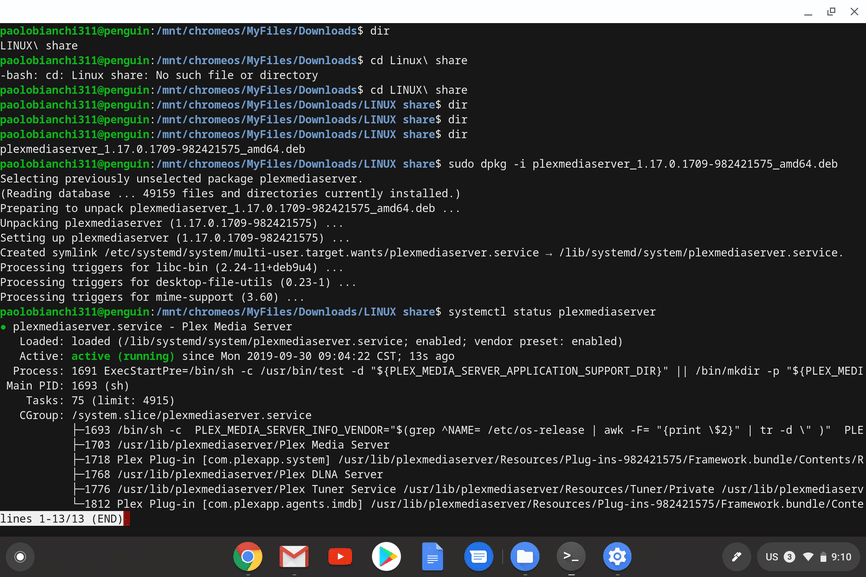
From the looks of your screenshot, you’ve already downloaded the .deb file, so this will install it. dpkg -i /tmp/plexmediaserver_1.17.0.1709-982421575_amd64.deb
If it returns with errors, then it didn’t install. If it says it installed successfully, check if it’s running with this command. systemctl status plexmediaserver
Based on what I see here, you aren’t NATing behind a home router, but are plugged directly into your ISPs modem, which has assigned your boxes a carrier grade NAT (CGN) IP address.
Go here and scroll down to “On a Different Network” and follow the instructions.
Also, I can’t quite understand from your posts, but are the Chromebook and the server separate machines, or are you attempting to install Plex on a Chromebook?
If it’s the same system, you can just navigate to:
I double checked my setting and tried every IP,…
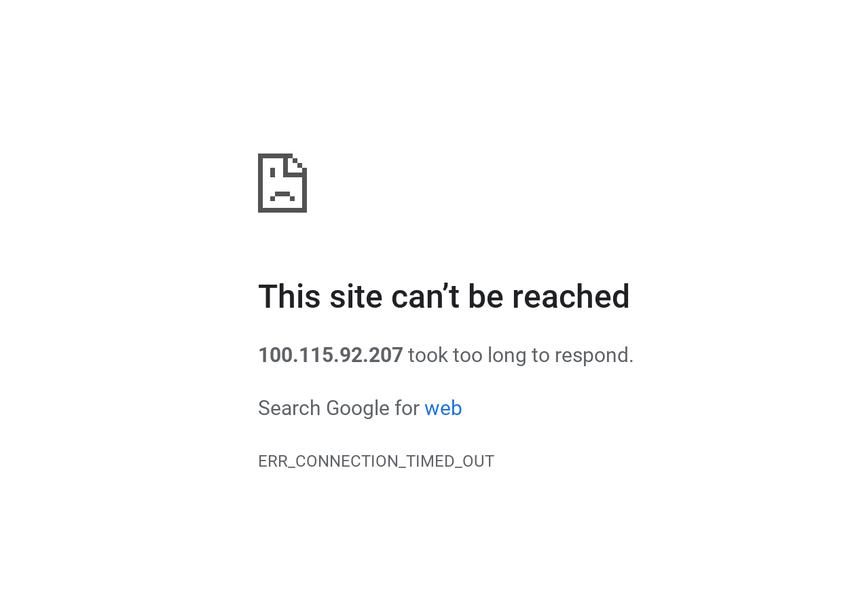
the only one that opens is http://100.115.92.206:32400/web/index.html
it opens up my web app, but my server I still cant access.