Server Version#: 1.20.1.3252
Player Version#: 2.58.0
PC Windows 10
Good Morning,
I have just updated to PMS latest version ** and at the same time had a Windows update install during the restart. When i have turned my PC back on i get the following message.
‘The application was unable to start correctly (oxc0000022)’

I have tried to uninstall/modify PMS via windows but i get the following error ’ The installer has insufficient privileges to modify this file: C:Program Files Plex\Plex Media Server\boost_thread.dll.
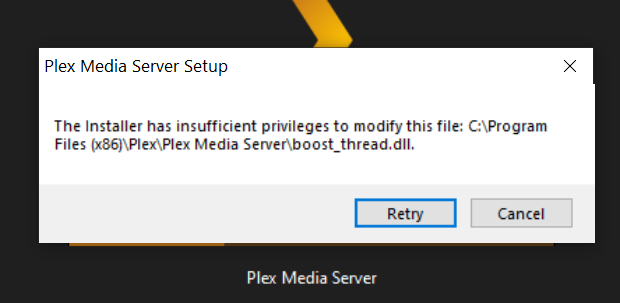
I have tried to uninstall the windows update, tried to run PMS as an admin whist trying to modify and uninstall, restarted my PC and now i am out of ideas.
I really don’t want to loose my library
Any help would be greatly appreciated.
 . I’m not even subscribed to bit defender anymore I didn’t think it would still be running to block things.